
MAI-Code-1-Flash – Microsoft's Lightweight Code Generation Model
Executive Summary:
MAI-Code-1-Flash is a lightweight code generation model from Microsoft built for developer workflows and deeply integrated with the GitHub Copilot ecosystem. It uses adaptive output length control to ...
1. What Is MAI-Code-1-Flash
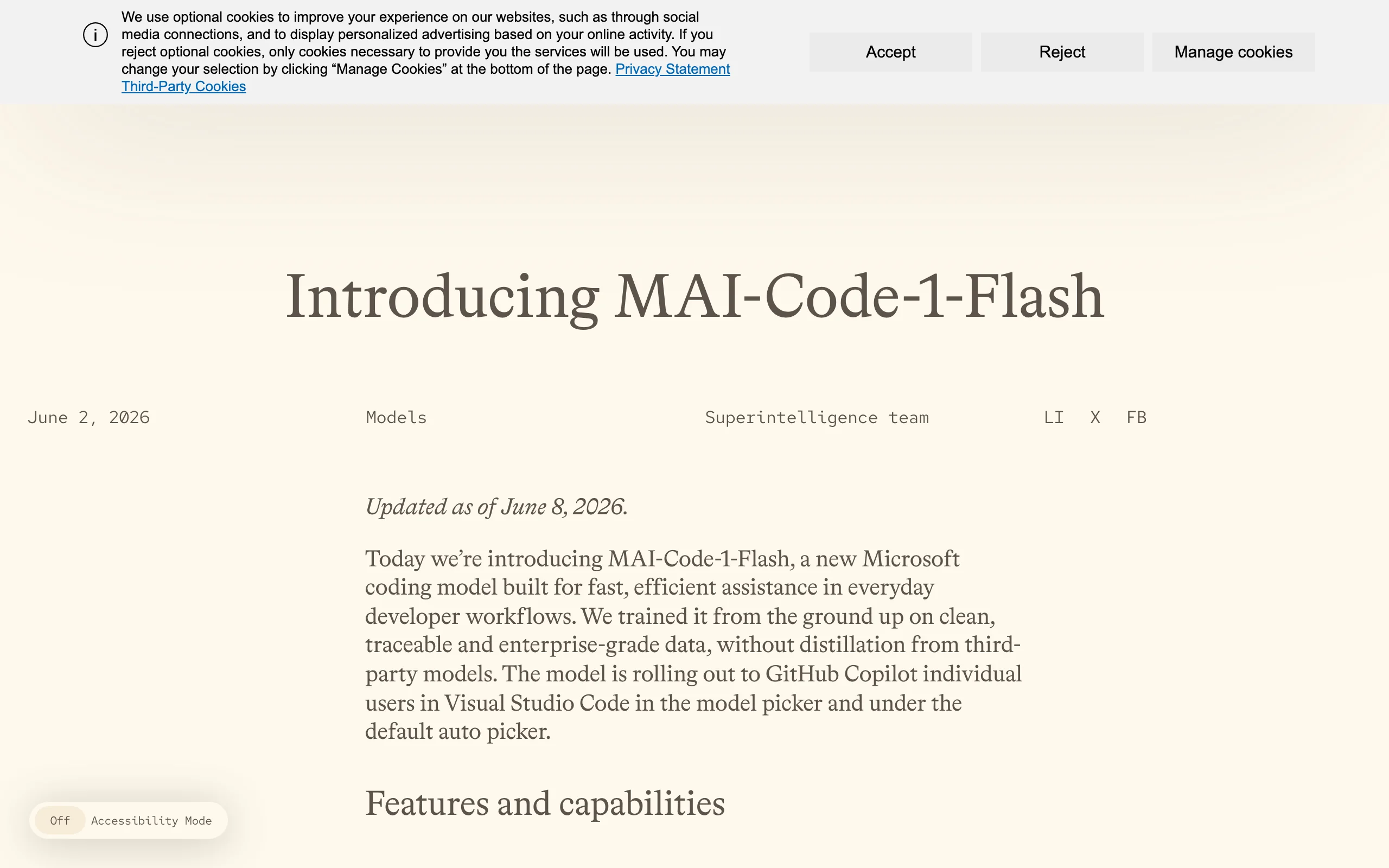
MAI-Code-1-Flash is a lightweight code generation model from Microsoft built for developer workflows and deeply integrated with the GitHub Copilot ecosystem. It uses adaptive output length control to reduce token usage by up to 60% while maintaining high accuracy, significantly lowering latency and cost. Trained end-to-end on the same Copilot production toolchain used in real environments, it surpasses Claude Haiku 4.5 across SWE-Bench benchmarks, delivering efficient, low-cost AI assistance for daily coding, refactoring, and agentic tasks.
Image source: Official article
Technical positioning and domain: MAI-Code-1-Flash belongs to lightweight code intelligence within NLP, designed for real-time interactive developer workflows. It is not a general-purpose LLM but focuses on code completion, repo-level Q&A, cross-file refactoring, and agentic tasks through zero-config integration with VS Code and GitHub Copilot.
Research background: Developed by Microsoft AI from a lightweight variant of the proprietary MAI-Thinking-1 reasoning model checkpoint. Microsoft has long invested in code intelligence; GitHub Copilot is the world's most widely used AI programming assistant. MAI-Code-1-Flash addresses latency, cost, and safety gaps in existing code models with a production-native experience.
Core value: The model aligns offline training metrics closely with real developer experience. Training, evaluation, and deployment use the same Copilot toolchain as production, so benchmarks reflect actual coding performance. Adaptive length control greatly reduces token consumption, letting developers get high-quality suggestions at lower cost—especially for high-frequency, budget-sensitive interaction.
Technical characteristics: Inherits MAI-Thinking-1 MoE sparse architecture and 128K context window. Five-stage training pipeline (pretraining, mid-training, lightweight SFT, "Mid2" progressive training, large-scale RL) teaches dynamic output depth by task complexity. Synthetic data, process supervision, and repo-level data synthesis support learnable hard agentic tasks; full-chain safety alignment reduces vulnerability risk.
2. Key Features
Agentic code generation: Executes end-to-end development tasks in real repositories, automatically invoking the toolchain. Understands repo structure and dependencies and generates cross-file modification plans for feature development, refactoring, and debugging—actively analyzing context and multi-step operations beyond simple completion.
Adaptive output control: Dynamically adjusts reasoning depth and output length by task complexity. Simple requests (variable naming, single-line completion) get concise answers; complex tasks (cross-file refactor, bug fix) receive more reasoning budget. On SWE-Bench Verified, up to 60% token reduction while maintaining or improving accuracy—optimizing latency, cost, and quality together.
Repository-level Q&A: Answers questions about project structure, function logic, and API usage using full codebase context. Developers ask directly without manual search. Relies on 128K context and MoE architecture to process multiple relevant files simultaneously.
Code refactoring: Identifies redundant, inefficient, or non-standard code and generates optimized replacements. Supports rename, function split, design pattern application while preserving semantics and considering dependencies to avoid compile/runtime errors.
Multi-turn instruction following: Supports single- and multi-turn dialogue with consistent context. Developers refine requirements step by step; the model remembers prior edits. Example: add logging, then change output to JSON format—correctly linking both requests.
Tool call integration: Deep integration with VS Code and Copilot enables tool-level interaction—run tests, go to definition, open files, and modify code directly. The model is an executable assistant, not just a suggestion generator.
3. How to Use
Environment requirements: Latest VS Code (1.85+) and GitHub Copilot subscription. No extra install; use via Copilot Auto routing or manual model selection. Windows, macOS, Linux supported; no local GPU—all inference on Microsoft cloud.
Enable model: Open VS Code Copilot chat panel. If Auto routing does not select MAI-Code-1-Flash, switch manually in the model picker. Gradual rollout may delay availability in some regions. Agent mode also activates the model.
Daily coding: Enter natural language in the editor (e.g., "create a function to compute Fibonacci") for code snippets or full files. For inline completion, start typing and accept suggestions with Tab. Use chat panel for complex multi-turn requests.
Agentic tasks: Select Agent mode in Copilot chat (or type
/agent) for repo-level context. Describe tasks such as "replace all HTTP requests with axios." The model analyzes dependencies, generates a plan, and executes. Agent mode modifies real files—test on a branch or sandbox first.Review results: All AI-generated code requires human review, testing, and validation before production merge. Despite safety alignment, logic errors or security issues remain possible. Use diff view, unit tests, and static analysis.
4. Pros and Cons
| Pros |
|---|
| Production-native training: Trained and evaluated on the same GitHub Copilot toolchain as production—offline metrics align closely with real developer experience. |
| Extreme token efficiency: Adaptive length control saves up to 60% tokens with clear SWE-Bench Verified latency gains—better value than comparable models. |
| Benchmark leadership: Beats Claude Haiku 4.5 on SWE-Bench Pro (51.2% vs 35.2%), Verified, Multilingual, and Terminal Bench 2—strong agentic coding. |
| Deep Copilot integration: Zero-config in VS Code with Auto routing, Agent mode, and tool calls—low learning curve. |
5. Comparison with Similar Tools
| Dimension | MAI-Code-1-Flash | Claude Haiku 4.5 | GPT-4o |
|---|---|---|---|
| Vendor | Microsoft AI | Anthropic | OpenAI |
| Positioning | Lightweight production code agent | Lightweight general multimodal | Flagship general multimodal |
| Training target | End-to-end GitHub Copilot production toolchain | General reasoning + multimodal | General reasoning, code, multimodal |
| SWE-Bench Pro | 51.2% | 35.2% | ~40–50% (env-dependent) |
| Token efficiency | Up to 60% savings; adaptive length | Standard output length | Standard output length |
| Integration depth | Native VS Code Copilot; Auto routing | API or third-party plugins | API or Copilot |
| Latency | Optimized for low-latency interaction | Light but not code-specific | Heavier; higher latency |
| Security eval | CyberBench / CyberSecEval / SecRepo | Standard alignment | Standard alignment |
| Channel | VS Code GitHub Copilot (rollout) | Claude API / Claude.ai | ChatGPT / API / Copilot |
| Pricing | Included in Copilot subscription | Per-token | Per-token |
Selection advice:
- Deep VS Code + Copilot users: MAI-Code-1-Flash is optimal—zero config, best production experience, strong SWE-Bench performance and token savings for agentic coding.
- Teams needing multimodal/general tasks: Claude Haiku 4.5 or GPT-4o better for images/docs; use MAI-Code-1-Flash for code and general models elsewhere.
- Local/offline enterprises: CodeGemma or StarCoder2 better for isolation though weaker than MAI-Code-1-Flash—trade security vs. performance.
6. Editor's Review
MAI-Code-1-Flash is Microsoft's precise strike in code intelligence. Innovation spans: training aligned with production Copilot toolchain eliminating lab-vs-reality gap; adaptive length control cutting cost without sacrificing quality for high-frequency workflows; five-stage pipeline especially "Mid2" progressive training and large-scale RL delivering strong agentic performance.
Practical value comes from native Copilot embedding—no extra setup vs. competitors. Claude Haiku 4.5 is strong generally but beaten on code agents; GPT-4o is capable but slower and costlier. MAI-Code-1-Flash balances performance, cost, and ease of use for coding.
Clear audience: VS Code + GitHub Copilot developers. Enterprises gain lower AI coding budget pressure and better code quality. Expansion to JetBrains and other IDEs will widen impact; Copilot subscription and cloud-only limits remain.
Deductions for limited general capability and rollout uncertainty; excellent core coding performance—recommended.
7. Use Cases
Daily code completion: Smart inline and contextual suggestions for functions, classes, and tests matching file type, imports, and style—reducing repetitive typing.
Cross-file refactoring: Repo-level dependency analysis for large refactors such as migrating old API calls across all files—developer reviews generated plan.
Bug fixing: Root-cause analysis from errors, logs, or test failures with fix patches from stack traces and logic analysis—shortening debug cycles.
Code review assistance: Explain complex logic; surface performance, security, or style issues from snippets or whole files.
Feature development: Natural language feature specs generate runnable code and tests—e.g., JWT login API with Controller, Service, and tests.
8. FAQ
Q: Does MAI-Code-1-Flash need a local GPU?
A: No. Runs entirely on Microsoft cloud via GitHub Copilot. Install VS Code and sign in to Copilot subscription only.
Q: How do I confirm MAI-Code-1-Flash is active?
A: Check model selector in VS Code Copilot chat for "MAI-Code-1-Flash." With Auto, model identifier appears in chat.
Q: Will my code leak?
A: Microsoft states Copilot code is used only for suggestions, not model training unless users opt in. MAI-Code-1-Flash trains on public and synthetic data, not private user code. Review latest privacy policy.
Q: Does adaptive output hurt code quality?
A: No. The model learns to scale depth by complexity; SWE-Bench shows accuracy can improve while saving tokens.
Q: Which programming languages are supported?
A: Optimized for Python, JavaScript, TypeScript, Java, C#, Go, and most common languages; strong SWE-Bench Multilingual results.
Q: Can I use it without VS Code?
A: Currently only via VS Code GitHub Copilot. Future JetBrains/Visual Studio expansion planned without firm timeline. Copilot API offers indirect access with weaker native integration.
9. Project Links
- Official announcement: https://microsoft.ai/news/introducingmai-code-1-flash/
- Model card (PDF): https://microsoft.ai/pdf/MAI-Code-1-Flash-Model-Card.PDF
- GitHub Copilot: https://github.com/features/copilot (Copilot subscription required)
Related AI Model Articles

OpenMuse – CopilotKit Open-Source Personal AI Assistant
OpenMuse is an open-source personal AI assistant project developed by the CopilotKit team. Its core design philosophy is "giving an Agent a computer" — by combining a persistent browser, optional Linu...

In-Depth Review of Longcat-2.5-preview: Meituan's Next-Generation Multimodal Long-Range Agent Model
LongCat-2.5-preview is Meituan's latest next-generation large model. Building upon the 1.6T total parameters, approximately 48B active parameters, and native 1M token context of LongCat-2.0, it marks ...

Review of DeepSeek Harness Desktop: How the Official GUI Client Lowers the Bar for Agent Usage
DeepSeek Harness Desktop is the official graphical client launched by DeepSeek, designed to provide a visual interface for the originally command-line-based DeepSeek Harness framework. After users log...

Step Code – In-Depth Review of StepFun's Open-Source Terminal Programming Agent
Step Code is an open-source terminal programming agent launched by StepFun, licensed under the MIT License, which allows developers to complete the full workflow of code writing, debugging, execution,...
© All Rights Reserved. Some content on this site is partially generated by AI with human review.