
Magenta RealTime 2 – Google's Open Real-Time Music Generation Model
Executive Summary:
Magenta RealTime 2 (MRT2) is Google Magenta's second-generation open local real-time music generation model. Built on frame-by-frame autoregressive architecture, it compresses audio generation latency...
1. What Is Magenta RealTime 2
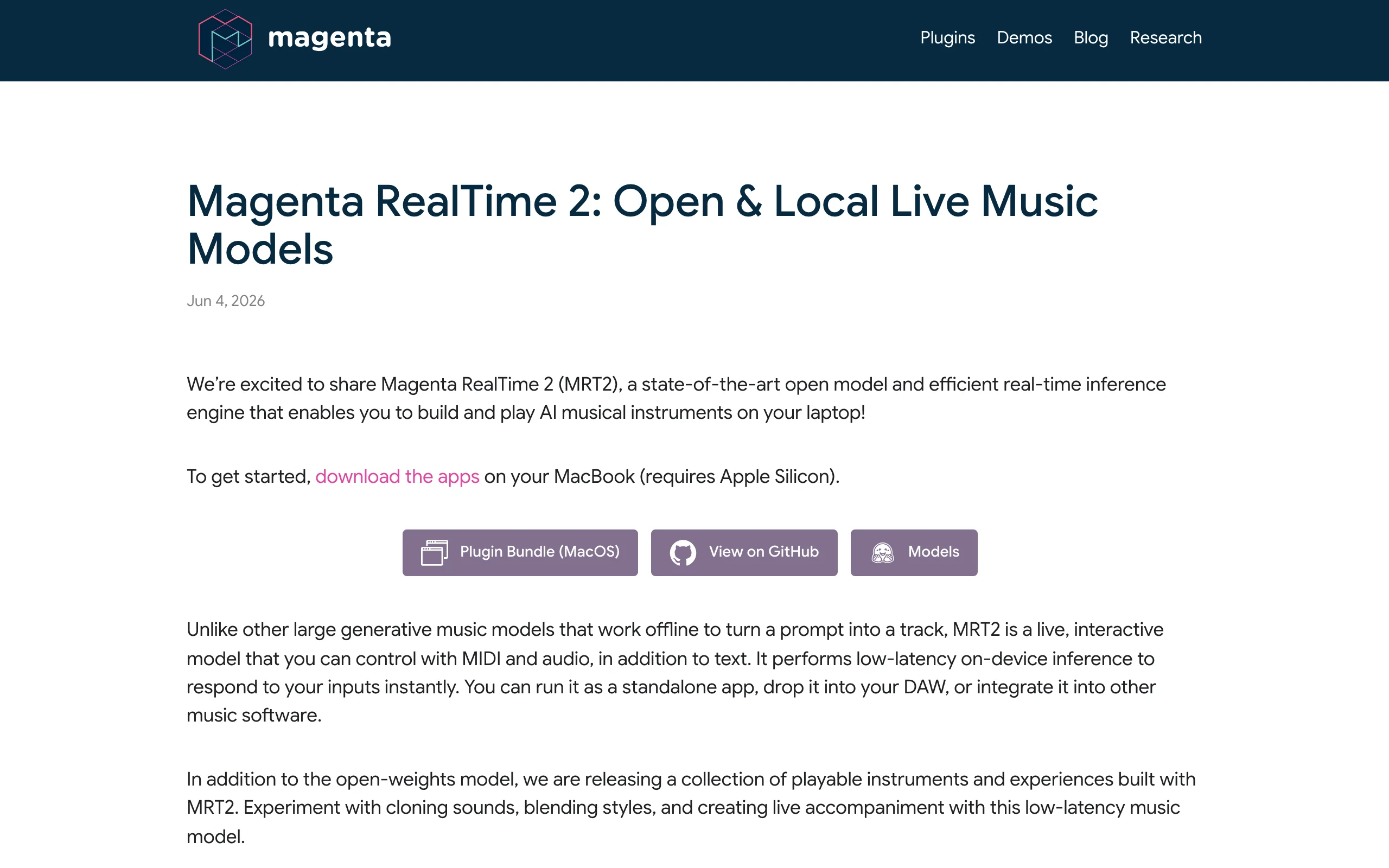
Magenta RealTime 2 (MRT2) is Google Magenta's second-generation open local real-time music generation model. Built on frame-by-frame autoregressive architecture, it compresses audio generation latency to ~200 ms for near-real-instrument interaction. It uses a codec language model paradigm: SpectroStream discretizes 48 kHz stereo at 25 Hz frame rate, predicting and decoding one 40 ms frame at a time. MRT2 offers mrt2_base (2.4B params, quality) and mrt2_small (230M params, speed), both optimized for Apple Silicon; the small model runs in real time on M1. Weights are open source with free Jam app and DAW plugins for users through developers.
Image source: Official article
Technical positioning and domain: Real-time interactive music generation as a local on-device AI jam partner. Unlike offline song generators (Suno, Udio), MRT2 focuses on low-latency continuous streams with MIDI, text, audio style, and other multimodal live control—for live performance, real-time arranging, and interactive installations.
Development background: From Google Magenta (Magenta Studio, DDSP, etc.). First RealTime had ~3 s latency—too slow for interaction. MRT2's frame-wise architecture and SpectroStream cut latency to ~1/15 of gen 1, breaking the real-time music bottleneck via audio discretization, streaming inference, and on-device optimization.
Core value: MRT2 fixes "high interaction latency" and "cloud dependency" in AI music. ~200 ms is near human instrument response threshold so AI can react like a live musician; fully local runs protect privacy and stability offline. Open weights plus app, plugin, and Python library lower barriers and shift AI music from generative to interactive.
Technical characteristics: Frame autoregression and SpectroStream are core—second-scale to frame-scale latency; compressed latent space preserves timbre, space, and harmony. Richest real-time control among peers (text, audio, MIDI, drum toggle); dual model sizes for hardware; MLX-native Apple Silicon optimization for consumer real-time use.
2. Key Features
Ultra-low-latency real-time generation: Frame autoregression at 40 ms per frame predicts next audio tokens and decodes immediately—~200 ms end-to-end, ~1/15 of gen 1's ~3 s, near instrument response threshold for true jamming.
Multimodal control: Text ("jazz piano trio"), audio style prompts, MIDI note input, drum on/off. Multiple live guides for style, harmony, and rhythm—richer control than most real-time generators.
Continuous note following: Follows MIDI keyboard or mouse notes in real time; chord or melody changes adapt accompaniment within ~200 ms for improvisational play.
Auto-Strum intelligent picking: Auto-Strum mode lets AI choose strum/onset timing (guitar sweeps, piano arpeggios); off mode allows precise per-note onset for manual control.
Drum track toggle: Switch drum/no-drum output live for multi-track arranging—build harmony without drums, add drums later.
Dual model sizes: mrt2_base (2.4B, quality) and mrt2_small (230M, speed). Small runs real time on M1+ portables; base recommended on M2 Max+ for richer harmony and timbre.
Apple Silicon native optimization: MLX tuning for Neural Engine and unified memory; mrt2_small smooth on M1 MacBook Air; mrt2_base ≤200 ms on M2 Max MacBook Pro without discrete GPU.
3. How to Use
Environment: Apple Silicon Mac (M1+), macOS 14+ recommended. mrt2_small on M1; mrt2_base on M2 Max+. No GPU required; 16 GB unified memory recommended.
Jam app: Download free Jam from Magenta site or GitHub releases. Enter style (e.g., "calm electronic ambient"), play virtual or MIDI keyboard—AI follows instantly.
DAW plugin: Install MRT2 AU/VST3 plugin in Ableton, Logic, FL Studio, etc. Insert on MIDI track, play controller—AI audio streams in real time; tweak chords or style prompts live.
Python library:
pip install magenta-rt, integrate via API with callbacks for custom apps and installations. Docs and samples included.Local deployment: C++/MLX engine for fully offline Apple Silicon inference—clone repo, build, load weights. No network; suited to live shows and interactive art.
4. Pros and Cons
| Pros |
|---|
| Ultra-low latency: ~200 ms near instrument threshold; ~1/15 of gen 1—true jamming. |
| Fully local: Offline inference, privacy and stable low latency for live and air-gapped use. |
| Open ecosystem: Open weights, Python, app, DAW plugin—full user-to-developer chain. |
| Rich real-time control: Text, audio, MIDI, drums—among the richest interactive control in real-time generation. |
5. Comparison with Similar Tools
| Dimension | Magenta RealTime 2 | Suno v5.5 | Udio |
|---|---|---|---|
| Core positioning | Local real-time interactive jam partner | Offline full song generation | Offline full song generation |
| Latency | ~200 ms real-time | 20–45 s full song | 30–60 s full song |
| Runtime | Local Apple Silicon | Cloud API | Cloud API |
| Interaction | Live MIDI/keyboard follow | One-shot text prompt | One-shot text prompt |
| Output | Continuous stream, live style adapt | 3–5 min song file | 3–5 min song file |
| Open strategy | Open weights + free app/plugin | Closed API | Closed API |
| Control granularity | Note-level live, drum toggle | Section-level style/lyrics | Section-level style/lyrics |
| Best for | Live play, real-time arrange, installations | Song demos, BGM, content | Song demos, BGM, content |
Selection advice: For live interaction, performance, or installations, MRT2 is essentially unique at ~200 ms with multimodal control. For structured 3–5 minute songs with lyrics, Suno/Udio fit but are non-interactive. Stable Audio 2.0 excels at SFX/BGM with optional local deploy but middling latency/interaction. MRT2 fills the real-time interactive gap complementing offline generators.
6. Editor's Take
MRT2 marks an important shift from generative to interactive AI music. Frame autoregression plus SpectroStream compresses latency from seconds to frames—a milestone. ~200 ms enables AI as live jam partner and opens installations and music education. Fully local design fixes cloud latency, privacy, and availability on consumer Apple hardware.
Three entry points (Jam, DAW, Python) serve hobbyists through developers. Multimodal control is unmatched among real-time models. Dual sizes fit M1 through M2 Max.
Limits: Apple-only today; stereo-only output without stems/MIDI export; quality still room to grow on dense arrangements. Open source may improve via community and future releases.
Audience: Live musicians, interactive artists, music tech researchers, DAW users, AI music app developers.
—full marks for innovation and utility; −0.5 for platform and output format limits. With broader platform support, MRT2 could define real-time music generation.
7. Use Cases
Live improvisation: MIDI jam with instant AI accompaniment/ad libs in jazz, electronic, experimental contexts.
Real-time arranging: MRT2 DAW plugin instant feedback when changing chords or style during composition in Ableton, Logic, etc.
Interactive installations: Python + low latency for museum/stage sound reacting to touch or motion capture.
Music education: Jam app style prompts (e.g., slow blues) with follow-mode solo practice simulating band backing.
Games/VR audio: Dynamic BGM from player actions or biome (forest, desert, combat) for immersion.
8. FAQ
Q: Windows or Linux support?
A: Official builds target Apple Silicon only. Open weights may see community ports (e.g., llama.cpp) without guaranteed real-time performance.
Q: mrt2_base vs mrt2_small?
A: M1/M2 base Mac → mrt2_small (230M). M2 Max/M3 Max+ → mrt2_base (2.4B) for richer timbre/harmony. Both ~200 ms latency.
Q: Export MIDI?
A: Not supported—stereo audio stream only. Record in DAW or use separate audio-to-MIDI tools.
Q: Is Jam paid?
A: Free Jam app, free AU/VST3 plugin, open weights without commercial restrictions.
Q: Vocals?
A: No—instrumental focus. For vocal songs use Suno/Udio etc.
Q: Customize style?
A: Text prompts, audio references, live MIDI—combine modalities for best control.
9. Project Links
- Official site: https://magenta.withgoogle.com/magenta-realtime-2
- GitHub: https://github.com/magenta/magenta-realtime
- HuggingFace: https://huggingface.co/google/magenta-realtime-2
Related AI Model Articles

OpenMuse – CopilotKit Open-Source Personal AI Assistant
OpenMuse is an open-source personal AI assistant project developed by the CopilotKit team. Its core design philosophy is "giving an Agent a computer" — by combining a persistent browser, optional Linu...

In-Depth Review of Longcat-2.5-preview: Meituan's Next-Generation Multimodal Long-Range Agent Model
LongCat-2.5-preview is Meituan's latest next-generation large model. Building upon the 1.6T total parameters, approximately 48B active parameters, and native 1M token context of LongCat-2.0, it marks ...

Review of DeepSeek Harness Desktop: How the Official GUI Client Lowers the Bar for Agent Usage
DeepSeek Harness Desktop is the official graphical client launched by DeepSeek, designed to provide a visual interface for the originally command-line-based DeepSeek Harness framework. After users log...

Step Code – In-Depth Review of StepFun's Open-Source Terminal Programming Agent
Step Code is an open-source terminal programming agent launched by StepFun, licensed under the MIT License, which allows developers to complete the full workflow of code writing, debugging, execution,...
© All Rights Reserved. Some content on this site is partially generated by AI with human review.