
InsForge – Open-Source Backend Platform for AI Coding Agents
Executive Summary:
InsForge is an open-source backend platform built for AI coding agents. Through MCP Server and CLI interfaces, it lets Cursor, Claude Code, GitHub Copilot, and similar agents operate databases, auth, ...
1. What Is InsForge
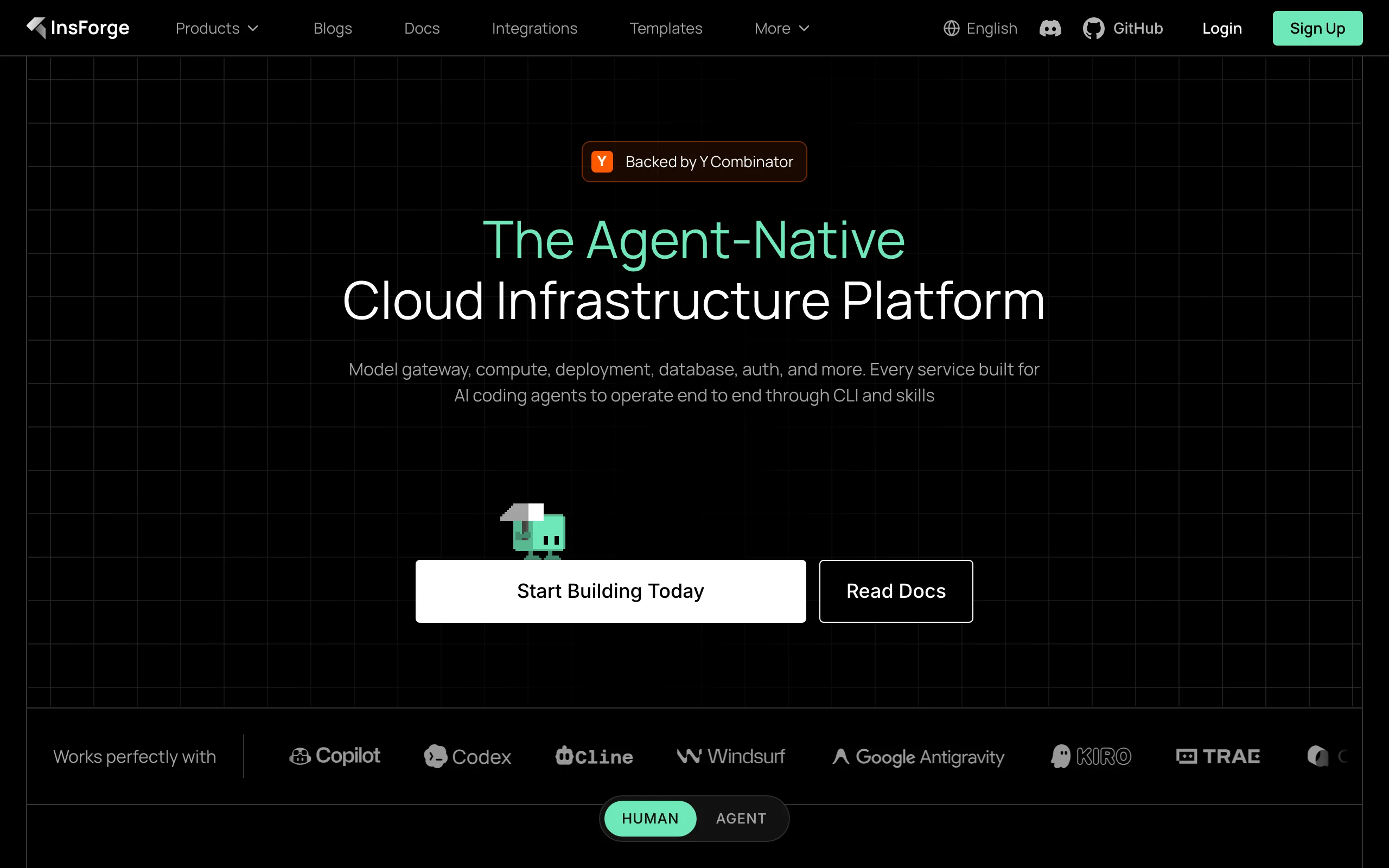
InsForge is an open-source backend platform built for AI coding agents. Through MCP Server and CLI interfaces, it lets Cursor, Claude Code, GitHub Copilot, and similar agents operate databases, auth, storage, edge functions, model gateways, and deployments like backend engineers. Console workflows are wrapped as standardized tools callable via natural language, enabling end-to-end full-stack automation without manual cloud console switching.
Image source: Official article
Technical positioning and domain: InsForge sits at the intersection of AI infrastructure and BaaS, designed for agents—not traditional human-first consoles. Via MCP (Model Context Protocol), backend operations become agent-readable tools for schema management, auth, storage, serverless functions, and site deploys. That differs from Supabase or Firebase, which assume humans read docs, configure APIs, and write integration code.
Development background: Built by an independent team to solve the “last mile” for coding agents: agents can generate frontend and backend code but cannot autonomously run migrations, auth setup, bucket creation, or function deploys that usually require humans in cloud UIs. InsForge toolifies those steps so agents can deliver complete products from database to deployment.
Core value: Backend automation for AI coding agents. Even when agents write good backend code, humans still configure DBs, auth, and deploys—limiting autonomy. InsForge exposes backend ops as MCP tools driven by natural language. On MCPMark benchmarks, agents using InsForge finish backend tasks 1.6× faster than Supabase, use 30% fewer tokens, and reach 1.7× higher accuracy.
Technical characteristics: MCP Server architecture wraps backend ops as standard tools instead of raw REST. Agents receive full backend context—schema, relations, RLS, deployed functions, logs—so actions are state-aware rather than blind API probing. Built on Deno for a lightweight edge runtime, with WebSocket-based realtime sync.
2. Key Features
Database management: Dedicated PostgreSQL with pgvector. Agents read schema and run migrations—creating tables, altering schema, querying, and applying migration scripts without manual SQL GUIs.
Identity and auth: Built-in signup, login, and session management with JWT and OAuth (Google, GitHub, etc.). Agents configure auth policies, roles, and permissions without console clicking or hand-written middleware.
File storage: S3-compatible object storage. Agents create buckets, set ACLs, upload/download; metadata and CDN are handled platform-side from natural-language intent.
Edge functions: Deno serverless runtime. Agents write, deploy, and update TypeScript/JavaScript functions with env vars, triggers, and permissions for elastic compute.
Model gateway: Unified OpenAI-compatible API across providers (OpenAI, Anthropic, Google, etc.) with routing, load balancing, and retries—no per-model key plumbing in agent code.
Realtime: WebSocket pub/sub for live data with row-level security. Agents configure channels, permissions, and callbacks for chat, collaborative editing, and monitoring.
Site deployment: After frontend code is ready, agents build, inject env vars, and deploy—static hosting or containers, domains, SSL, and deploy policies included for code-to-production automation.
3. How to Use
Environment: Cloud needs only an account at https://insforge.dev/. Self-host requires Docker 20.10+, Node.js 18+, Linux/macOS/Windows (WSL2). Recommend 4GB+ RAM and 20GB+ disk.
Cloud signup and project: Register with email or GitHub, create a project, receive API Key and project URL for agent authentication.
Connect Cursor:
npx @insforge/install --client cursor --env API_KEY=YOUR_KEY --env API_BASE_URL=PROJECT_URLConfigures Cursor MCP to call InsForge backend tools.
Connect Claude Code:
claude mcp add insforge npx -- -y @insforge/mcp@latest --env API_KEY=YOUR_KEY --env API_BASE_URL=PROJECT_URLVerify connection: Ask the agent: “I'm using InsForge as my backend platform, call InsForge MCP's fetch-docs tool to learn about InsForge instructions.” Successful doc output means MCP is wired correctly.
Self-host: Clone the repo, copy
.env.exampleto.env, set DB password, JWT secret, etc. Rundocker compose -f docker-compose.prod.yml up -d, openhttp://localhost:7130, complete MCP setup.Multi-project: Use separate
.envfiles and ports with--env-fileand-pfor isolated DB/storage/function environments per project or team.
4. Pros and Cons
| Pros |
|---|
| Agent-native design: Backend ops are MCP tools callable in natural language—no hand-written API glue or console hopping. |
| Broad MCP compatibility: Cursor, Claude Code, Copilot, Codex, Cline, Windsurf—no per-agent custom adapters. |
| Strong benchmark performance: MCPMark—1.6× faster than Supabase (150s vs 239s), 30% fewer tokens, 1.7× accuracy (47.6% vs 28.6%). |
| Open and self-hostable: Apache 2.0, Docker Compose, one-click templates (Railway/Zeabur/Sealos) for privacy and compliance. |
| Full-stack closure: DB through deploy in one stack—agents can ship products with minimal human backend work. |
5. Comparison with Similar Tools
| Dimension | InsForge | Supabase | Firebase |
|---|---|---|---|
| Core focus | Backend for AI agents | Open Firebase alternative for humans | Google managed BaaS |
| Agent integration | MCP Server + CLI native | Manual API/SDK; agents can't drive console | Manual SDK; no direct console ops |
| Context exposure | Full schema, RLS, logs, deploy state to agents | Traditional APIs; humans fetch context | Traditional APIs |
| Database | PostgreSQL + pgvector; agent migrations | PostgreSQL + extensions; human migrations | Firestore / Realtime DB |
| Auth | JWT + OAuth; agent-configurable | Rich auth; human setup | Firebase Auth |
| Serverless | Deno; agent deploy/update | PG functions + Edge Functions | Cloud Functions |
| Deploy | Built-in site deploy + templates | Needs Vercel/Netlify etc. | Firebase Hosting |
| License | Apache 2.0 | Apache 2.0 | Proprietary |
| Self-host | Docker / one-click | Docker / managed | Cloud only |
| MCPMark time | 150s | 239s | – |
| MCPMark accuracy | 47.6% | 28.6% | – |
Selection advice: For Cursor/Claude Code full-stack work, InsForge is the best fit—native MCP and direct infra control with strong MCPMark efficiency. For mature docs and enterprise breadth, Supabase and Firebase remain safer, but agents cannot operate consoles end-to-end. Strict privacy with K8s self-host may favor Appwrite.
6. Editor's Review
InsForge marks an important step from “code generator” to “autonomous dev platform” for AI agents. Innovation: BaaS ops as MCP tools plus full backend context (schema, permissions, logs) so agents act on state, not blind API trials—unlike Supabase + Cursor workflows that bounce humans between agent and console.
For solo devs and small product teams, it removes hours of DB/auth/function setup so MVPs ship faster; MCPMark numbers back the efficiency story.
Still early: ecosystem and docs trail Supabase/Firebase; WebSocket longevity needs production validation.
Best for: Agent-first full-stack builders and startups. Enterprise teams may wait for community maturity.
Outlook: As MCP and coding agents spread, InsForge could become core AI-native infra if docs, observability, and community keep growing.
— Innovation 5/5, practical value 4.5/5, ease 4/5, community 3.5/5, cost 5/5 (open/self-host free).
7. Use Cases
AI-assisted full-stack dev: Agent provisions DB, auth, storage, functions, and deploy from natural-language specs.
Solo product launch: MVP backend in minutes without hand-building auth, DB, storage, and payments.
Internal tools on private infra: Self-hosted agents create tables, permissions, and business functions under compliance constraints.
Multi-agent collaboration: Shared backend context so one agent designs schema while others configure auth and functions without conflicts.
Prototype iteration: Agents alter schema and redeploy backend logic with migration/rollback support for fast experiments.
8. FAQ
Q: Which AI coding agents are supported?
A: Any MCP-capable agent—Cursor, Claude Code, Copilot, Codex, Cline, Windsurf, and others.
Q: Self-host hardware requirements?
A: Recommended 4-core CPU, 8GB RAM, 40GB disk; minimum 2-core, 4GB, 20GB. Linux (Ubuntu 20.04+, CentOS 8+), macOS 12+, Windows with WSL2. Docker 20.10+ and Node 18+ required.
Q: How is InsForge different from Supabase?
A: InsForge is agent-first with MCP tools; Supabase is human-first with docs, APIs, and integration code. MCPMark: 1.6× faster, 30% fewer tokens, 1.7× accuracy.
Q: How is self-hosted data secured?
A: Data stays on your infrastructure. JWT + RLS, TLS to DB. Backup regularly, update images, firewall access.
Q: Multi-region support?
A: Cloud is single-region today; multiple self-host instances can approximate multi-region. Native multi-region is on the roadmap; use CDN/self-host nodes for global latency.
Q: What if an agent operation fails?
A: Full logs with params, results, and errors in the admin UI. Default 3 retries; risky migrations should be tested in staging first.
Q: Custom auth policies?
A: Yes—password rules, MFA, session limits, OAuth providers (Google, GitHub, custom OAuth) via MCP tools.
9. Project Links
- Website: https://insforge.dev/
- GitHub: https://github.com/InsForge/InsForge
- MCP docs: https://docs.insforge.dev/
Related AI Model Articles

OpenMuse – CopilotKit Open-Source Personal AI Assistant
OpenMuse is an open-source personal AI assistant project developed by the CopilotKit team. Its core design philosophy is "giving an Agent a computer" — by combining a persistent browser, optional Linu...

In-Depth Review of Longcat-2.5-preview: Meituan's Next-Generation Multimodal Long-Range Agent Model
LongCat-2.5-preview is Meituan's latest next-generation large model. Building upon the 1.6T total parameters, approximately 48B active parameters, and native 1M token context of LongCat-2.0, it marks ...

Review of DeepSeek Harness Desktop: How the Official GUI Client Lowers the Bar for Agent Usage
DeepSeek Harness Desktop is the official graphical client launched by DeepSeek, designed to provide a visual interface for the originally command-line-based DeepSeek Harness framework. After users log...

Step Code – In-Depth Review of StepFun's Open-Source Terminal Programming Agent
Step Code is an open-source terminal programming agent launched by StepFun, licensed under the MIT License, which allows developers to complete the full workflow of code writing, debugging, execution,...
© All Rights Reserved. Some content on this site is partially generated by AI with human review.