
Webwright – Microsoft’s Terminal-Native Web Agent Framework
Executive Summary:
Webwright is Microsoft Research’s open terminal-native web agent framework—~1,000 lines of harness letting models write Playwright scripts, run bash, read logs, and iterate until complex browser jobs ...
1. What Is Webwright
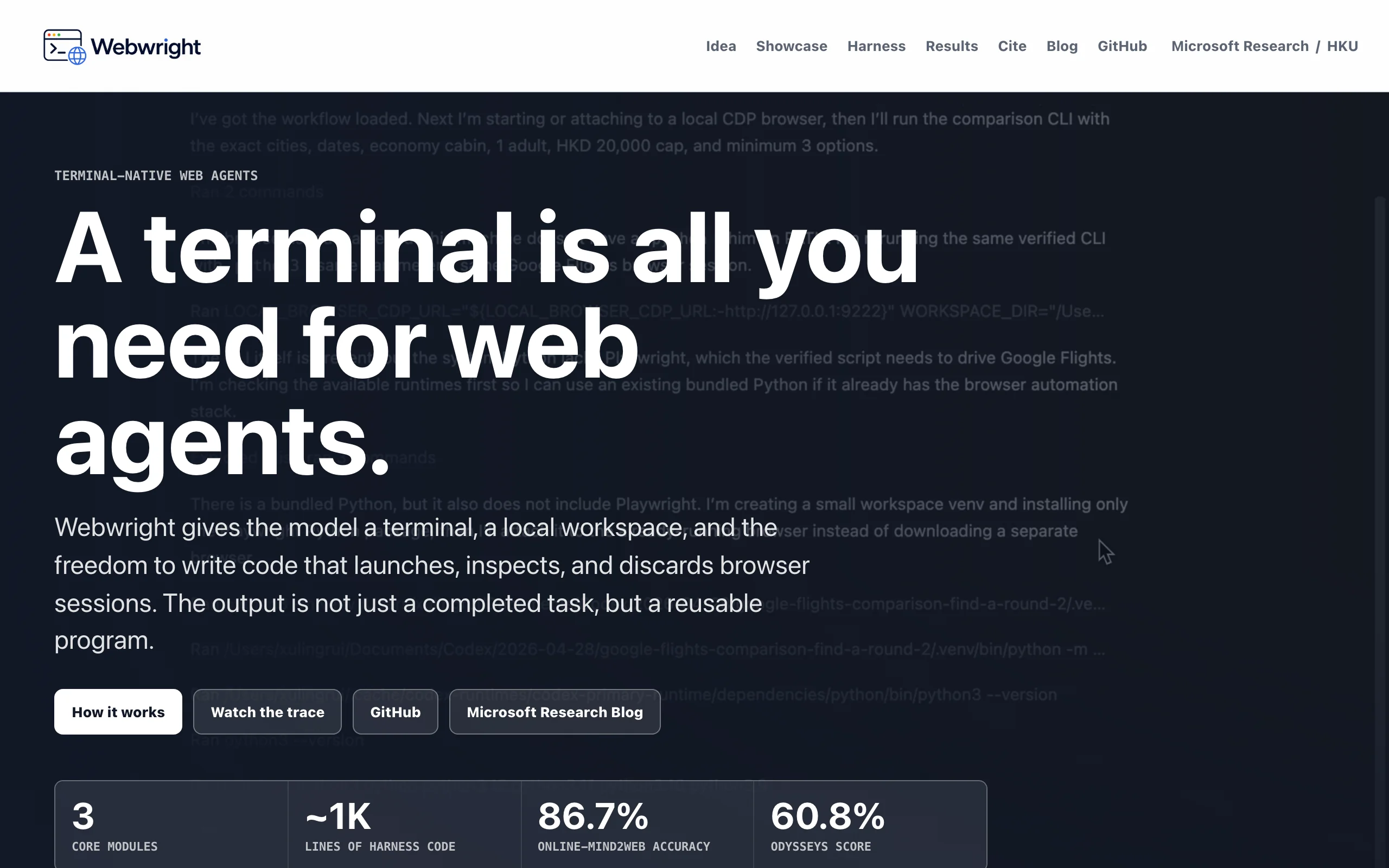
Webwright is Microsoft Research’s open terminal-native web agent framework—~1,000 lines of harness letting models write Playwright scripts, run bash, read logs, and iterate until complex browser jobs succeed. “Code as action” grants full terminal freedom: create, drive, and tear down browser sessions instead of predicting click coordinates step by step. With GPT-5.4, Webwright scores 60.8% on the long-horizon Odysseys browse benchmark (+35.1% vs prior SOTA, +81.49% vs base GPT-5.4) and 86.67% on Online-Mind2Web across 300 real sites—strong evidence for programmatic web automation.
Image source: Official article
Technical positioning and domain: Web agents for multi-step browsing. Terminal-first: models program browsers plus shell/file ops—not DOM-only action tokens.
Development background: MS Research targets context blow-up, premature “done” claims, and non-reusable trajectories in prior agents. Minimal harness, code-first control.
Core value: Fixes three failures: context exhaustion (auto history summarization every 20 steps), fake success (self-reflection re-run gate), and one-off demos (parameterized CLI tools saved to workspace).
Technical characteristics: Three modules—Runner, Model Endpoint, Environment—no multi-agent planner. Observe-act loop with mandatory post-task script replay and checkpointed artifacts under workspace/.
2. Key Features
Terminal Playwright control: Models emit full scripts—loops, functions, conditionals—cutting LLM round-trips vs per-click policies.
Arbitrary shell: bash for logs, deps, files—beyond browser-only agents.
Self-reflection verification: Final script must rerun in a fresh folder; logs/screenshots gate “complete”—blocks happy-path false positives.
Context compression: Every 20 steps summarize history—sustains hundred-step jobs.
Reusable CLI outputs: Finished flows become parameterized tools—e.g., monitor search scripts with new flags.
Workspace persistence: Scripts, logs, screenshots archived for audit and reuse.
3. How to Use
Setup: Clone
microsoft/webwright, Python 3.10+, LLM API keys,playwright install chromium.Run:
python run.pywith an NL task—e.g., find 33–49" 240 Hz OLED monitors under $1,000, return top 5 links/prices.Loop: Model thinks → emits Playwright/bash → environment returns stdout/logs/screenshots/errors under timestamped
workspace/folders.Verify: On claim of done, rerun in
final_runs/via self-reflection; failures continue the loop.Reuse: Copy parameterized
.pyfromworkspace/—e.g.,python search_monitor.py --size "33-49" --hz 240 --budget 1000.
Tips: Best with GPT-5.4 / Claude Opus 4.7 class models; small Qwen-3.5-9B works but degrades on long chains; terminal needs ANSI support for rich output.
4. Pros and Cons
| Pros |
|---|
| Tiny codebase (~1k LOC): Easy to fork/debug Runner/Environment. |
| Big benchmark gains: Odysseys +35.1% vs SOTA; Mind2Web 86.7%. |
| True terminal loop: bash + browsers + persistent artifacts. |
| Reusable CLI artifacts: Compounds value across similar tasks. |
5. Comparison with Similar Tools
| Dimension | Webwright | Browser Use |
|---|---|---|
| Paradigm | Terminal code-first Playwright + bash | DOM distill → next action |
| Complexity | ~1k LOC, 3 modules | Mid-weight SDK + DOM utils |
| Reuse | Strong—CLI tools in workspace | Medium—manual wrap |
| Terminal native | Yes | Python SDK only |
| Vision | Code-driven, optional screenshots | Screenshot + DOM channels |
| Context mgmt | Auto summary every 20 steps | SDK history only |
| Verification | Mandatory self-reflection rerun | None built-in |
| Reported scores | Odysseys 60.8%, Mind2Web 86.7% | WebVoyager 89.1%, GAIA 66.6% |
| Anti-bot | None | Stealth, proxies, CAPTCHA helpers |
| License | MIT | MIT |
Selection guidance: Long, repeatable automation + reusable scripts → Webwright. Anti-bot general browser agent in-app → Browser Use. Already on Playwright tests + MCP client → Playwright MCP (lighter, less long-horizon tuning).
6. Editor's Take
Paradigm shift: from action tokens to programs—Playwright scripts encode loops and error handling once, not 50 LLM clicks. ~1k lines beating heavier stacks validates the design.
Self-reflection fixes the “looks done” lie; summarization unlocks Odysseys-length tasks. Best for devops/data/QA teams who can live in a terminal—not casual no-code users.
Missing stealth caps enterprise scraping on hardened sites; model cost is real.
— Innovation 5/5, utility 4.5/5, −0.5 for model dependence and anti-detection gaps.
7. Use Cases
Structured scraping: Forms, pagination, merged tables → parameterized extractors.
E2E web testing: Self-healing scripts with screenshots/logs for regressions.
Long online workflows: Flight/hotel/price-compare chains in one program.
Internal tool factory: Login/report/download CLIs shared across teams.
Agent research/teaching: Minimal harness to experiment with verification and compression policies.
8. FAQ
Q: Supported LLMs?
A: OpenAI (GPT-5.4, GPT-5.5 Instant), Anthropic (Claude Opus 4.7, Sonnet 4), Qwen-3.5-9B, etc.—swap Model Endpoint for any OpenAI-compatible API.
Q: Why self-reflection?
A: Agents often stop when a page loads, not when the goal is met—forced rerun objectively checks success.
Q: Logged-in sites?
A: Yes via Playwright login flows; strict bot walls may need manual help—no built-in stealth.
Q: Save CLI tools how?
A: Final scripts land in timestamped workspace/—promote to tools/ with argparse hooks already scaffolded.
Q: Summaries lose info?
A: Model-written every 20 steps keeps key actions; tune interval or disable in Runner if needed.
Q: vs Playwright MCP?
A: MCP = predefined click/type functions; Webwright = full script generation with control flow—fundamentally different expressiveness.
Q: Can Webwright run headless in CI?
A: Yes—set Playwright headless in the generated scripts or environment defaults, mount your LLM API key as a secret, and point run.py at a fixed task list. Artifacts under workspace/ and exit codes from self-reflection give CI pipelines deterministic pass/fail signals without a visible browser window.
9. Project Links
Related AI Model Articles

OpenMuse – CopilotKit Open-Source Personal AI Assistant
OpenMuse is an open-source personal AI assistant project developed by the CopilotKit team. Its core design philosophy is "giving an Agent a computer" — by combining a persistent browser, optional Linu...

In-Depth Review of Longcat-2.5-preview: Meituan's Next-Generation Multimodal Long-Range Agent Model
LongCat-2.5-preview is Meituan's latest next-generation large model. Building upon the 1.6T total parameters, approximately 48B active parameters, and native 1M token context of LongCat-2.0, it marks ...

Review of DeepSeek Harness Desktop: How the Official GUI Client Lowers the Bar for Agent Usage
DeepSeek Harness Desktop is the official graphical client launched by DeepSeek, designed to provide a visual interface for the originally command-line-based DeepSeek Harness framework. After users log...

Step Code – In-Depth Review of StepFun's Open-Source Terminal Programming Agent
Step Code is an open-source terminal programming agent launched by StepFun, licensed under the MIT License, which allows developers to complete the full workflow of code writing, debugging, execution,...
© All Rights Reserved. Some content on this site is partially generated by AI with human review.