
Violin – Oxford's Kevin Lin Open-Source End-to-End AI Video Translation Tool
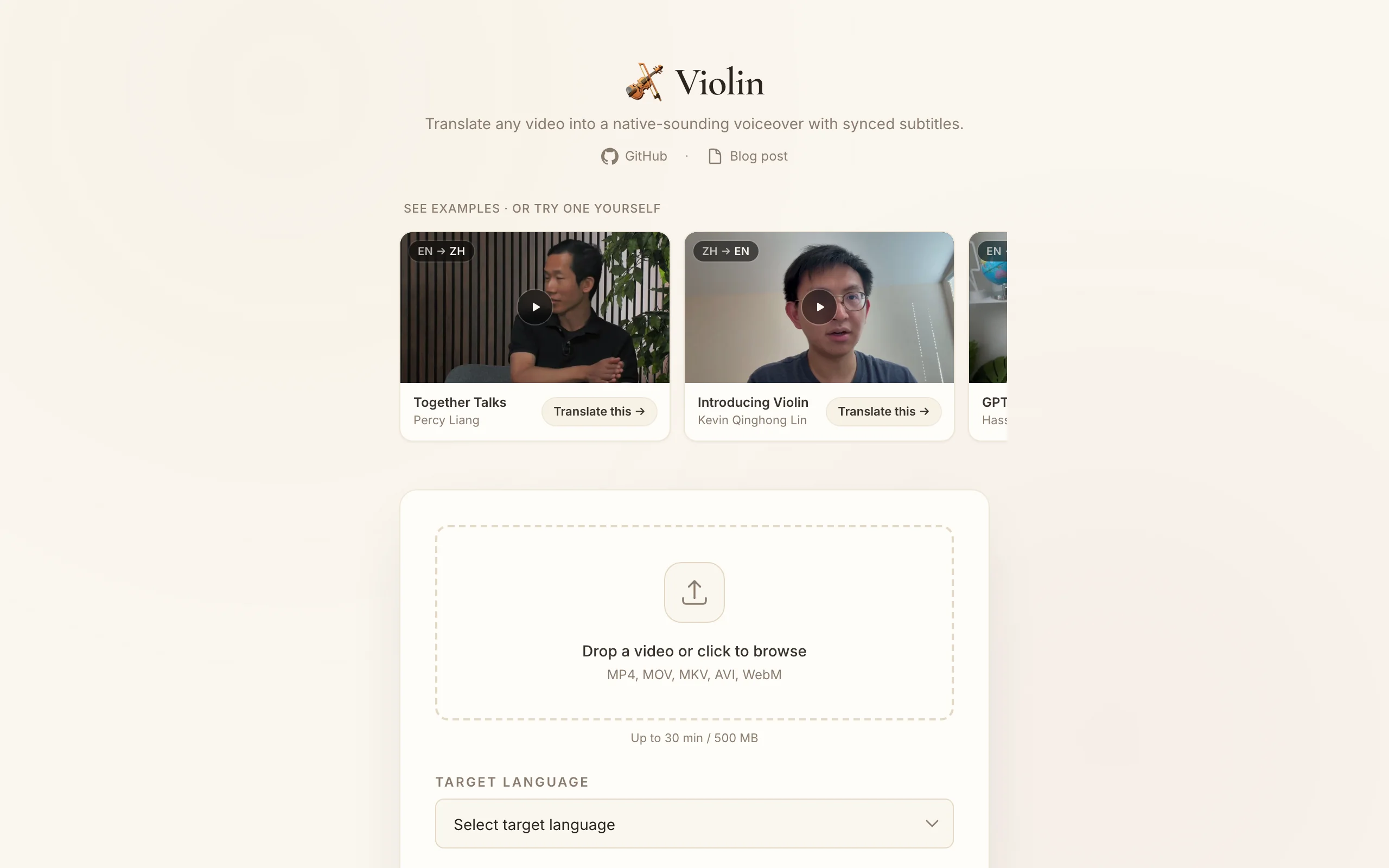
Executive Summary:
Violin is an open-source end-to-end AI video translation tool led by Oxford postdoc Kevin Lin, built to break language barriers for high-quality video. It combines OpenAI Whisper for speech recognitio...
1. What Is Violin
Violin is an open-source end-to-end AI video translation tool led by Oxford postdoc Kevin Lin, built to break language barriers for high-quality video. It combines OpenAI Whisper for speech recognition, LLM-driven translation, and TTS synthesis to translate and dub videos into 33 target languages with audio aligned to on-screen lip rhythm. Released under MIT, it supports CLI, FastAPI web UI, and Claude Code Skill modes, with six translation styles (academic, kids, news, etc.) for education through entertainment.
Image source: Official article
Technical positioning and domain: Video localization at the NLP/CV intersection—a complete open pipeline integrating ASR, MT, and TTS without manual audio splitting, timeline alignment, or dubbing assembly.
Development background: Kevin Lin's background in multimodal learning and speech processing. Global video demand meets closed, expensive commercial tools (HeyGen, Rask AI) with little customization or self-hosting. Violin offers a free, extensible alternative for developers, educators, and enterprises.
Core value: Full automation with high fidelity—no manual alignment; LLM style adaptation and lip-rhythm alignment keep dubs natural. Open source suits creators, educators, and enterprises distributing multilingual content.
Technical characteristics: Modular architecture and natural-language voice selection—describe tone in plain language; six built-in styles; Docker and reverse-proxy configs for private, high-volume deployment.
2. Key Features
Fully automated dubbing pipeline: Input source video + target language → Whisper ASR → LLM translation → TTS → A/V sync. Output audio matches lip rhythm—avoiding common dub misalignment.
33 target languages: Chinese, English, Japanese, Korean, French, German, and more—with native-quality voice presets for major languages for multi-market localization.
Six translation styles: Standard, kids, academic, casual, storytelling, news—one source, multiple audiences (e.g., science → kids style with age-appropriate tone).
Video Q&A: Ask about video content; answers use subtitles plus sampled frames as a "second brain"—useful in training and education.
Natural-language voice pick: Describe voice ("gentle female", "steady baritone"); LLM picks from the library—no manual voice ID hunting.
Multi-backend switching: Default Together AI (DeepSeek V4 Pro + Cartesia Sonic 3); one-click OpenAI or ElevenLabs for cost, quality, or compliance.
3. How to Use
Environment: Python 3.10+, Linux/macOS/Windows (WSL). ≥8GB RAM; GPU optional but speeds Whisper/TTS. Install ffmpeg first.
CLI:
violin lecture.mp4 lecture_zh.mp4 --language Chinese—auto-detect source, dub to Chinese. Batch via globs or scripts.FastAPI web: Run
violin-api, openhttp://localhost:8000for upload, language, style—and REST API for integrations.Claude Code Skill: Install Violin Skill; instruct in natural language, e.g. "Translate this English video to French, academic style."
Config: Edit
config.yamlfor providers, voices, styles—override only what you need, e.g.tts_provider: elevenlabs.Production:
docker-compose up -dwith bundleddocker-compose.ymlandCaddyfile; Caddy handles HTTPS and reverse proxy.
4. Pros and Cons
| Pros |
|---|
| End-to-end automation: No manual split/align—full AI pipeline lowers localization barrier. |
| Lip-rhythm alignment: Natural viewing vs. obvious dub lag. |
| Multi-style output: Kids/academic/news variants from one source. |
| Open and extensible: MIT; clear code for custom pipelines. |
| Enterprise deploy: Docker + reverse proxy for private, high-volume use. |
5. Comparison with Similar Tools
| Dimension | Violin (open) | HeyGen Video Translate |
|---|---|---|
| Architecture | Open pipeline: Whisper + LLM + TTS | Closed SaaS; digital-human engine |
| Languages | 33 targets | 175+ |
| Lip sync | Optimized for real footage rhythm | Good; digital-human engine weaker on fast/occluded real faces |
| Style adaptation | 6 built-in styles | Not clearly multi-style |
| Deploy | CLI / Docker / FastAPI / Skill | SaaS only |
| License | MIT commercial OK | Closed |
| Video Q&A | Yes (subs + frames) | No |
| Usage | CLI, Web, API, Claude plugin | Web editor + API |
Selection advice: Data security, self-hosting, or customization → Violin. Fastest broad language + digital human → HeyGen (SaaS). High-volume dubbing → Rask (lip sync paywalled).
6. Editor's Take
Violin innovates by wiring Whisper, LLM, and TTS with natural-language voice pick and multi-style translation—uncommon in open video dubbing. It cuts cost and skill barriers for education, SMBs, and creators; Docker + MIT strengthen enterprise appeal.
Gaps vs. HeyGen on language breadth; video Q&A weak on complex visuals—needs better multimodal models. Strong potential for teams prioritizing privacy and hackability.
Audience: Developers, educators, creators, enterprises doing multilingual distribution. Web UI helps non-devs; CLI/Skill suit technical users.
Future: More languages, better lip sync, stronger multimodal Q&A; open community can accelerate.
— strong innovation and utility; language coverage and docs need work.
7. Use Cases
Online education: Localize Coursera/YouTube courses—academic style preserves terminology.
Cross-border e-commerce: Multi-language product videos for Amazon, TikTok Shop—storytelling style per market.
Conferences and talks: News style for formal multilingual releases.
Kids content: Adult science → kids style with age-fit language and voice.
Corporate training: Private deploy for consistent internal training across regions; batch processing at scale.
8. FAQ
Q: Supported input formats?
A: MP4, AVI, MOV, MKV, etc.—ffmpeg handles conversion; normalize exotic formats first.
Q: Translation quality?
A: Depends on LLM backend—default DeepSeek V4 Pro is strong on major languages; GPT-4/Claude for higher quality at cost.
Q: Keep original audio?
A: Default replaces with dub; config + ffmpeg can keep original for bilingual tracks—manual adjustment.
Q: Long videos?
A: Supported but memory/GPU limited—split into 10–15 min chunks or use streaming TTS; segmented parallel processing planned.
Q: Custom voices?
A: No native training—ElevenLabs clone via sample audio and API key.
Q: Server deployment tips?
A: Docker + Caddy/Nginx for HTTPS; enough storage/bandwidth for HD; monitor API spend.
9. Project Links
Related AI Model Articles

In-Depth Review of Longcat-2.5-preview: Meituan's Next-Generation Multimodal Long-Range Agent Model
LongCat-2.5-preview is Meituan's latest next-generation large model. Building upon the 1.6T total parameters, approximately 48B active parameters, and native 1M token context of LongCat-2.0, it marks ...
Xiaomi MiMo-V2.6 – Xiaomi's Open-Source Multimodal Model Series
Xiaomi MiMo-V2.6 is a series of fully multimodal models released and open-sourced by Xiaomi, comprising two native full-modal models: Pro and Flash. It is centered on large-scale Agentic reinforcement...
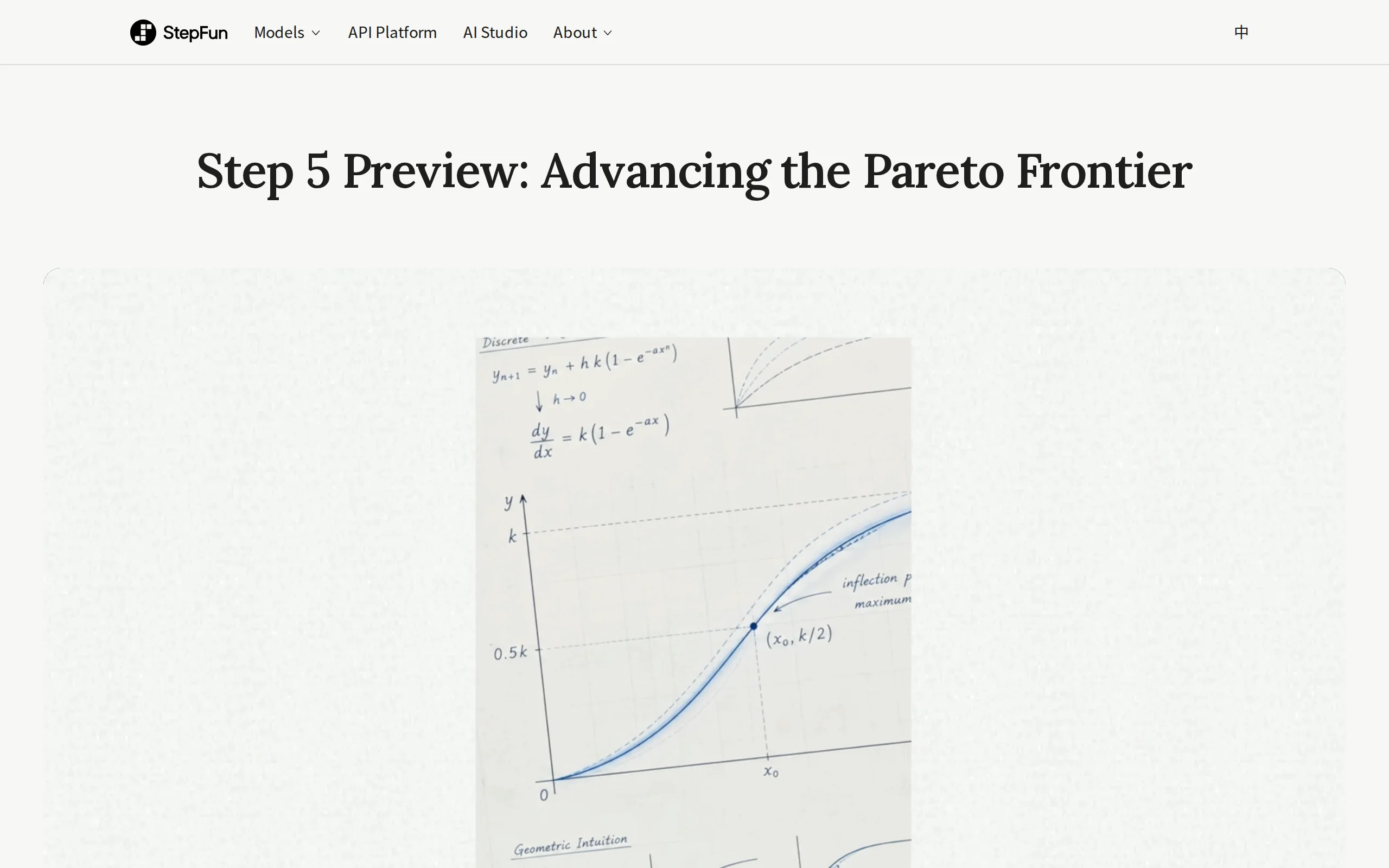
In-Depth Review of Step 5 Preview: A 600B Sparse MoE Flagship with 1M Token Context and 1/8 Cost Advantage
Step 5 Preview is a new-generation flagship foundation model launched by StepFun, designed for real-world Agentic tasks. Based on a sparse MoE architecture, the model has a total of 600B parameters bu...
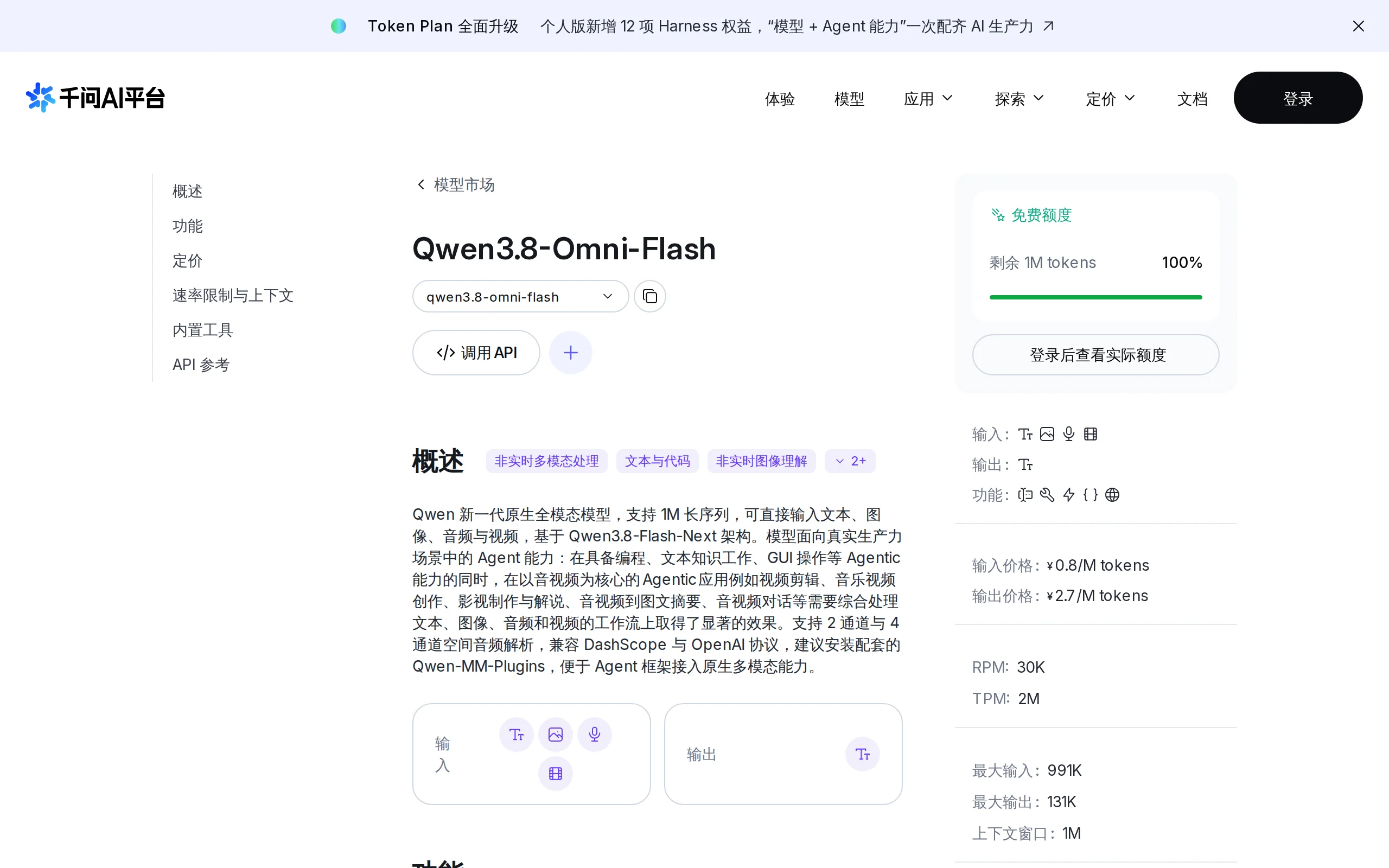
Qwen3.8-Omni-Flash – A Native Multimodal Model Launched by Alibaba Qwen
Qwen3.8-Omni-Flash is a native multimodal model launched by Alibaba Qwen. It jointly models four modalities—text, image, audio, and video—within a single architecture, supporting a context length of u...
© All Rights Reserved. Some content on this site is partially generated by AI with human review.