
OpenAI CLI – OpenAI's Official Command-Line Interface
Executive Summary:
OpenAI CLI is OpenAI's official command-line tool, led by Codex team developer-experience engineer Jason Liu. It lets developers call OpenAI's latest models from the terminal with single commands—no P...
1. What Is OpenAI CLI
OpenAI CLI is OpenAI's official command-line tool, led by Codex team developer-experience engineer Jason Liu. It lets developers call OpenAI's latest models from the terminal with single commands—no Python or Node.js SDK scripts. It supports the Responses API, multimodal tasks, project management, and Unix-style piped output—a lightweight, efficient API workflow. Built as a single Go binary, it is cross-platform, dependency-free, and fits naturally into Linux/macOS CLI ecosystems.
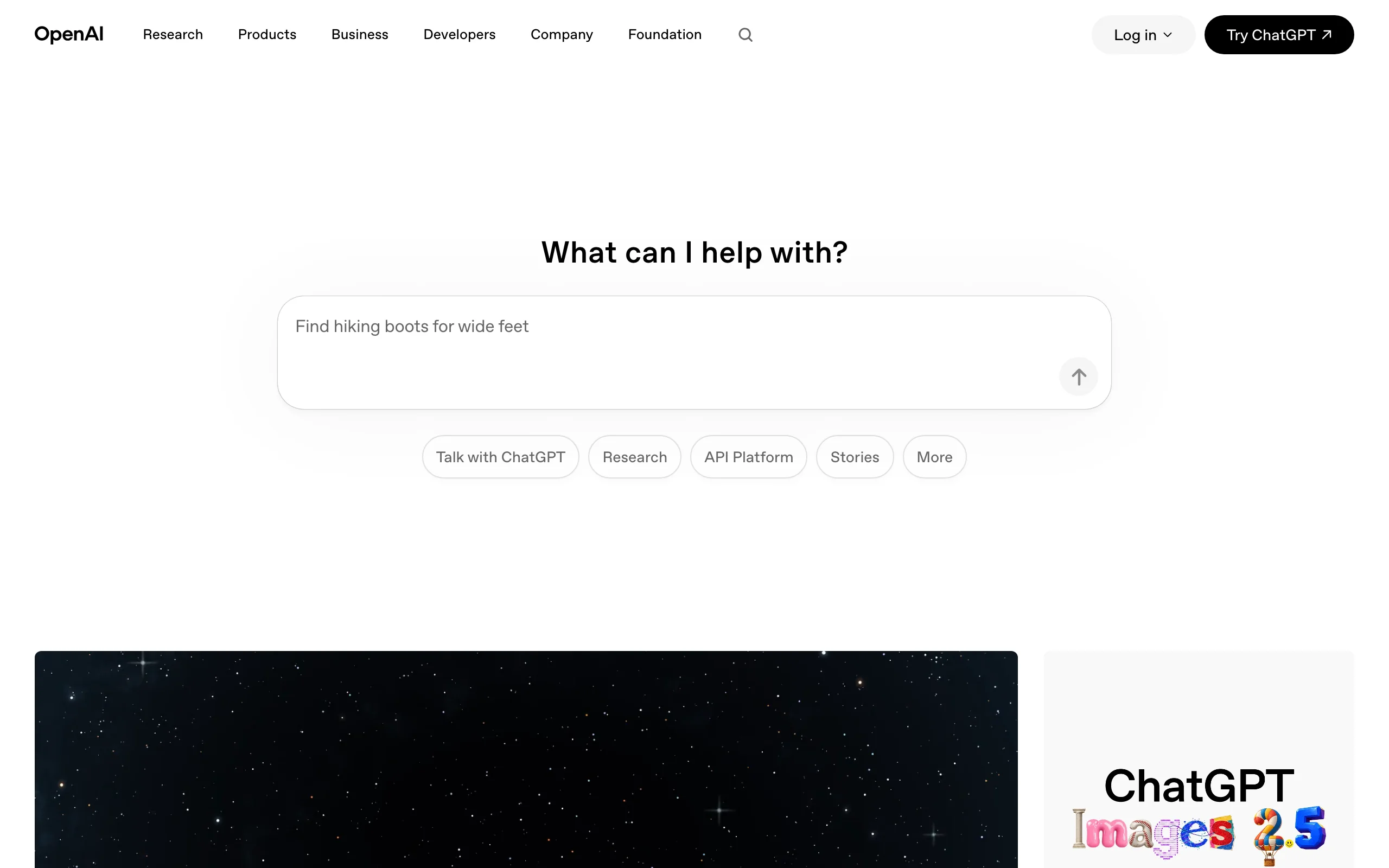
Image source: Official article
Technical positioning and domain: OpenAI CLI is an NLP API client—a general command-line client for OpenAI APIs. It fills the gap for terminal-native OpenAI access without SDKs or the web UI, for API testing, automation, ops, and batch content processing.
Development background: Built by OpenAI, leveraging Codex developer-tools experience. Jason Liu focused on DX to end the loop of rewriting scripts when debugging prompts and API params. OpenAI CLI extends official API access into the shell, differentiated from community CLIs.
Core value: Zero-latency debugging and native pipeline integration. No SDK middle layer—test prompts and params instantly in the terminal. Unix-style output works with grep, awk, jq for chained automation. Single-binary deploy and official maintenance ensure performance and compatibility.
Technical characteristics: Resource-oriented commands: openai [resource] <command> [flags...] map to REST paths for low learning cost. Go 1.25+ single binary—no Python/Node—for Docker and cron. Auth via OPENAI_API_KEY and OPENAI_ADMIN_KEY—no hard-coded secrets.
2. Key Features
Responses API: Call Responses from the terminal with full cloud tools and function calling—
openai responses createfor multi-turn and tool chains without SDK scripts.Multimodal tasks: Image gen/edit (DALL·E), transcription (Whisper), TTS—
openai images create,openai audio transcribe, etc., from the shell.Project management: Create projects and API keys for team permissions and resource isolation—
openai projects createfor usage, quotas, and cost by project.Unix structured output: JSON, YAML, Pretty, etc.—pipe and redirect friendly.
--format jsonor--format yamlplusjq/yqfor filtering.File parameters:
@file.extuploads with auto text/Base64 sniffing;@file://for text,@data://for Base64—simplified multimodal payloads.GJSON transforms:
--transformwith GJSON to filter output, e.g.openai responses create --input "..." --format json --transform "choices[0].message.content".Env-based auth:
OPENAI_API_KEY,OPENAI_ADMIN_KEY—configure in shell or Docker-e, not in commands.Help and debug:
--helpon any command;--debugfor full request/response detail.
3. How to Use
Requirements: macOS, Linux, Windows. macOS: Homebrew; Linux: Go 1.25+ for source install; Windows: WSL or Git Bash. No Python/Node required.
Install: macOS:
brew install openai/tools/openai. Linux:go install github.com/openai/openai-cli@latest. Verify:openai --version.Configure keys:
export OPENAI_API_KEY="sk-your-key-here"—prefer.bashrc/.zshrc. Or--api-keyper invocation (leak risk).Chat/request:
openai responses create --input "Introduce OpenAI CLI in Chinese" --model gpt-5.5. Tune with--max-tokens,--temperature.Pipeline automation: Pipe files in, e.g.
cat error.log | openai chat --system "Analyze risks and suggest fixes" > analysis.txt.Help and formats:
openai responses create --help;--format json;--debugfor troubleshooting.
4. Pros and Cons
| Pros |
|---|
| Zero-latency debugging: Test prompts and params in-terminal without scripts or restarts—faster API iteration. |
| Native pipelines: Fits grep/awk/jq chains for automation and data processing. |
| Lightweight: Single binary, no Python/Node—Docker and cron friendly. |
| Official alignment: Maintained by OpenAI against latest API—avoids third-party drift. |
5. Comparison with Similar Tools
| Dimension | OpenAI CLI | Gemini CLI |
|---|---|---|
| Team | OpenAI official | Google official |
| License | Apache 2.0 | Apache 2.0 |
| Positioning | General API CLI client | Terminal AI agent (dev assistant) |
| Models | GPT-5.5, GPT-4o, full lineup | Gemini 2.5 Pro/Flash, etc. |
| Context | 128K–256K (model-dependent) | 1M tokens |
| Install | Homebrew / Go install | npm / Homebrew / MacPorts |
| Auth | API Key / Admin Key | Google OAuth / API Key / Vertex |
| Free tier | None (bring your key) | ~1000 req/day (personal) |
| Files | @file auto encoding |
Local FS read/write |
| Interaction | Command (non-interactive) | Interactive terminal chat |
| Built-in tools | API only | Google Search, MCP, shell |
| Output | json/yaml/jsonl/pretty/raw | Interactive terminal |
| Best for | API test, automation, ops | Terminal coding, analysis |
Selection advice: For fast OpenAI API/param testing and piping, OpenAI CLI is direct and hard to replace. For interactive terminal chat and built-in tools, prefer Gemini CLI. For multi-model workflows and Git integration, Gen CLI is more flexible. GPT-heavy automation → OpenAI CLI; interactive coding assistant → Gemini CLI; multi-model orchestration → Gen CLI.
6. Editor's Take
OpenAI CLI stands out for resource-oriented commands and a Go single-binary design—performance and portability beat many Python/Node clients. Easy Docker/CI integration shows serious DX thinking.
It solves API test/debug pain: prompt iteration from minutes to seconds; pipelines make automation scripts concise. Strong for devs, ops, and data scientists who call OpenAI often.
Limits: non-interactive design makes multi-turn chat clunky vs. Gemini CLI; no built-in search/shell caps complex agent flows—may need companion tools.
Audience: Frequent prompt/API testers; batch API ops; CLI-first power users. Beginners or GUI-first users may prefer web or SDKs.
Future: More API surface (fine-tuning, vector stores, streaming); interactive mode or built-in tools would boost competitiveness; community plugins could extend use cases.
Excellent for API testing and shell automation; deductions for non-interactive design and missing agent tooling—still highly recommended in its niche.
7. Use Cases
Log analysis and ops: Pipe logs for AI analysis into alerts, e.g.
cat error.log | openai chat --system "Analyze risks and suggest fixes" > analysis.txt.Rapid prototyping: Iterate prompts and temperature in-terminal before full scripts—
openai responses create --input "..." --temperature 0.7 --max-tokens 500.Batch content: Loop image gen, TTS, multimodal calls for marketing and creative pipelines.
Backend resource management: List/manage fine-tunes, files, org usage via CLI instead of slow web UI.
CI/CD: Automated review, docs, or tests in pipelines with
openai responses createand code fromcat.Data pipelines: Chain
jq→ OpenAI →jq, e.g. summarize JSON items and write summaries to file.
8. FAQ
Q: Do I need Python or Node.js?
A: No. Go binary only—Homebrew on macOS, go install on Linux, WSL/Git Bash on Windows.
Q: How do I set the API key?
A: Prefer export OPENAI_API_KEY="sk-..." in shell config. --api-key per call risks leaks. Use OPENAI_ADMIN_KEY for admin ops.
Q: Which models are supported?
A: Full OpenAI lineup—GPT-5.5, GPT-4o, GPT-4 Turbo, GPT-3.5 Turbo, etc.—via --model. New models work as API updates ship.
Q: File upload?
A: @file.ext with auto encoding; @file:// text, @data:// Base64. Images, audio, text supported.
Q: Free tier?
A: No—bring your key; billed per OpenAI pricing. Use --max-tokens to cap cost.
Q: Output formats?
A: --format json|yaml|jsonl|pretty|raw. Combine with jq/yq.
Q: Streaming?
A: Not in current CLI—request/response only. Use Python/Node SDKs for streams.
9. Project Links
- GitHub: https://github.com/openai/openai-cli
- OpenAI: https://openai.com
- API docs: https://platform.openai.com/docs
Related AI Model Articles

In-Depth Review of Longcat-2.5-preview: Meituan's Next-Generation Multimodal Long-Range Agent Model
LongCat-2.5-preview is Meituan's latest next-generation large model. Building upon the 1.6T total parameters, approximately 48B active parameters, and native 1M token context of LongCat-2.0, it marks ...
Xiaomi MiMo-V2.6 – Xiaomi's Open-Source Multimodal Model Series
Xiaomi MiMo-V2.6 is a series of fully multimodal models released and open-sourced by Xiaomi, comprising two native full-modal models: Pro and Flash. It is centered on large-scale Agentic reinforcement...

In-Depth Review of Step 5 Preview: A 600B Sparse MoE Flagship with 1M Token Context and 1/8 Cost Advantage
Step 5 Preview is a new-generation flagship foundation model launched by StepFun, designed for real-world Agentic tasks. Based on a sparse MoE architecture, the model has a total of 600B parameters bu...
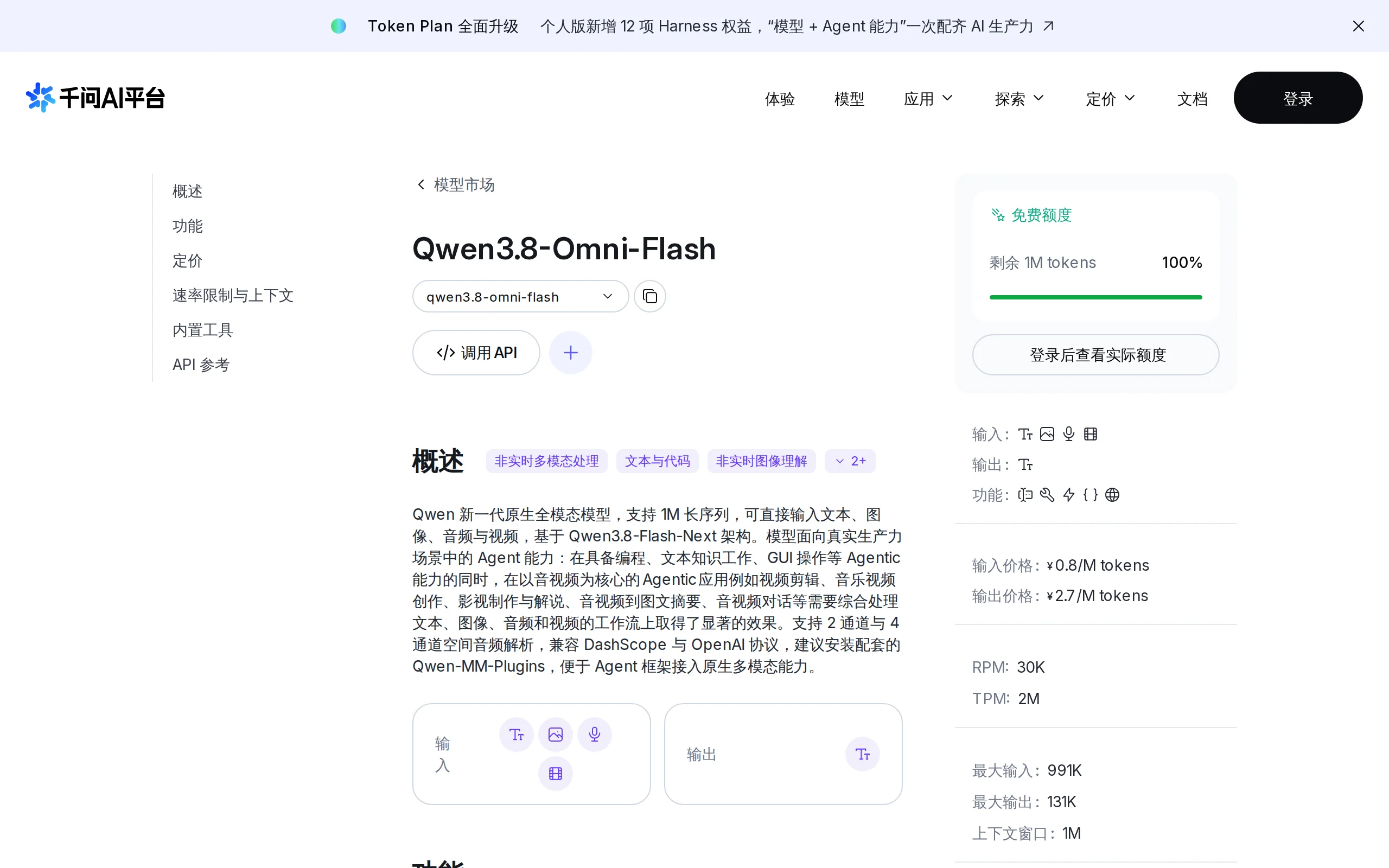
Qwen3.8-Omni-Flash – A Native Multimodal Model Launched by Alibaba Qwen
Qwen3.8-Omni-Flash is a native multimodal model launched by Alibaba Qwen. It jointly models four modalities—text, image, audio, and video—within a single architecture, supporting a context length of u...
© All Rights Reserved. Some content on this site is partially generated by AI with human review.