
omp – Open-Source AI Terminal Coding Agent with Deep IDE Integration
Executive Summary:
omp (oh-my-pi) is an open-source AI terminal coding agent built on the Pi project. Its Rust core is roughly 27,000 lines and supports 40+ model providers and 32+ built-in tools. Designed for deep IDE ...
1. What Is omp
omp (oh-my-pi) is an open-source AI terminal coding agent built on the Pi project. Its Rust core is roughly 27,000 lines and supports 40+ model providers and 32+ built-in tools. Designed for deep IDE integration from the terminal, it combines Hashline hash-anchored editing, LSP/DAP integration, and real browser automation to unify editing, refactoring, debugging, and search—moving beyond "looking at code through glass" from text replacement to semantic operations.
Image source: Official article
Technical positioning and domain: A terminal-native AI coding agent in the AI-assisted programming space. Unlike IDE plugins (GitHub Copilot, Cline), omp runs the full workflow in the terminal and bridges to the project via LSP and DAP for semantic understanding—not just completion or simple diffs.
Development background: Led by developer can1357 as a major fork/extension of the lightweight Pi agent framework. Motivation: low edit success rates, shallow debugging, and no cross-session memory—diff edits fail on whitespace, AI debugging devolves into println guessing, and every new chat restarts context.
Core value: Three problems solved: (1) edit success ~6.7% with traditional diffs vs 68.3% with Hashline and ~61% fewer tokens; (2) real debugging via breakpoints, variables, and stack traces—not print debugging; (3) cross-session memory via Hindsight so project structure persists across conversations.
Technical characteristics: High-performance Rust core, Hashline hash-anchored editing, deep LSP (13 operations) and DAP (27 operations), persistent Python/Bun execution, 14 search providers, parallel sub-agents, and flow rules for time-travel debugging—a full terminal coding stack out of the box.
2. Key Features
Hashline intelligent editing: Content hashes anchor edits; the model outputs hash + change without rewriting full files. Success rises from 6.7% to 68.3% with ~61% token savings—especially for whitespace-sensitive Python/YAML.
Deep LSP integration: Acts as an LSP client for references, cross-file refactor, rename, go-to-definition, etc. Renames propagate through the language server instead of brittle text replace.
DAP debugger driving: Talks to LLDB-DAP, Delve (Go), debugpy (Python), etc.—breakpoints, variables, call stacks, single-stepping like a human debugger.
Dual-kernel code execution: Persistent Python and Bun workers run snippets in isolation; workers can call back into agent tools (read, search, task) over localhost.
Web search and browsing: 14 search providers plus real Chromium browsing with anti-bot modes—structured results for docs, Stack Overflow, and fresh technical info.
Parallel sub-agents: Split large tasks across sub-agents and merge results—e.g., parallel file refactors.
Cross-session memory (Hindsight): Compress and persist project structure, conventions, and key decisions for new sessions.
Dynamic model routing: Route by task type—light models for chat, strong reasoning models for hard problems—with
/modelorCtrl+Pmanual override.
3. How to Use
Requirements: macOS (Intel/Apple Silicon), Linux (x86_64/aarch64), or native Windows (no WSL). Git and CLI basics required. For local models, install Ollama or LM Studio. 16GB+ RAM recommended; cloud models need API keys.
Install: macOS/Linux:
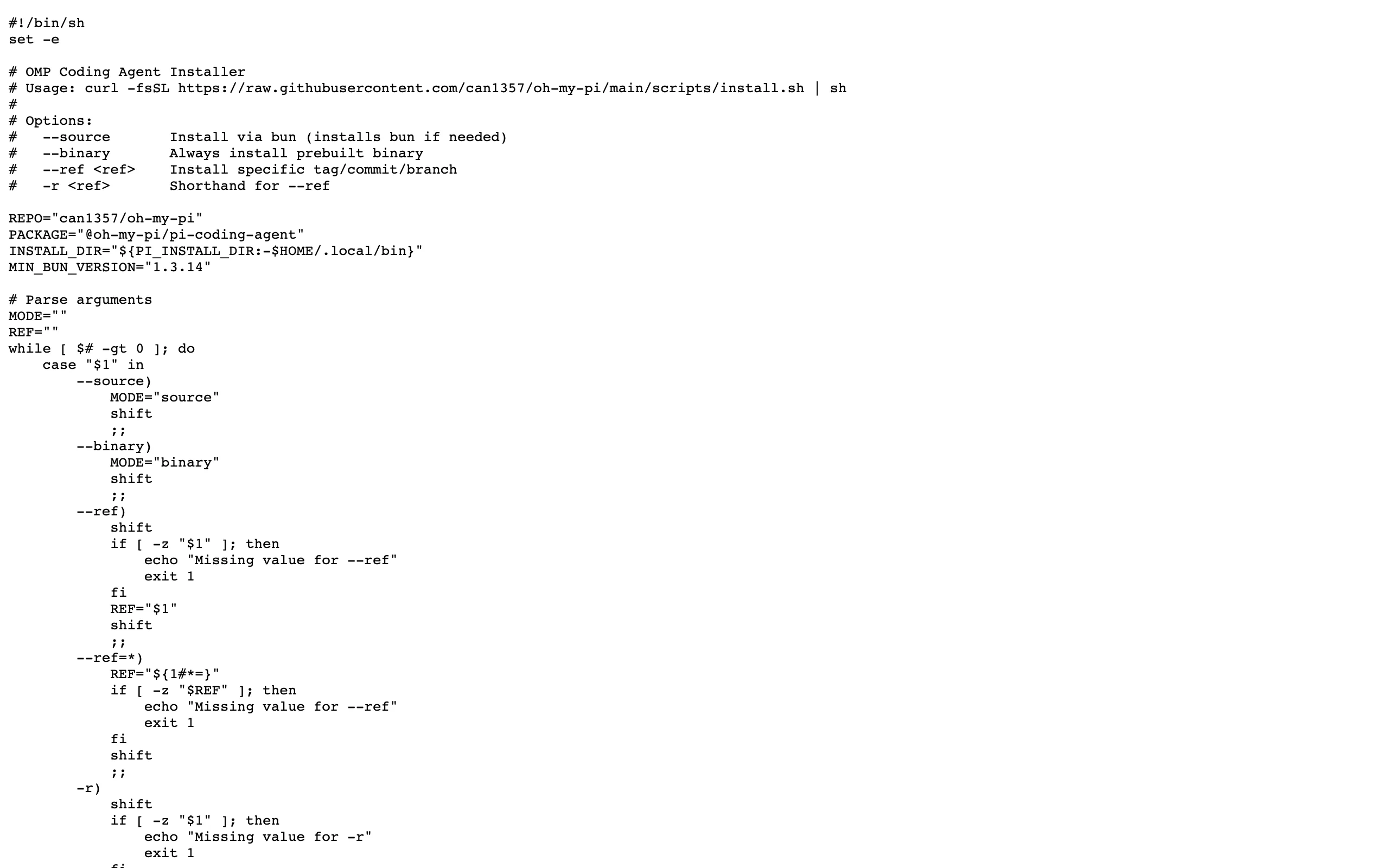
curl -fsSL https://omp.sh/install | sh. Windows PowerShell:irm https://omp.sh/install.ps1 | iex. Or:bun install -g @oh-my-pi/pi-coding-agent. With mise:mise use -g github:can1357/oh-my-pi.Start and configure: Run
ompin your project directory. First launch prompts for provider API keys (OpenAI, Anthropic, Google, Groq, etc.). Local Ollama/LM Studio can skip keys. Then describe tasks in natural language.Model switching and best practices: Use
/modelorCtrl+Pto cycle models. Use strong reasoning models for refactor/debug; cheaper models for small edits. On first session, state project layout and conventions for Hindsight.
4. Pros and Cons
| Pros |
|---|
| Very high edit success: Hashline ~68.3% vs ~6.7% diff baseline; ~61% token reduction lowers API cost. |
| IDE-grade semantic ops: LSP + DAP refactor, references, real breakpoints—beyond text-replace agents. |
| Persistent cross-session memory: Hindsight avoids re-explaining projects—great for long-lived codebases. |
| Provider-agnostic routing: 40+ providers + local models; dynamic routing for cost/quality balance. |
5. Comparison with Similar Tools
| Dimension | omp (oh-my-pi) | Aider | OpenCode |
|---|---|---|---|
| Core architecture | Rust (~27k LOC), Pi-based, terminal-native | Python, Git-native pair programming | Go/TS/Rust/Tauri, terminal-native |
| Edit technology | Hashline anchors; 68.3% success | Diff + tree-sitter | Diff/patch |
| LSP | Deep: 13 operations | No native LSP | Auto LSP load |
| DAP debugging | 27 DAP operations | No native debugger | No native debugger |
| Cross-session memory | Hindsight | Single session | Single session |
| Sub-agent parallelism | Built-in | Single agent | Multi-session parallel |
| License | MIT | Apache 2.0 | MIT |
Selection guidance: Choose omp for edit accuracy and Hindsight on large refactors/debug-heavy repos. Choose Aider for Git-first workflows with semantic commits and /undo. Choose Cline for VS Code GUI integration. Choose OpenCode for multi-session parallelism and broad provider support.
6. Editor's Take
omp stands out technically: Hashline solves the edit-success bottleneck (6.7%→68.3%), and wrapping 13 LSP + 27 DAP ops for AI is rare in open source. Hindsight addresses continuity on long projects.
Best for senior engineers doing cross-file refactors and developers who want real breakpoint debugging—not println archaeology. Dynamic routing helps control cost on daily tasks.
Rust architecture scales well, but community/docs trail Aider/Cline. Better Windows support and ecosystem growth could make omp a top terminal coding choice.
— one star off for learning curve and ecosystem maturity.
7. Use Cases
- Large refactors: Safe renames and module moves with LSP reference sync across hundreds of files.
- Complex debugging: Breakpoints and stack inspection for segfaults, deadlocks, and leaks in C/Rust/Go/Python.
- Polyglot projects: Route light vs heavy models across Python/TS/Rust stacks.
- Research and prototypes: Browser search of GitHub, Stack Overflow, arXiv with runnable follow-up code.
- Long-maintained products: Hindsight preserves architecture and conventions across months of work.
8. FAQ
Q: How is omp different from Aider?
A: Hashline vs traditional diff; native DAP debugging; Hindsight cross-session memory Aider lacks.
Q: Must I use paid APIs?
A: No—Ollama/LM Studio work locally. Use local models for simple tasks and cloud for hard refactor/debug work.
Q: Is Hashline language-agnostic?
A: Yes—hash-based anchors work for any language; Python, JS, and Rust are best tested.
Q: Windows without WSL?
A: Yes—native PowerShell install. Browser features are still smoother on Unix-like systems.
Q: Hindsight privacy?
A: Stored locally under ~/.omp/hindsight by default—not uploaded. You can inspect and delete.
Q: Multiple providers?
A: Configure on first launch or in config; routing picks models by task type.
Q: CI/CD usage?
A: Non-interactive CLI mode supports review, auto-fix, and test generation in pipelines.
9. Project Links
- GitHub: https://github.com/can1357/oh-my-pi
- Install script: https://omp.sh/install
Related AI Model Articles

OpenMuse – CopilotKit Open-Source Personal AI Assistant
OpenMuse is an open-source personal AI assistant project developed by the CopilotKit team. Its core design philosophy is "giving an Agent a computer" — by combining a persistent browser, optional Linu...

In-Depth Review of Longcat-2.5-preview: Meituan's Next-Generation Multimodal Long-Range Agent Model
LongCat-2.5-preview is Meituan's latest next-generation large model. Building upon the 1.6T total parameters, approximately 48B active parameters, and native 1M token context of LongCat-2.0, it marks ...

Review of DeepSeek Harness Desktop: How the Official GUI Client Lowers the Bar for Agent Usage
DeepSeek Harness Desktop is the official graphical client launched by DeepSeek, designed to provide a visual interface for the originally command-line-based DeepSeek Harness framework. After users log...

Step Code – In-Depth Review of StepFun's Open-Source Terminal Programming Agent
Step Code is an open-source terminal programming agent launched by StepFun, licensed under the MIT License, which allows developers to complete the full workflow of code writing, debugging, execution,...
© All Rights Reserved. Some content on this site is partially generated by AI with human review.