
CopilotKit – Open AI Agent Framework and Full-Stack Agent UI Infrastructure
Executive Summary:
CopilotKit is an open-source AI-native application front-end operating system that moves AI agents beyond the chat-box paradigm into the application's interactive UI. Built on the React ecosystem by t...
1. What Is CopilotKit
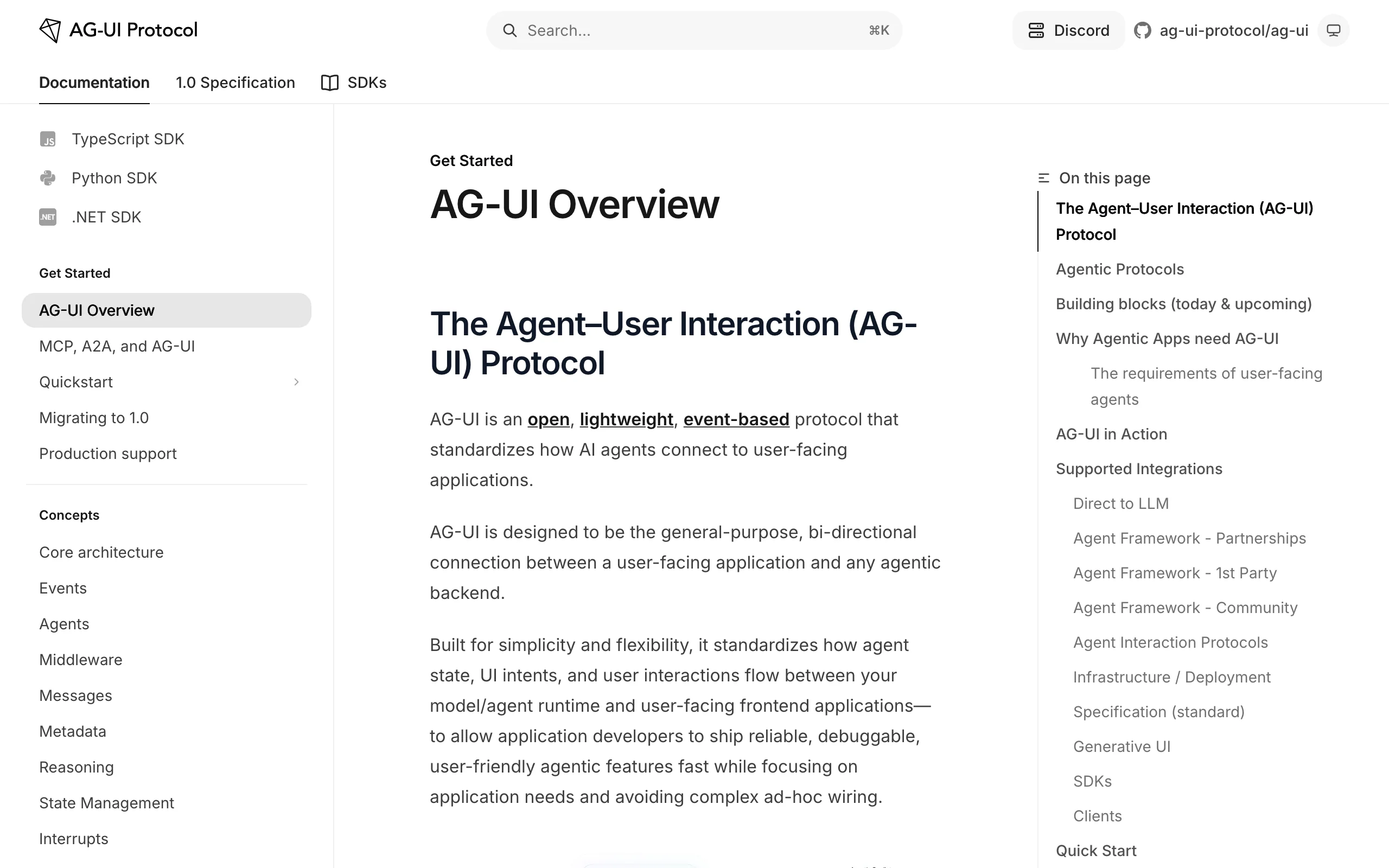
CopilotKit is an open-source AI-native application front-end operating system that moves AI agents beyond the chat-box paradigm into the application's interactive UI. Built on the React ecosystem by the CopilotKit team, it offers three Generative UI modes (Controlled, Declarative A2UI, Open-ended) so agents can generate dynamic interactive components in real time—not just text. The team also introduced the AG-UI protocol as a standardized communication layer between agents and UI, enabling bidirectional state sync, Human-in-the-Loop approval, persistent Threads, and more. CopilotKit's core value is deep integration of AI agents with existing front-end apps so developers can let agents "act on" the product without rewriting the UI, covering simple chat through complex business operations.
Image source: Official article
Technical positioning and domain: CopilotKit belongs to AI-native application infrastructure, focused on full-stack Agent UI integration. It is not a simple chat component library but a complete runtime with front-end components, backend Runtime, and protocol layer, mapping agent capabilities directly to UI operations for a closed loop from conversation to execution.
Development background: Built by a team of former Google, Microsoft, and Meta engineers with deep AI × front-end engineering experience. The motivation is that simple chat API integrations cannot meet complex SaaS needs for interaction depth and brand consistency, so the team designed protocol-first Agent UI infrastructure from the ground up.
Core value: CopilotKit fixes the "two separate worlds" problem between agents and front-end apps. Traditional agents only output text while users manually operate the UI; CopilotKit lets agents generate forms, buttons, charts, and sync app state in real time, cutting development cost for complex AI features and improving UX fluidity—especially for SaaS and enterprise apps with deep AI integration.
Technical characteristics: AG-UI protocol defines real-time agent–UI communication with bidirectional state sync and interruption. Three Generative UI modes cover controlled to open scenarios. Built-in Human-in-the-Loop and persistent Threads support production reliability and cross-session continuity. Deep integration with LangGraph, Mastra, CrewAI, and other mainstream agent frameworks.
2. Key Features
Three Generative UI modes: Controlled (developer-defined React components, agent fills data for brand consistency), Declarative A2UI (agent outputs JSON schema mapped to components for long-tail features), and Open-ended (agent generates HTML or drives Excalidraw, etc., for exploratory visualization).
Bidirectional state sync:
useAgentHook plus CopilotKit Runtime over WebSocket or SSE exposes app state as a shared tree. Agents read snapshots, write state after tool calls, and the front end re-renders on diffs—no manual bridging.Human-in-the-Loop interruption: Runtime inserts interrupt nodes; when agents call tools needing approval, execution pauses, sends interrupt events, renders approval UI, resumes after user confirmation—reducing automation risk.
Persistent Threads and session management: Messages, intermediate state, generated UI nodes, and approval records persist by Thread ID (memory, Redis, or database). Reconnect loads full context and resumes from breakpoint for seamless cross-session continuity.
AG-UI full-stack integration: AG-UI is an industry protocol adopted by Google, Microsoft, Amazon, LangChain, Mastra, and others—write agent logic once, run on Web, mobile, Slack, and more with lower cross-platform cost.
Copilot Actions tool calling: Register APIs or business functions as LLM-callable Actions. Agents pick Actions during reasoning and reflect results in UI components for a full understand→execute chain.
One-click project integration:
npx copilotkit@latest initinstalls core packages, configures Provider, connects agent and UI. Template projects reduce onboarding friction.Cross-platform single integration: Same agent logic on Web, mobile, and Slack via AG-UI; implement platform UI mapping only, no agent logic changes.
3. How to Use
Requirements: Node.js 16+, npm/yarn/pnpm. React 18+ (Next.js, Vite, Remix, etc.). No special hardware; WebSocket-friendly environments recommended for real-time performance.
New project:
npx copilotkit@latest create -f <framework>where<framework>isnext,vite, orremix. Creates a template with Provider, sample Actions, and UI components.Existing project: Run
npx copilotkit@latest initto install@copilotkit/react-coreand@copilotkit/react-uiand wrap the root withCopilotKitProvider. Configure agent backend (LangGraph, Mastra, etc.).Agent state: Use
useAgentto read/write state, e.g.,agent.state.cityandagent.setState({ city: 'Beijing' }). Front end auto re-renders on subscription.Copilot Actions: Use
useCopilotActionto register APIs or functions, e.g.,searchFlightscalled automatically when users ask about flights, with validation and error handling.Human-in-the-Loop: Add
requireConfirmation: trueon Actions to pause and show approval UI; customize modal style and content; resume after approve/reject.Deploy: Deploy to any Node.js host (Vercel, Netlify, self-hosted). Enterprise can use CopilotKit Cloud for hosted Runtime, monitoring, and SLA. Use Redis or a database in production for Thread persistence.
4. Pros and Cons
| Pros |
|---|
| Protocol-level standard: AG-UI creators with adoption by Google, Microsoft, Amazon, LangChain—strong ecosystem and future interoperability. |
| Three UI modes for all scenarios: Controlled to open modes balance brand consistency and flexibility for enterprise customization. |
| Deep front-end state integration: Unlike chat widgets, agents read/write internal app state for true "hands-on" capability. |
| Production Human-in-the-Loop: Native approval flow before critical actions suits finance, healthcare, and compliance-heavy domains. |
| Cross-platform once: AG-UI lets one agent logic run Web, mobile, Slack—lower multi-platform maintenance. |
5. Comparison with Similar Tools
| Dimension | CopilotKit | Assistant-ui | Vercel AI SDK |
|---|---|---|---|
| Core positioning | Full-stack Agent UI (components + runtime + protocol) | Open React chat UI library | AI app toolkit with streaming API and components |
| UI generation | Agent generates UI: controlled, A2UI JSON, open HTML | Static Thread/Message/Composer components; agent does not generate new UI | Stream rendering + custom components; no dynamic UI generation |
| State management | Bidirectional deep sync; agents read/write app state | Mostly message list; manual app state bridge | One-way stream for text and tool results |
| Human-in-the-Loop | Native execution interrupt: pause → approval UI → resume | Message-level intercept; no execution flow control | Tool-level intercept; no native interrupt |
| Persistence | Built-in Thread persistence (memory/Redis/DB) | External backend required | No built-in persistence |
| Ecosystem | LangGraph, Mastra, CrewAI, etc. | OpenAI, LangChain, Convex backends | OpenAI, Anthropic, Google models |
| Onboarding cost | Medium: Runtime, Actions, UI modes | Lower: assemble React components | Medium: streaming API and tools |
Selection advice: For complex SaaS needing agents to operate UI state, approval flows, and multi-channel deployment, CopilotKit is the best fit—AG-UI and three UI modes offer control others lack. For standard chatbots without dynamic UI, Assistant-ui is lighter and faster to prototype. For streaming and simple tools, Vercel AI SDK is cleaner with strong Vercel integration. LangChain suits complex backend orchestration and multi-agent workflows but requires custom UI work.
6. Editor's Take
CopilotKit shows strong innovation in agent–front-end integration. AG-UI reframes interaction from "agent outputs text, user clicks UI" to "agent generates and operates UI"—technically hard but elegantly solved with three Generative UI modes and bidirectional state sync. Human-in-the-Loop in the execution chain is rare in open frameworks and production-ready.
Practically, it fits SaaS and enterprise apps embedding AI. Traditional "smart assistants" need heavy front-end glue; CopilotKit automates much of that via Actions and UI modes so agents can act on CRM, ERP, and similar systems—lower cost, better UX.
Audience: mid-to-senior React developers embedding AI in SaaS. Indie devs face a steeper curve, but CLI and templates help. As AG-UI spreads, CopilotKit could become the Agent UI standard; cross-platform value will grow.
Rationale: Strong innovation (AG-UI, three UI modes) and high practical value; −0.5 for moderate onboarding and React-only ecosystem. For React teams, it is currently the best full-stack Agent UI solution.
7. Use Cases
Embedded Copilot in SaaS: CRM, ERP, analytics—natural language to create charts, fill data, send email without multi-screen manual work.
AI-native apps: Agent-centric apps like smart form builders and workflow automation where agents generate forms, dashboards, and calendars from user intent.
Long-tail automation: A2UI declarative mode for low-frequency UIs (expense, booking, approvals) with ~80%+ less bespoke front-end work.
Cross-platform agent deployment: Same agent on Web, mobile, and Slack with platform-appropriate UI, unchanged agent logic.
Compliance approval automation: Finance/healthcare agents pause for human approval before critical actions (e.g., credit limit changes) with auditability.
Data exploration and visualization: Open mode generates HTML or drives Excalidraw for exploratory charts without coding.
8. FAQ
Q: Does CopilotKit support Vue or Angular?
A: React only today (Next.js, Vite, Remix, etc.). Vue/Angular planned without a firm timeline. Non-React projects can implement AG-UI on the front end manually.
Q: How to integrate with existing backends?
A: Runtime connects to LangGraph, Mastra, CrewAI, etc. Custom backends need AG-UI-compatible endpoints or Runtime bridging—see "Custom backend integration" in docs.
Q: Custom Human-in-the-Loop approval UI?
A: Yes. Use interruptUI on CopilotKit Provider for custom modals (reason fields, attachments). Approve/reject can trigger notifications or audit logs.
Q: Which Thread storage backends?
A: In-memory (dev), Redis or PostgreSQL/MongoDB (production). Implement ThreadStorage for custom backends—see "Persistence configuration" in docs.
Q: Multi-agent collaboration?
A: Optimized for single-agent today. Orchestrate multi-agent in LangGraph etc., pass results through Runtime. Multi-agent support planned (~Q3 2025 per team).
Q: Performance at scale?
A: Single-node Runtime supports hundreds of concurrent connections. Large deployments: CopilotKit Cloud enterprise with load balancing and SLA. Tune persistence and WebSocket pools.
Q: Self-hosted deployment?
A: Fully open source and self-hostable on your servers or Kubernetes. CopilotKit Cloud optional for managed service and support.
9. Project Links
- GitHub: https://github.com/CopilotKit/CopilotKit
- Documentation: https://docs.copilotkit.ai
- AG-UI protocol: https://ag-ui.com
- NPM: https://www.npmjs.com/package/@copilotkit/react-core
Related AI Model Articles

OpenMuse – CopilotKit Open-Source Personal AI Assistant
OpenMuse is an open-source personal AI assistant project developed by the CopilotKit team. Its core design philosophy is "giving an Agent a computer" — by combining a persistent browser, optional Linu...

In-Depth Review of Longcat-2.5-preview: Meituan's Next-Generation Multimodal Long-Range Agent Model
LongCat-2.5-preview is Meituan's latest next-generation large model. Building upon the 1.6T total parameters, approximately 48B active parameters, and native 1M token context of LongCat-2.0, it marks ...

Review of DeepSeek Harness Desktop: How the Official GUI Client Lowers the Bar for Agent Usage
DeepSeek Harness Desktop is the official graphical client launched by DeepSeek, designed to provide a visual interface for the originally command-line-based DeepSeek Harness framework. After users log...

Step Code – In-Depth Review of StepFun's Open-Source Terminal Programming Agent
Step Code is an open-source terminal programming agent launched by StepFun, licensed under the MIT License, which allows developers to complete the full workflow of code writing, debugging, execution,...
© All Rights Reserved. Some content on this site is partially generated by AI with human review.