
Microsoft Scout – Microsoft's AI Personal Assistant
Executive Summary:
Microsoft Scout is an enterprise-grade AI personal assistant from Microsoft. It is not a traditional chatbot but an Autopilot agent built on the OpenClaw open-source stack with its own Entra identity....
1. What Is Microsoft Scout
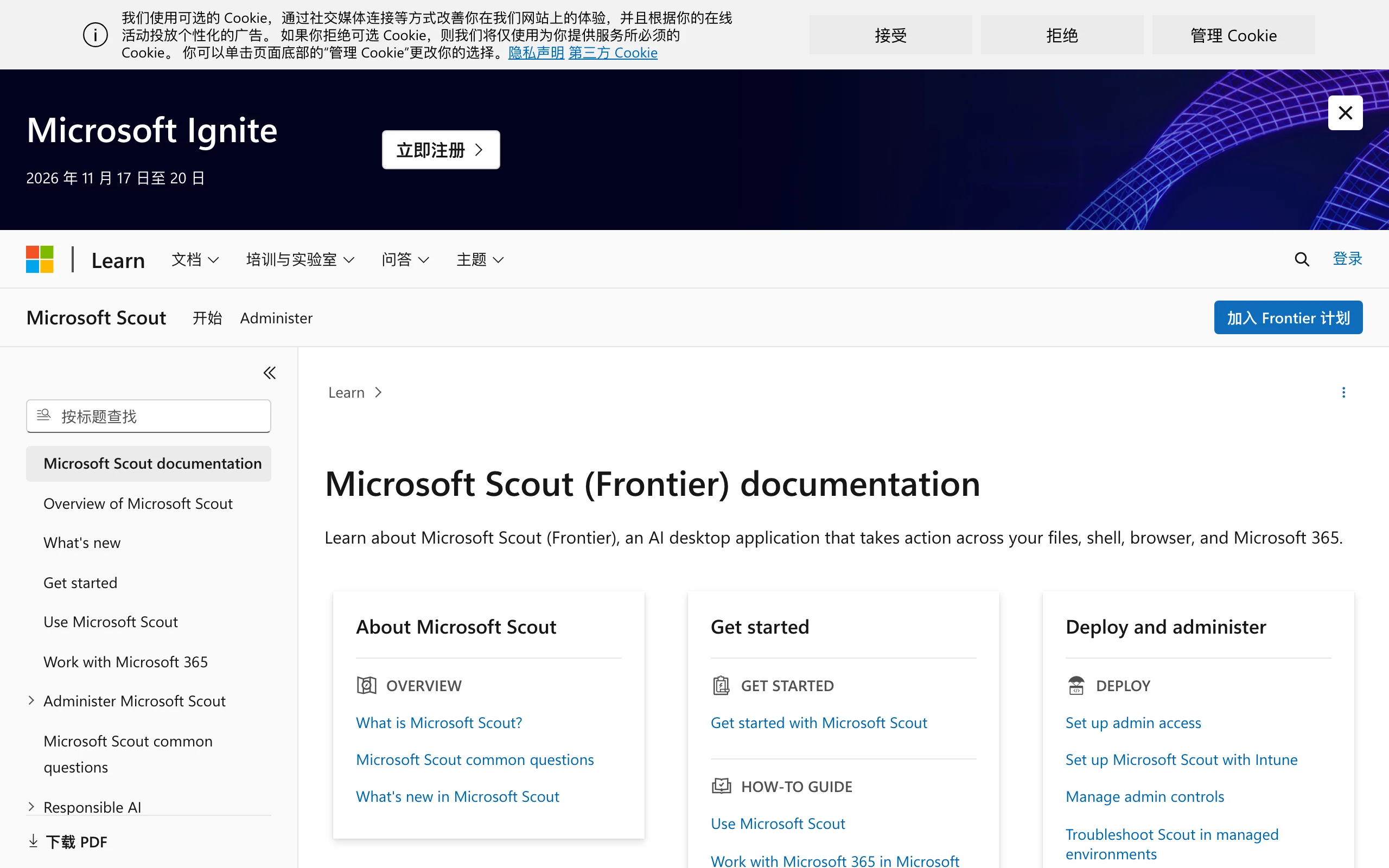
Microsoft Scout is an enterprise-grade AI personal assistant from Microsoft. It is not a traditional chatbot but an Autopilot agent built on the OpenClaw open-source stack with its own Entra identity. Its core innovation is the ability to run autonomously in the background around the clock without requiring the user to trigger each interaction. Scout can proactively take over work and life tasks 24/7. It is deeply integrated with the Microsoft 365 ecosystem, including Outlook, Teams, and OneDrive. It can proactively schedule meetings, handle email, and even place phone calls on the user's behalf. Through its distinctive Work IQ system, it continuously learns user habits and priorities, delivering a personalized experience that improves the more it is used. Scout is currently available in desktop preview to 3,000 Microsoft employees and U.S. Frontier customers.
Image source: Official article
Technical positioning and domain: Scout belongs to the enterprise AI agent space and is specifically positioned as an Autopilot agent. Its goal is to free users from high-frequency, low-creativity repetitive work. Unlike traditional AI assistants, it is not a passive response tool but an autonomous entity with initiative and continuous runtime capability.
Research background: Developed by Microsoft Research and product teams, Scout builds on Microsoft's deep enterprise software ecosystem (Microsoft 365) and AI capabilities (such as the MAI model family). The motivation comes from a deeper rethink of human-AI collaboration: evolving AI from a tool into a colleague and addressing the lack of contextual continuity and proactivity in traditional assistants.
Core value: Scout's core value is an interaction paradigm shift from "tool" to "colleague." It addresses fragmented information and inefficient task management in cross-app, cross-time-zone enterprise collaboration. Through persistent memory and proactive push notifications, it significantly reduces cognitive load and hidden time costs while improving workflow automation.
Technical characteristics: Scout's technical moat lies in its OpenClaw-based open foundation, its proprietary MAI-Thinking-1 reasoning model, the Work IQ persistent memory mechanism, and the Execution Containers SDK security system. Together, these provide enterprise-grade data protection while preserving contextual continuity and creating strong ecosystem lock-in.
2. Key Features
Autonomous background operation and proactive push: As an Autopilot agent, Scout stays active in the background 24/7 without manual triggering. Based on preset rules and user habits learned through Work IQ, it proactively pushes critical information, such as pre-read summaries for afternoon meetings that include the other company's latest updates and key points from the last conversation, significantly improving information retrieval efficiency.
Native Teams contact interaction: Scout appears in the Microsoft Teams contact list as a real contact rather than as an embedded in-app module. Users can message it like a human colleague and receive replies with remembered context, enabling continuous, natural conversational collaboration and greatly lowering the interaction barrier.
Deep cross-app integration and MCP support: Scout connects deeply to core Microsoft 365 apps such as Teams, Outlook, OneDrive, and SharePoint, and can connect third-party software through the Model Context Protocol (MCP). Users can even configure Scout's personality and model preferences for a highly personalized intelligent agent.
Smart scheduling and travel coordination: Scout can automatically handle cross-time-zone meeting scheduling and monitor local traffic in real time, recommending optimal departure times. It can also proactively remind users of personal tasks such as picking up children from school based on calendar and task lists, seamlessly blending work and life management.
Automated email and document handling: It can automatically classify and prioritize email and draft responses based on workflow. For high-frequency, process-driven document work such as expense reimbursement and form filling, Scout can fully take over and free users from tedious repetitive labor.
Proactive communication capability: Unlike passive tools that wait for instructions, Scout can proactively call users. This enables direct voice communication in urgent or confirmation-heavy scenarios, marking a shift from text-only interaction to multimodal proactive interaction.
Work IQ persistent memory system: This is Scout's core differentiator. By continuously reading chat history, meeting records, and email, it keeps learning and refining its understanding of user habits, priorities, and work patterns. This "the more you use it, the better it understands you" mechanism significantly reduces hidden time costs and drives exponential gains in collaboration efficiency.
3. How to Use
Microsoft Scout is currently in early desktop preview. Deployment and usage follow this flow:
Environment requirements and prerequisites: Users need a Microsoft 365 Business or Enterprise subscription and a Copilot license. The recommended operating systems are the latest versions of Windows 11 or macOS. Users also need an Entra ID (Azure Active Directory) account, which is the foundation for Scout's independent identity.
Installation and startup: Download the Scout client through Microsoft's official desktop preview channel. Installation follows a standard wizard flow. After installation, sign in with an Entra ID account. On first launch, the system guides users through basic permission authorization, including access to Teams, Outlook, OneDrive, and other app data.
Work IQ initialization and personalization: After startup, Scout enters a learning phase. Users must authorize access to historical chat records, email, and meeting content. In personalization settings, users can define Scout's personality (such as professional or friendly), proactive push preferences (such as meeting summaries or traffic alerts), and the list of third-party software that can be connected.
Core feature experience: After configuration, Scout appears as a contact in Teams. Users can send messages directly, such as "Schedule a meeting with Zhang tomorrow afternoon." Scout automatically checks both calendars, selects a suitable time, and sends the invitation. At the same time, it keeps running in the background and proactively pushes information based on learned habits.
Security and compliance considerations: As an enterprise tool, all operations run through Scout's independent Entra identity and follow the organization's Purview and Defender security policies. Users should not process highly sensitive confidential data through Scout unless organizational compliance policies explicitly allow it. It is recommended to regularly review Scout's Work IQ learning records to ensure behavior matches expectations.
4. Pros and Cons
| Pros |
|---|
| Interaction paradigm innovation: Existing as a Teams contact upgrades the experience from "tool" to "colleague." Natural, continuous conversational interaction greatly reduces learning cost. |
| Persistent memory and proactive intelligence: Work IQ continuously learns user habits for true contextual continuity and proactively pushes key information, significantly reducing information retrieval time. |
| Native enterprise security design: Independent Entra identity, cloud sandbox isolation, Execution Containers SDK, and Purview/Defender multi-layer protection provide security by design rather than as an afterthought. |
| Open source plus proprietary dual-track strategy: Built on the OpenClaw open community while powered by the proprietary MAI-Thinking-1 model, balancing community vitality and technical autonomy. |
5. Comparison with Similar Tools
| Dimension | Microsoft Scout | Google Gemini Spark |
|---|---|---|
| Core positioning | Enterprise Autopilot agent focused on autonomous operation and proactive push | Enterprise personal assistant deeply connected to Google Workspace |
| Interaction form | Native Teams contact with natural conversational interaction | Not publicly disclosed; likely an embedded assistant within Google apps |
| Autonomy | Runs continuously in the background, pushes information proactively, no user trigger required | Similar proactive agent that can connect to Gmail/Docs for tasks; autonomy still to be validated |
| Memory mechanism | Work IQ persistent memory with continuous learning of user habits for contextual continuity | Not publicly disclosed; likely relies on conversation history without deep work-pattern understanding |
| Ecosystem integration | Full Microsoft 365 ecosystem plus MCP protocol extensions | Google Workspace apps (Gmail, Docs, Calendar, etc.) |
| Security system | Entra ID, Purview, Defender, Execution Containers SDK with multi-layer native protection | Google enterprise security controls relying on Workspace security policies |
Selection advice:
For mid-to-large enterprises deeply tied to Microsoft 365, Microsoft Scout is the top choice. Native integration, persistent memory, and proactive intelligence can elevate existing collaboration efficiency to a new level. It is especially valuable for executives, project managers, and roles that handle large volumes of information and high-frequency decisions.
For organizations using Google Workspace, Gemini Spark is the better fit. Although its autonomy and memory mechanisms may be less mature than Scout's, seamless integration with Gmail, Docs, and other apps provides an efficient personal assistant experience.
For technical teams or developers who want to build highly customized agents, OpenClaw is an ideal starting point. It provides a flexible open framework but requires substantial engineering investment for integration, security hardening, and UI development. Scout's open-source plus proprietary strategy also suggests the community ecosystem may offer more customization options over time.
6. Editor's Review
Microsoft Scout's debut marks a shift in enterprise AI assistants from "Q&A tools" to "autonomous colleagues." From a technical innovation perspective, its biggest breakthrough is the combination of Work IQ persistent memory and proactive background operation. This is not simple feature stacking but a reconstruction of the underlying logic of human-AI collaboration. Traditional AI assistants start each conversation from scratch, while Scout continuously learns users' tacit knowledge (habits, priorities, work patterns) and moves from passive response to proactive anticipation. This is an important technical contribution to the AI agent field.
In practical value, Scout precisely targets core enterprise pain points in cross-app, cross-time-zone collaboration: information overload and fragmented tasks. By automating high-frequency, low-creativity work such as email handling, scheduling, and meeting preparation, Scout frees human capital for more strategic and creative work. Its colleague-style interaction design also significantly lowers psychological adoption barriers.
However, Scout is not a silver bullet. Strong ecosystem lock-in is a double-edged sword: organizations gain convenience while becoming more dependent on Microsoft. It is also still in preview, so feature completeness and stability remain to be validated in the market. For SMBs, licensing cost is another meaningful barrier.
Best for: Employees at mid-to-large enterprises who rely heavily on Microsoft 365, especially executives, project managers, sales teams, and roles requiring extensive cross-functional collaboration.
Future potential: As Work IQ matures and the MCP ecosystem expands, Scout could become an OS-level entry point for the enterprise digital workspace. Wider adoption of proactive communication capabilities such as phone calls will further blur the boundary between human and AI collaboration.
7. Use Cases
Executives and project managers: Receive automatic pre-read summaries each morning for important afternoon client meetings, including the other company's latest updates, key points from the last conversation, and required materials. No manual email or meeting-record digging is needed; Scout helps users enter meetings prepared and improves decision efficiency.
Cross-border team collaboration: Automatically handle cross-time-zone meeting scheduling by coordinating multiple calendars and finding optimal meeting times. Scout also monitors local traffic and proactively pushes "suggested departure time" reminders before meetings, reducing lateness caused by traffic delays.
Daily task automation: High-frequency, low-creativity tasks such as email classification, expense reimbursement, and form filling are handled by Scout 24/7. Users can simply instruct it in Teams, such as "Reimburse last week's travel expenses," and Scout extracts receipts from email, fills out reimbursement forms, and submits them for approval.
Personal life management: Scout manages work and life together, reminding users to pick up children from school and recommending optimal departure times for appointments. It helps users achieve better work-life balance.
Compliance-sensitive industries: In finance, legal, and other data-sensitive sectors, Scout's independent Entra identity and Execution Containers SDK ensure all operations are auditable and traceable. It can autonomously handle documents under strict security policies without data leakage concerns.
8. FAQ
Q: What is the difference between Microsoft Scout and Microsoft Copilot?
A: Copilot is an AI assistant embedded in Office apps, mainly for content generation and Q&A. Scout is an Autopilot agent with its own identity that can run autonomously in the background. Copilot is a "tool"; Scout is a "colleague." Scout can call Copilot capabilities, but its core value lies in proactivity and persistent memory.
Q: Does Scout require additional hardware?
A: No. Scout primarily relies on cloud compute. Its reasoning models (such as MAI-Thinking-1) run on Microsoft Azure. Users only need a computer that runs Teams and Outlook smoothly; there are no special local hardware requirements.
Q: How does Scout protect my data?
A: Scout has an independent Entra ID identity. All operations run through that identity and follow the organization's Purview data governance and Defender security policies. Core code runs in a cloud sandbox with application-level isolation through Execution Containers SDK to prevent data leakage.
Q: What information does Scout's Work IQ memory store?
A: Work IQ stores user work habits, priority settings, frequently used contacts, meeting patterns, and similar information. It does not store passwords, financial account details, or other sensitive data. Users can view and manage Work IQ learning records at any time and clear specific memories.
Q: Can I use Scout if I do not use Microsoft 365?
A: No. Scout's core value is deeply tied to Microsoft 365, including Teams, Outlook, and OneDrive. It requires API access to these apps to deliver its core capabilities. For organizations using other office suites, Scout's utility is greatly reduced.
9. Project Links
- Official documentation: https://learn.microsoft.com/en-us/microsoft-scout/
Related AI Model Articles

OpenMuse – CopilotKit Open-Source Personal AI Assistant
OpenMuse is an open-source personal AI assistant project developed by the CopilotKit team. Its core design philosophy is "giving an Agent a computer" — by combining a persistent browser, optional Linu...

In-Depth Review of Longcat-2.5-preview: Meituan's Next-Generation Multimodal Long-Range Agent Model
LongCat-2.5-preview is Meituan's latest next-generation large model. Building upon the 1.6T total parameters, approximately 48B active parameters, and native 1M token context of LongCat-2.0, it marks ...

Review of DeepSeek Harness Desktop: How the Official GUI Client Lowers the Bar for Agent Usage
DeepSeek Harness Desktop is the official graphical client launched by DeepSeek, designed to provide a visual interface for the originally command-line-based DeepSeek Harness framework. After users log...

Step Code – In-Depth Review of StepFun's Open-Source Terminal Programming Agent
Step Code is an open-source terminal programming agent launched by StepFun, licensed under the MIT License, which allows developers to complete the full workflow of code writing, debugging, execution,...
© All Rights Reserved. Some content on this site is partially generated by AI with human review.