
Kimi WebBridge – Moonshot AI's Browser Extension for Agent Web Automation
Executive Summary:
Kimi WebBridge is a browser extension from Moonshot AI (Kimi) that bridges local AI agents (Kimi Code, Claude Code, Cursor, etc.) to the real web. A local bridge service works with Chrome DevTools Pro...
1. What Is Kimi WebBridge
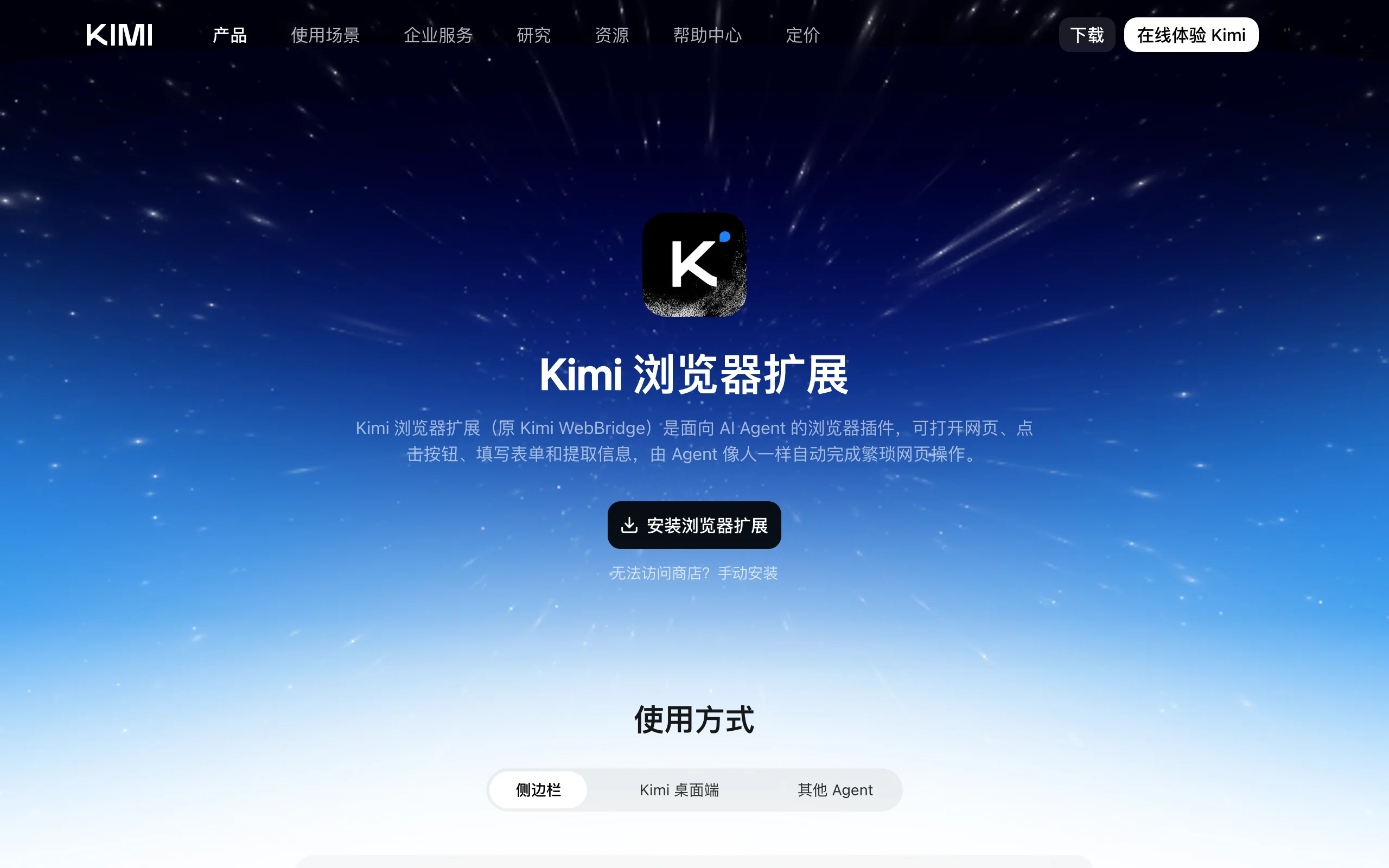
Kimi WebBridge is a browser extension from Moonshot AI (Kimi) that bridges local AI agents (Kimi Code, Claude Code, Cursor, etc.) to the real web. A local bridge service works with Chrome DevTools Protocol (CDP) so agents can click, scroll, fill forms, extract data, and merge content across sites inside the user's already logged-in browser—like a human operator. Parsing and interaction stay on-device for privacy, with seamless inheritance of authenticated sessions.
Image source: Official article
Technical positioning and domain: Agent infrastructure for browser automation—not an isolated cloud browser. It attaches to the user's existing authenticated Chrome/Edge session instead of spinning up sterile remote environments.
Development background: Built to fix “identity walls” and environment isolation: cloud browsers need credential gymnastics; naive local scripts lack AI flexibility. WebBridge is an out-of-the-box, privacy-conscious bridge for daily web work.
Core value: Simplifies agent web ops via session inheritance—agents reuse cookies and login state without CAPTCHA loops—and local execution for regulated data (finance, healthcare, intranet).
Technical characteristics: Dual-component design (local daemon + extension) on CDP for fine-grained control; differentiated by native identity inheritance and on-device privacy vs heavy cloud RPA setups.
2. Key Features
Native session inheritance: Agents reuse current cookies, storage, and login state—enterprise consoles, SaaS, social apps work without extra auth plumbing.
Full browser automation: CDP-driven navigation, clicks, form fill, selects, scroll, uploads—for simple lookups to multi-step business flows.
Cross-site extraction and merge: Agents hop sites, scrape structured data, and assemble reports into docs or local files—e.g., multi-store price comparisons.
Visible, non-blocking runs: Active agent tabs are labeled; automation does not capture mouse/keyboard—you can keep working in parallel.
CLI compilation for repeat jobs: Stable workflows can compile into standalone CLI tools that run without LLM calls—near-zero tokens, ideal for cron jobs.
Multi-agent compatibility: Open interface for Kimi Code, Claude Code, Cursor, Codex, Hermes, OpenClaw—not a Kimi-only silo.
3. How to Use
Requirements: Windows/macOS/Linux; latest Chrome or Edge; a supported local agent (Kimi Code, Claude Code, Cursor, etc.); network access to extension stores and Kimi install endpoints.
Install extension: Chrome Web Store or Edge Add-ons → search “Kimi WebBridge” → add → confirm toolbar icon.
Install local daemon + skill: In your agent terminal, run the official installer (typically curl). Example—verify against latest docs:
curl -fsSL https://kimi.com/webbridge/install.sh | shRestart agent and test: Reload the agent, prompt e.g. “Use kimi-webbridge to open kimi.com.” Success opens the site in a new tab with agent confirmation in chat.
Kimi Claw Desktop shortcut: If Kimi desktop with Claw is installed, the daemon is bundled—install only the browser extension and start prompting.
4. Pros and Cons
| Pros |
|---|
| Zero-config login via session reuse: Eliminates most auth/CAPTCHA pain for agent web automation. |
| Local privacy: Page data and commands stay on device; bridge is IPC only—good for sensitive workflows. |
| Multi-agent, open ecosystem: Works across major coding agents—no vendor lock-in. |
| Non-blocking UX: Labeled background tabs enable true human-agent parallelism. |
5. Comparison with Similar Tools
| Dimension | Kimi WebBridge | Browserbase |
|---|---|---|
| Architecture | Local extension + local bridge | Cloud headless fleet + API |
| Identity | Reuses live user cookies | Manual cookies/env injection |
| Privacy | Fully local execution | Traffic through cloud |
| Agents | Local coding agents | Developer APIs |
| Barrier | Low—extension + one command | Higher—API keys + integration |
| Human coexistence | Yes—non-blocking tabs | No local coexistence |
Selection advice: Individuals/small teams prioritizing easy setup and data residency → WebBridge. Large-scale, high-concurrency scraping/monitoring → Browserbase despite privacy tradeoffs. Custom infra teams → Vercel Agent-Browser for maximum control and engineering overhead.
6. Editor's Review
WebBridge solves a crucial agent adoption problem: connecting models to the authenticated web users already live in. “Identity inheritance” is product elegance over cloud browser farms—it meets users where their sessions exist.
Impact: natural-language automation for reporting, data entry, and cross-site research without traditional RPA scripting—especially for knowledge workers already on Claude Code or Cursor.
Audience: developers, analysts, researchers, anyone drowning in repetitive browser work.
Future: broader browsers, richer page primitives (OCR/PDF), deeper OS automation hooks as agent ecosystems mature.
— Half star off for Chromium-only scope and agent prerequisite; otherwise one of the most practical agent web bridges available.
7. Use Cases
Analytics consolidation: Agent logs into GA/Salesforce, pulls KPIs, writes a unified report to Notion/Lark.
Quant/finance workflows: Multi-source market data fetch, backtest orchestration, auto-generated research memos.
HR screening: Scheduled resume review and outreach on job boards with CRM sync.
Cross-platform research: Aggregate posts/comments from Zhihu, Xiaohongshu, WeChat articles into structured briefs.
8. FAQ
Q: Firefox or Safari?
A: Officially Chrome/Edge (Chromium) only for CDP compatibility today.
Q: Are cookies uploaded to Moonshot?
A: No—all reads and actions stay local between extension and bridge.
Q: Must I use Kimi Code?
A: No—any supported local agent with the WebBridge skill works.
Q: Page errors mid-task?
A: Agents receive status/error callbacks; good agents retry, replan selectors, or ask the user.
Q: Pricing?
A: WebBridge extension/daemon is free; your agent provider may charge for model usage separately.
9. Project Links
Related AI Model Articles

OpenMuse – CopilotKit Open-Source Personal AI Assistant
OpenMuse is an open-source personal AI assistant project developed by the CopilotKit team. Its core design philosophy is "giving an Agent a computer" — by combining a persistent browser, optional Linu...

In-Depth Review of Longcat-2.5-preview: Meituan's Next-Generation Multimodal Long-Range Agent Model
LongCat-2.5-preview is Meituan's latest next-generation large model. Building upon the 1.6T total parameters, approximately 48B active parameters, and native 1M token context of LongCat-2.0, it marks ...

Review of DeepSeek Harness Desktop: How the Official GUI Client Lowers the Bar for Agent Usage
DeepSeek Harness Desktop is the official graphical client launched by DeepSeek, designed to provide a visual interface for the originally command-line-based DeepSeek Harness framework. After users log...

Step Code – In-Depth Review of StepFun's Open-Source Terminal Programming Agent
Step Code is an open-source terminal programming agent launched by StepFun, licensed under the MIT License, which allows developers to complete the full workflow of code writing, debugging, execution,...
© All Rights Reserved. Some content on this site is partially generated by AI with human review.