
Hunyuan3D-Buffalo 1.0 – Tencent Hunyuan's Unified 3D Multimodal Framework

Executive Summary:
Hunyuan3D-Buffalo 1.0 is a unified 3D multimodal framework introduced by the Tencent Hunyuan team. It integrates multiple tasks—such as 3D question answering, spatial localization, text-to-3D generati...
1. What is Hunyuan3D-Buffalo 1.0
Hunyuan3D-Buffalo 1.0 is a unified 3D multimodal framework introduced by the Tencent Hunyuan team. It integrates multiple tasks—such as 3D question answering, spatial localization, text-to-3D generation, instruction-based editing, and component generation—into a single workflow through a shared Hunyuan3D-VLM backbone. The framework supports natural language understanding of 3D model structures, localization of specific components, modification of local geometry based on instructions, and extraction of semantically meaningful components. It aims to establish a closed-loop system for 3D understanding, generation, and editing, providing a composable 3D asset production solution for gaming, animation, and industrial design.
Image source: Official article
Image source: official article
Technical positioning and domain: Belongs to the intersection of 3D computer vision and multimodal learning, positioned as a unified framework for 3D content creation and understanding, differing from specialized models that focus only on generation or understanding. This framework first achieves a complete closed-loop system for understanding, generation, editing, and component parsing within a single architecture, filling the gap in unified 3D multimodal frameworks.
Development background: Developed by the Tencent Hunyuan team, leveraging Tencent's long-term accumulation in the AI multimodal domain (such as the Hunyuan large model series), aiming to address the core pain points in 3D asset production, including the cumbersome switching between multiple independent toolchains and the lack of a unified semantic representation. It promotes the standardization of the 3D content creation process.
Core value: By sharing semantic representations and unifying the processing pipeline, it significantly reduces the professional barriers in 3D content creation, enabling designers and developers to directly manipulate the structure and components of 3D models through natural language. This greatly improves asset reuse rates and iteration efficiency, providing a technical foundation for agile development.
Technical features: Based on the Hunyuan3D-VLM multimodal backbone, it employs a 3D encoder and tokenizer to convert point clouds into unified tokens, combines DiT diffusion generation modules to achieve high-quality generation, and uses connection layers to bridge visual-language understanding and generation, enabling component-level semantic parsing. All tasks share the same semantic space, ensuring consistency across different tasks.
2. Key Features
3D Q&A and Spatial Localization: Supports natural language Q&A on 3D models, such as inquiring about model composition, component names, and their spatial positions. This feature leverages the visual language understanding capabilities of the VLM to convert 3D structures into queryable semantic representations, allowing users to explore model composition through conversational interaction.
Text-to-3D Generation: Directly generates high-quality 3D mesh assets based on textual descriptions, using the Hunyuan3D DiT diffusion module to achieve end-to-end generation from text semantics to geometric shapes. The output models can be directly applied in gaming, animation, and industrial design scenarios, supporting multiple styles.
Instruction Editing: Modifies specific parts of existing 3D models using natural language instructions (e.g., "Replace the chair's legs with a metallic material"), while keeping the overall geometry intact. This capability relies on the collaboration between component semantic parsing and generation modules to enable precise editing at the semantic level.
Component Generation and Extraction: Extracts semantically meaningful components from a complete mesh based on language instructions (e.g., "Extract the car's wheels"), and supports component splitting, recombination, and independent editing. This feature enables modular asset pipelines, facilitating reuse and combination of assets.
Unified Task Workflow: All tasks share the same Hunyuan3D-VLM backbone and 3D semantic representation, eliminating the need to switch models or data formats. Understanding, generation, and editing are seamlessly integrated within the same framework, reducing toolchain friction and improving production efficiency.
Multimodal Semantic Alignment: Aligns the text-image understanding representations of the VLM with the DiT generation module through the Connector layer, ensuring that language instructions are accurately mapped to 3D geometric operations. This mechanism is crucial for cross-modal capabilities and underpins the accuracy of instruction editing and component extraction.
Composable Production: Generated or extracted components can be independently exported, edited, and recombined, supporting a modular asset pipeline. Designers can assemble different components like building blocks, making it ideal for collaborative and iterative work on large-scale projects.
3. How to Use
Environment Preparation: Accessing the official website requires a modern browser (Chrome 90+, Edge 90+, Firefox 90+) and a stable internet connection. All computations are performed in the cloud, eliminating the need to install a local environment or configure a GPU, thereby reducing the barrier to entry.
Access the Project Website: Open the official website (link to be updated after the official release).
Experience Instruction Editing: In the "Instruction-Guided 3D Editing" section, select a pre-defined case (such as a chair, car model), enter a natural language instruction in the input box (e.g., "Replace the chair legs with metal"), click the execute button, and after a short wait, view the comparison between the original model and the edited model.
Browse Generated Assets: Go to the "Generated 3D Assets" page to browse the list of 3D assets generated from text. Click "View details" for each asset to see the text description, geometric details, and download options, allowing you to intuitively assess the generation quality.
Test Part Extraction: In the "Part-Extraction with Language" module, input a part description instruction (e.g., "Extract the backrest of the chair"), switch between "Combined" and "Exploded" views, and observe the overall mesh and split parts to verify the framework's semantic understanding of components.
Understand Technical Details: Visit the "Technical Report" section on the official website or the paper link, and read about the architecture design, training data, and experimental results to gain a deeper understanding of the framework's technical principles and performance metrics, providing a reference for future applications.
Notes: The models used in the online demo are pre-defined cases; users are currently unable to upload custom 3D models. All interactions require a stable internet connection. It is recommended to use English instructions for the best results.
4. Pros and Cons Analysis
| Pros |
|---|
| Highly Unified Task Processing: Integrates understanding, generation, editing, and component extraction into a single framework, avoiding the need to switch between multiple models, simplifying the workflow, and significantly improving production efficiency. |
| Natural Language Driven: Entirely driven by natural language interaction, reducing the professional barrier for 3D creation and enabling non-expert users to participate in modifying 3D content, thereby expanding the user base. |
| Semantic-Level Component Manipulation: Supports semantic-level component extraction and editing, aligning with the actual production workflows in gaming and industrial design, increasing asset reuse and reducing redundant modeling. |
| Composable Production: Generated components can be edited and recombined independently, suitable for iterative asset production, compatible with agile development processes, and supports collaborative work. |
| Rich Online Demonstrations: The official website offers a variety of preset cases and interactive demos, allowing users to quickly experience core features without registration, reducing the learning curve. |
5. Comparative Analysis with Similar Tools
| Dimension | Hunyuan3D-Buffalo 1.0 | Meshy-4 | Shap-E |
|---|---|---|---|
| Core Positioning | Unified 3D multimodal framework, integrating understanding, generation, editing, and component parsing | Focuses on AI 3D generation and texturing tools, with high-quality mesh generation as the core | Text-to-3D generation model, capable of generating implicit 3D representations directly from text |
| Editing Capability | Supports local structural editing via natural language instructions, maintaining overall geometry unchanged | Primarily offers full generation and basic editing (e.g., texture replacement) | No native editing capability; modifications require external tools after generation |
| Component Handling | Semantic-level component extraction, splitting, and recombination, allowing independent manipulation | Focuses on full model generation, with limited component-level capabilities and no semantic extraction | Does not support component-level operations; generated models are full implicit representations |
| Understanding Capability | Capable of 3D Q&A and spatial localization, able to answer questions about model composition | No native 3D understanding or Q&A functionality; only provides generation and texturing | No understanding functionality, only one-way generation |
| Workflow | Component-level composable production, suitable for iterative design, supports multi-task integration | Tends toward one-time generation of complete assets, with a relatively simple workflow | Single-generation process, requires other tools for editing |
| Open Source/Deployment | Not open source, only online demo on the official website, no local deployment available | Commercial product, accessed via API calls, provides cloud-based services | Open source (MIT License), supports local deployment and GPU inference |
| Generation Quality | High-quality demo cases on the official website, but no direct comparison with competitors; actual evaluation is needed | High generation quality with rich textures, mature for commercial applications | Moderate generation quality with limited geometric details, suitable for rapid prototyping |
Selection Recommendations: For workflows requiring unified understanding and editing capabilities, Hunyuan3D-Buffalo 1.0 is currently a unique option in the market, particularly suitable for iterative modifications in games and animations. Designers can quickly adjust model components using natural language. If the team only needs to rapidly generate high-quality 3D assets from text, with no strong requirements for editing or understanding, Meshy-4, as a commercial tool, offers a more mature generation pipeline and texturing capabilities, ideal for one-time asset production.
For researchers and users requiring deep customization, open-source models Shap-E and Point-E provide flexibility for local deployment and modification, but lack editing and understanding capabilities, requiring integration with other tools to complete the full workflow. Therefore, selection should depend on the specific use case: prioritize Hunyuan3D-Buffalo 1.0 for iterative design, Meshy-4 for one-time generation, and Shap-E/Point-E for research and customization. If deployment in an offline environment or private cloud is required, open-source models are the only option, but they come with additional development costs.
6. Editor's Summary
Hunyuan3D-Buffalo 1.0 achieves multi-task unification by sharing the VLM backbone, which is a relatively new approach in the 3D domain and effectively addresses the issue of separation in traditional toolchains for understanding, generating, and editing. Its core value lies in reducing the professional threshold for 3D content creation, enabling natural language to become the primary interface for controlling 3D models. This design philosophy aligns closely with the current trends in AI multi-modal development. In terms of practical value, this framework is particularly suitable for game asset iteration, animation character editing, and rapid modifications in industrial design, significantly improving asset reuse rates and team collaboration efficiency, offering clear advantages in agile development scenarios.
The target users include 3D designers, game developers, industrial designers, and AI multi-modal researchers. For designers, the framework provides efficient iteration tools; for developers, its unified architecture reduces the complexity of integrating multiple models; and for researchers, its technical approach (VLM + DiT + component semantic parsing) holds reference value. Future development potential lies in open-sourcing the framework and providing local deployment options, while optimizing the performance of individual tasks and expanding language support, which could position it as foundational infrastructure for 3D asset production. However, as a current online demonstration, its ecosystem construction and community contributions still require further development, and its stability and performance in real production environments need more validation. Overall, Hunyuan3D-Buffalo 1.0 represents an important exploratory direction for unified 3D multi-modal frameworks and is worth ongoing attention from the industry.
7. Application Scenarios
Game Asset Iteration: In game development, once the main model of a character or item is determined, designers can modify specific parts or components using natural language instructions, such as "Change the sword handle to a golden material and add texture," without needing to rebuild the entire model, significantly improving iteration efficiency. The component extraction feature allows for individual adjustments to modules like weapons and clothing, maintaining a consistent overall style.
Animation Character Editing: In animation production, replacing a character's clothing, weapons, or facial components based on director feedback can be quickly achieved through component extraction and editing features. For example, extracting the character's head and replacing it with a new expression model maintains the overall animation progress and reduces rework costs.
Industrial Product Design: Mechanical designers can adjust local structures of components according to requirements (e.g., "Extend the handle by 5 centimeters and add anti-slip texture"), rapidly generating multiple versions for validation and shortening the design cycle. Component-level operations allow for independent modification of each part, facilitating multi-scheme comparisons.
3D Content Moderation: Automatically understand the composition of 3D models and locate specific components, assisting moderators in checking model compliance and structural integrity. For example, quickly identifying sensitive components within a weapon model improves the efficiency and accuracy of moderation.
Educational Demonstrations: In teaching, natural language Q&A can be used to explain the structure of 3D models, allowing students to intuitively understand component relationships. Teachers can input "Show the piston position in the engine," and the framework will automatically locate and highlight it, aiding in knowledge delivery.
8. FAQ
Q: Is Hunyuan3D-Buffalo 1.0 open source?
A: The official website currently only provides the project's official site and online demo, without releasing open-source code or model weights. Users can experience the features through the official site, but local deployment or secondary development is not possible. Whether it will be open-sourced in the future should be followed through official announcements.
Q: What input formats does the framework support?
A: The official demo supports text input and preset 3D models, but specific 3D model input formats (e.g., OBJ, GLB, FBX) are not detailed. At present, users can only use the case models provided by the official site and cannot upload custom models.
Q: How accurate is the instruction editing?
A: The official technical report showcases various editing cases. Accuracy is influenced by the complexity of the instructions and the model architecture. It performs well with clear and simple instructions (e.g., "replace color"), but for complex instructions involving multiple components or abstract descriptions, multiple attempts and adjustments in phrasing may be required.
Q: Can the component extraction handle any model?
A: Component extraction is based on semantic understanding and works best with models that have clear structures and distinct components (e.g., man-made objects). For organic shapes or models without clear component boundaries (e.g., animals, terrains), the extraction results may not be ideal, making it difficult to obtain semantically reasonable components.
Q: Does it support Chinese instructions?
A: The official demo primarily uses English, and there is no clear statement regarding support for Chinese. The technical report does not mention multilingual training, so it is recommended to use English instructions for the best results. Chinese users can try simple instructions, but accuracy may decrease.
Q: How long does it take to generate a 3D model?
A: Specific generation times are not disclosed, but based on the DiT diffusion model, it typically takes tens of seconds to several minutes, depending on model complexity, instruction length, and cloud workload. In the official demo, simple models take about 30 seconds to generate, while complex models may take over two minutes.
9. Project Links
- Project Website (including technical reports and online demos): https://tencent-hunyuan.github.io/Hunyuan3D-Buffalo1.0/
Related AI Model Articles
Xiaomi MiMo-V2.6 – Xiaomi's Open-Source Multimodal Model Series
Xiaomi MiMo-V2.6 is a series of fully multimodal models released and open-sourced by Xiaomi, comprising two native full-modal models: Pro and Flash. It is centered on large-scale Agentic reinforcement...
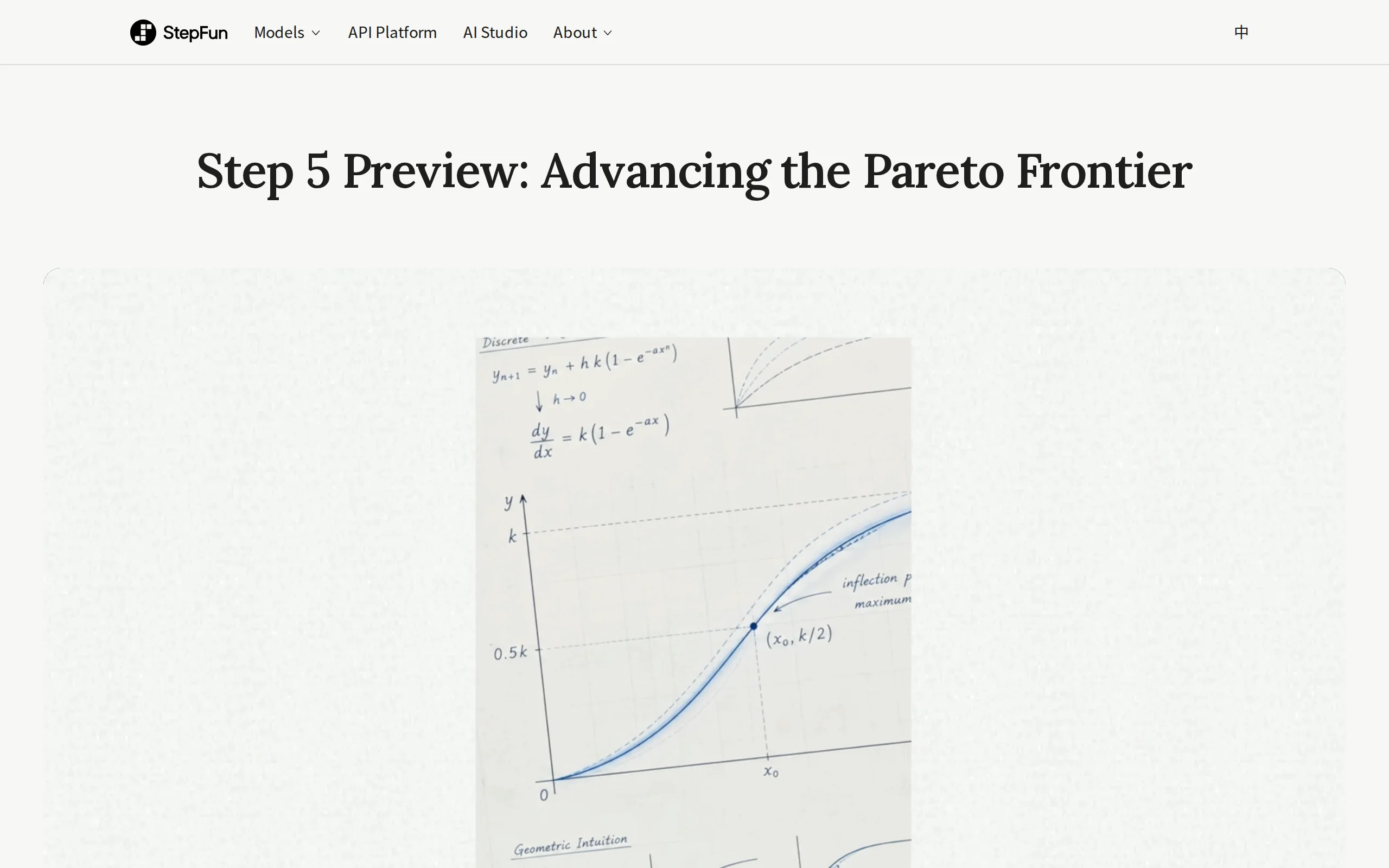
In-Depth Review of Step 5 Preview: A 600B Sparse MoE Flagship with 1M Token Context and 1/8 Cost Advantage
Step 5 Preview is a new-generation flagship foundation model launched by StepFun, designed for real-world Agentic tasks. Based on a sparse MoE architecture, the model has a total of 600B parameters bu...
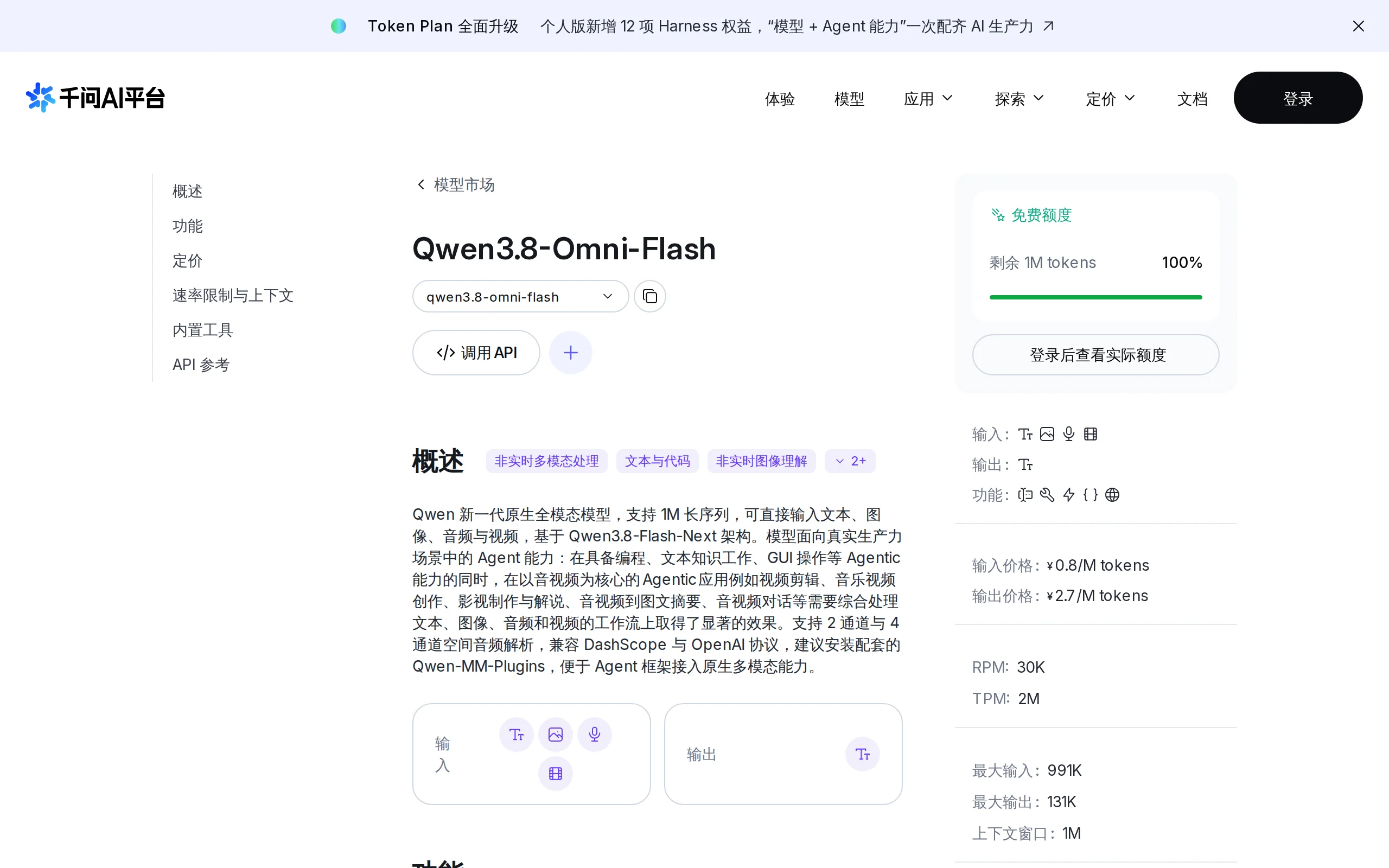
Qwen3.8-Omni-Flash – A Native Multimodal Model Launched by Alibaba Qwen
Qwen3.8-Omni-Flash is a native multimodal model launched by Alibaba Qwen. It jointly models four modalities—text, image, audio, and video—within a single architecture, supporting a context length of u...
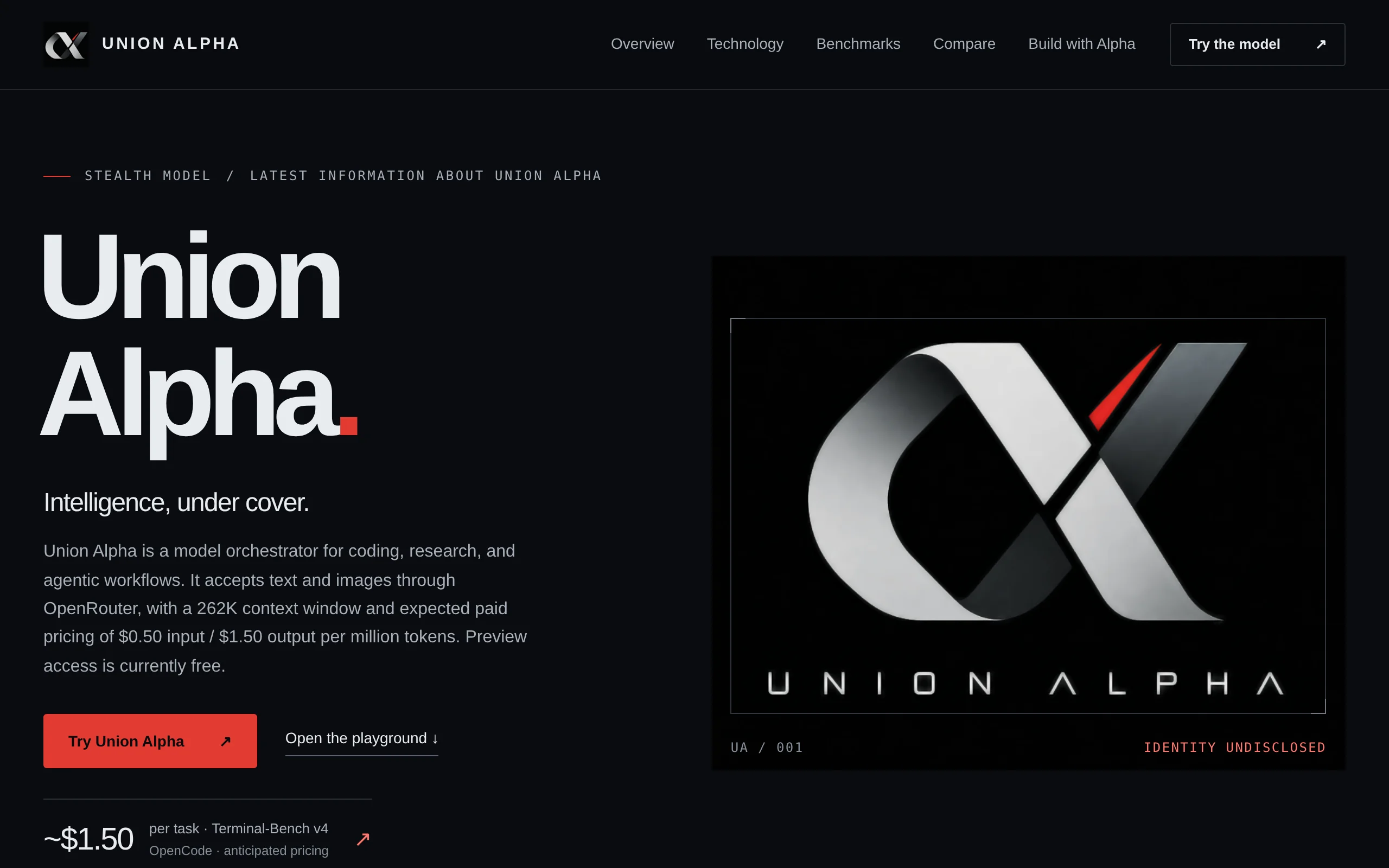
Union Alpha – A Mysterious Multimodal Large Model with Unlimited Free Access for a Limited Time
Union Alpha is a multimodal large language model released in "stealth" mode, recently launched on mainstream AI service platforms such as OpenRouter, Cline, and OpenCode. The model supports dual-modal...
© All Rights Reserved. Some content on this site is partially generated by AI with human review.