
Dulus – Open-Source CLI AI Agent with Multi-Model Tool Calling
Executive Summary:
Dulus is an open-source command-line AI Agent framework of roughly 12K lines of Python, supporting 40+ mainstream language models including Claude, GPT, Gemini, DeepSeek, Kimi, and Qwen. Its core inno...
1. What Is Dulus
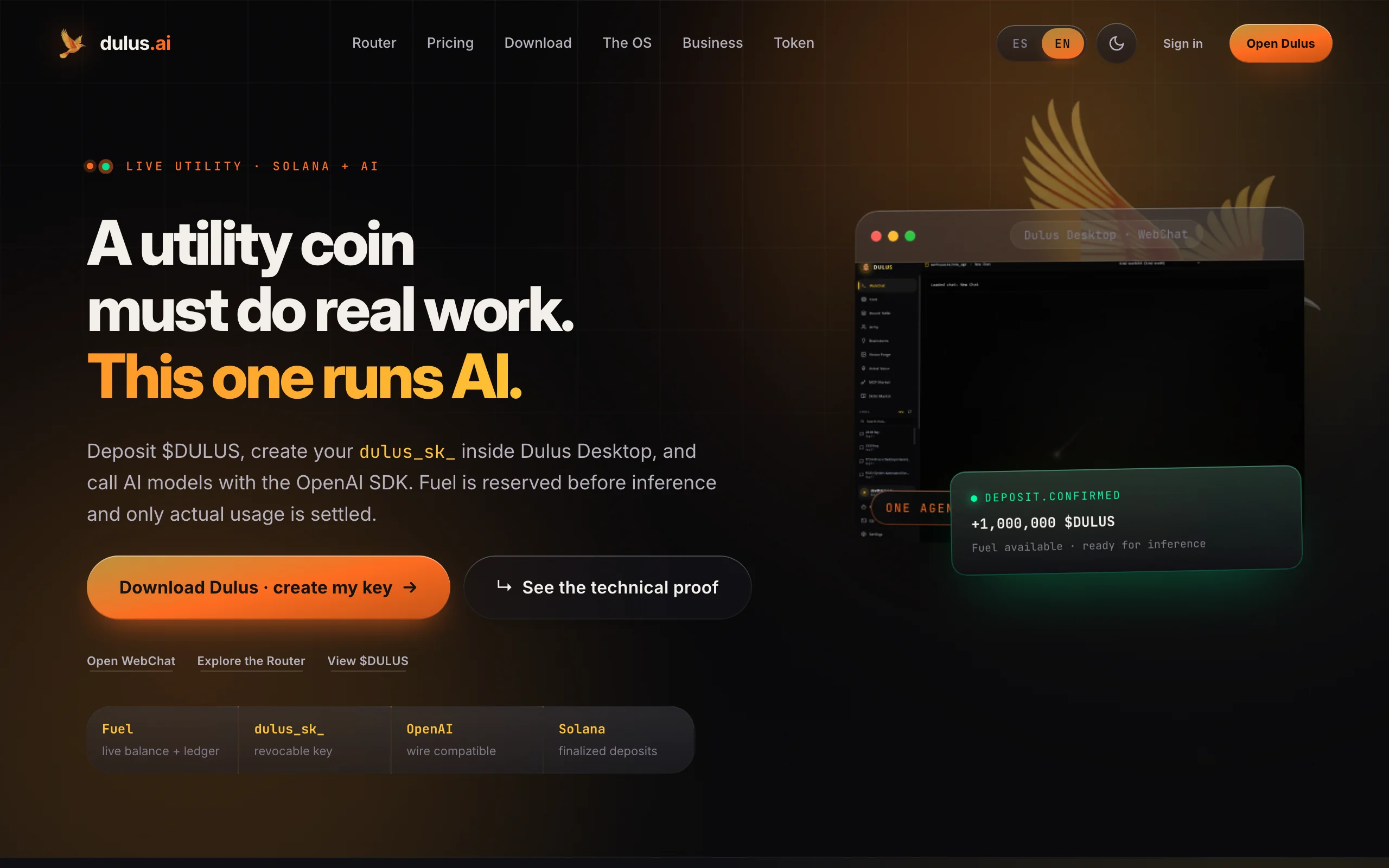
Dulus is an open-source command-line AI Agent framework of roughly 12K lines of Python, supporting 40+ mainstream language models including Claude, GPT, Gemini, DeepSeek, Kimi, and Qwen. Its core innovation is capturing guest sessions from browser-based AI chat pages and turning them into local agents with 27 tools—file read/write, code editing, Bash execution, web search, and more. Dulus also supports MCP (Model Context Protocol), hot-loadable plugins, sub-agent collaboration, offline voice, persistent memory, and automatic snapshots. It offers four interfaces: PyQt6 desktop GUI, Flask WebChat, Telegram Bot, and terminal REPL—covering zero-key startup through full offline workflows in the tool-calling agent space.
Image source: Official article
Technical positioning and domain: Dulus sits at the intersection of AI agents and tool-calling frameworks, focused on multi-model scheduling and local tool automation in the CLI. Unlike IDE plugins or single-vendor bindings, it differentiates through model neutrality, hot-swappable plugins, and browser session capture—for personal coding assistants, zero-budget AI experiments, and offline secure automation.
Development background: Created and maintained by independent developer KevRojo with community contributions. Motivation: existing agents often require paid API keys, vendor lock-in, and closed plugin ecosystems. Dulus uses browser guest-session capture for zero-cost startup, a unified abstraction layer for live model switching, and Auto-Adapter for zero-config Python repo plugins—lowering barriers in the tool-calling agent space.
Core value: Dulus addresses high deployment cost, limited model choice, and weak extensibility. Zero-key mode gets full tool calling in ~30 seconds without credit cards or API keys; model-neutral architecture allows /model switching among Claude, DeepSeek, Kimi, etc. in one session with automatic fallback chains; hot plugin loading makes any Python repo or MCP server instant agent capability.
Technical characteristics: Three core innovations: a browser session capture engine for Gemini, Claude.ai, etc.; Auto-Adapter runtime analysis of repo entry points and parameters for zero-config hot loading; unified core across terminal, web, desktop GUI, and Telegram sharing agent state and memory. Full offline stack (Whisper-cpp input, Kokoro TTS output, Ollama local models) works fully air-gapped.
2. Key Features
Zero-key web session capture: Automatically hijacks guest sessions from Gemini, Claude.ai, Kimi.com, DeepSeek, and similar tabs, turning web chat into local agents with full tool calling—no signup or API key; follow the wizard on first run.
27 built-in tools: Read, Write, Edit, Bash, Glob, Grep, WebFetch, WebSearch, Jupyter Notebook editing, system diagnostics, memory, task boards, sub-agent invocation, and more—unified interface with dynamic chaining.
Multi-provider model switching: Anthropic, OpenAI, Google, DeepSeek, Kimi, Qwen, Zhipu, MiniMax, Ollama, LM Studio, custom endpoints—40+ models.
/modelswitches live without restart; automatic fallback when primary models fail.MCP and plugin ecosystem: Place
.mcp.jsonin the project to register MCP servers. Auto-Adapter hot-loads any Python repo as a plugin by analyzing entry functions and signatures. Composio integration adds 800+ prebuilt skills.Sub-agents and task management: Spawn coder, reviewer, researcher sub-agents in isolated git worktrees with message-passing collaboration. Built-in task boards track progress—suited to large modular development.
Offline voice and wake word: Whisper-cpp offline STT; Kokoro TTS with multiple voices; custom wake words (e.g., "hey dulus") for hands-free interaction in secure or outdoor settings.
Persistent memory and snapshots: Dual-scope memory (user + project) ranked by confidence and recency. Automatic checkpoints per turn for one-click rollback.
Multimodal interfaces: REPL, Flask WebChat (LAN), PyQt6 GUI, Telegram Bot—shared core and memory; start on desktop, monitor via Telegram.
3. How to Use
| Environment and install: Linux, macOS, Windows (WSL recommended). Python 3.10+. Run pip install dulus or one-line install: `curl -fsSL https://raw.githubusercontent.com/KevRojo/Dulus/main/install.sh |
Configure keys and models: For API-key models, set env vars like
export ANTHROPIC_API_KEY=sk-ant-.... For Ollama, install and pull models. Zero-key mode needs no keys.Start REPL and switch models: Run
dulus. First run prompts model selection; use/model nvidia-web/deepseek-r1or/model ollama/qwen2.5-coder, etc. Switch anytime without restart.Enable zero-key mode: On first run, open Gemini or Claude.ai guest pages per wizard; Dulus captures session cookies/tokens. Keep browser logged in; re-capture when sessions expire.
Run tasks and extend: Natural language like "refactor the auth module" triggers Read/Edit/Bash workflows. Extend with
/plugin install repo@URLor/mcpfor MCP servers—no restart required.
Best practices: Run from project root for context; use sub-agents for large tasks; /checkpoint regularly to avoid irreversible edits.
4. Pros and Cons
| Pros |
|---|
| Zero-key startup: No API key, card, or login—browser guest capture delivers full tool calling; ideal for students and budget-limited developers. |
Model-neutral live switching: 40+ models via /model with fallback chains—no single-vendor lock-in. |
| Full offline stack: Whisper-cpp, Kokoro TTS, Ollama—works fully offline for secure intranets. |
| Unified multi-interface core: Terminal, web, GUI, Telegram share state—seamless cross-device use. |
5. Comparison with Similar Tools
| Dimension | Dulus | Claude Code | Aider |
|---|---|---|---|
| Vendor lock-in | Multi-provider neutral, /model live switch |
Anthropic Claude only | Multi-model, manual config |
| API key | Optional zero-key (browser capture) | Required | Required |
| Local/offline | Full (Ollama + offline voice) | No | Local models, no offline voice |
| Plugins | Auto-Adapter + MCP + Composio 800+ | None | Custom tools, smaller ecosystem |
| Sub-agents | coder, reviewer, researcher + messaging | None native | Multi-file edit, no sub-agents |
| Voice | Offline Whisper + Kokoro TTS + wake word | No | No |
| Interfaces | Terminal, Web, PyQt6, Telegram | Terminal only | Terminal only |
| Memory/snapshots | Persistent memory + checkpoints | Session memory | No native snapshots |
Selection advice: For zero-cost startup, multi-model flexibility, and offline use, Dulus offers the strongest overall package—especially students, indie devs, and secure environments. Browser capture has stability risks but often worth it for budget experiments. Anthropic-bound teams may prefer Claude Code for code quality but lose customization. Aider suits lightweight coding with mature Git integration but lacks multi-interface and voice. Open Interpreter is flexible for Python tool use but weaker on plugins and sub-agents than Dulus.
6. Editor's Review
Dulus shows strong innovation in tool-calling agents. Browser session capture bypasses traditional API auth—a novel approach. Auto-Adapter reduces plugin friction via runtime repo analysis. Model-neutral live switching lets users chain Claude for code, DeepSeek for reasoning, Gemini for long context—impossible with single-vendor lock-in.
Practically, it balances "works out of the box" and deep extensibility. Zero-key mode delivers full agent tooling in ~30 seconds; MCP and sub-agents serve advanced users. Full offline support is critical for government and military intranets. Four unified interfaces reflect real workflows—desktop for complex tasks, Telegram for mobile monitoring.
Best for: budget-conscious students and AI enthusiasts; developers needing multi-model collaboration and failover; ops in offline/secure environments with local models and voice.
Future potential is high as MCP standardizes—Dulus could become CLI agent "infrastructure." Stability, docs, and performance improvements would strengthen competitiveness further.
Basis: Strong innovation (browser capture, Auto-Adapter), high practical value (zero-cost, offline), flexible ecosystem (MCP + Python repos). Deductions for browser capture stability and incomplete advanced docs.
7. Use Cases
Personal coding assistant: Natural-language driven read/edit/test/Git workflows; multi-model review (Claude writes, DeepSeek reviews).
Zero-budget AI experiments: Free Gemini guest mode for advanced tool calling without paid APIs—prototypes, teaching, research.
Offline/secure automation: Ollama + offline voice for fully private agent workflows—file processing, log analysis, reports without network.
Telegram remote ops: Manage files, logs, services on home servers via Telegram when away from a desk.
Multi-agent R&D: Parallel coder/reviewer/researcher sub-agents with message passing; main agent integrates results.
8. FAQ
Q: Does Dulus support Chinese prompts and models?
A: Yes. Natural-language input works in Chinese. DeepSeek, Kimi, Qwen, Zhipu, etc. via /model. File tool I/O is fully compatible.
Q: Is browser capture safe? Will it leak sessions?
A: Cookies are captured locally only; nothing uploaded remotely. Guest mode may limit rate/features; re-capture on expiry. Use only in trusted local environments.
Q: How to add custom MCP servers?
A: Create .mcp.json in the run directory per MCP spec. Example: {"mcpServers": {"my-server": {"command": "node", "args": ["server.js"]}}}. Reload with /mcp reload.
Q: How do sub-agents work? Can I define custom types?
A: Sub-agents run in isolated git worktrees with separate context and tools. Built-in: coder, reviewer, researcher. Define new types via Python plugins with roles, tools, and protocols.
Q: What hardware for offline voice?
A: Whisper-cpp runs on CPU—4GB+ RAM recommended; Kokoro TTS also CPU-capable. Wake word needs a mic; configure ALSA/PulseAudio on Linux, drivers on Windows. AVX2 CPU or NVIDIA GPU for low latency.
Q: Where is persistent memory stored? How to backup?
A: Default ~/.dulus/memory/—user-level by user ID, project-level by project hash. Export JSON via /memory export. Checkpoints in ~/.dulus/checkpoints/ with timestamp rollback.
9. Project Links
- GitHub: https://github.com/KevRojo/Dulus
- Website: https://dulus.ai/
- PyPI: https://pypi.org/project/dulus/
Related AI Model Articles

Review of DeepSeek Harness Desktop: How the Official GUI Client Lowers the Bar for Agent Usage
DeepSeek Harness Desktop is the official graphical client launched by DeepSeek, designed to provide a visual interface for the originally command-line-based DeepSeek Harness framework. After users log...

Step Code – In-Depth Review of StepFun's Open-Source Terminal Programming Agent
Step Code is an open-source terminal programming agent launched by StepFun, licensed under the MIT License, which allows developers to complete the full workflow of code writing, debugging, execution,...
In-Depth Review of Claude Opus 5.5: A Revolution in Programming Efficiency and Safety for Anthropic's Flagship Model
Claude Opus 5.5 is the first flagship model in Anthropic's Claude 5.5 series, launched in June 2026. It is positioned as a high-end AI model designed for enterprise-level agent programming, complex kn...
In-Depth Review of GPT-6 Sol: A Cost-Effective Revolution in OpenAI's Mid-to-High-End Large Model
GPT-6 Sol is a mid-to-high-end large model introduced by OpenAI, derived from the GPT-6 Astra base model. It brings Astra's reasoning, programming, factual accuracy, and Agent capabilities down to a m...
© All Rights Reserved. Some content on this site is partially generated by AI with human review.