
Bernini – ByteDance's Open-Source Unified Video Generation and Editing Framework

Executive Summary:
Bernini is ByteDance's open-source unified video generation and editing framework using a two-stage decoupled architecture: multimodal large language model (MLLM) semantic planning plus Diffusion Tran...
1. What Is Bernini
Bernini is ByteDance's open-source unified video generation and editing framework using a two-stage decoupled architecture: multimodal large language model (MLLM) semantic planning plus Diffusion Transformer (DiT) visual rendering. The MLLM understands text instructions, reference images, or video, predicts target semantic representations (semantic sketches) in ViT embedding space, then DiT performs flow-matching denoising in VAE latent space to produce high-quality frames. Bernini supports text-to-video, image-to-video, environment editing, viewpoint editing, action editing, focus editing, multi-reference guided insertion, and image/video insertion. Inference code and weights are fully open source, providing a unified foundation for video generation and editing research.
Technical positioning and domain: Computer vision and multimodal models—unified video generation and editing. Unlike models supporting only generation or only editing, Bernini's "understand first, render second" paradigm covers generation, editing, and reference-guided tasks with strong controllability and generalization.
Research background: Developed by ByteDance's video understanding and generation team (e.g., MagicVideo). Motivation: traditional end-to-end models weakly understand complex instructions ("change background to night while the protagonist turns right"). Bernini uses an MLLM planner to convert natural language into structured semantics, then DiT renders for precision and consistency.
Core value: Decouples semantic understanding from visual rendering in one model for many tasks. The MLLM can chain-of-thought reason in complex edits; DiT injects source video VAE features to preserve non-edited regions, avoiding "change one thing, break everything." Open source lowers barriers for academia and industry.
Technical characteristics: Segment-Aware 3D RoPE (SA-3D RoPE) for multi-reference inputs with segment indices to avoid spatiotemporal confusion; three-stage training (Planner pretrain, Renderer pretrain, joint fine-tuning); optional OpenAI-compatible API prompt enhancement at inference.
2. Key Features
Text/image to video: Generate from text or single/multiple reference images—including multi-element composites and multi-angle references—for creative and concept visualization at up to 480p, 16 fps, with quality tuning parameters.
Video editing (environment/viewpoint/focus/action): Environment (background, weather, lighting), viewpoint (camera angle/motion), focus (highlight/blur objects), and action (trajectory changes) while preserving non-edited region detail.
Reference-guided editing: Subject, material, or style references precisely blended into target video—e.g., replace a dancer's appearance from a photo while keeping motion consistent.
Image/video insertion: Posters, logos, or other videos embedded into screens, signs, billboards with perspective and temporal stability—useful for virtual production and VFX.
Multi-element composition: Combine unrelated references (different faces, objects) into one character or scene—e.g., face A + outfit B driving a specified action—via SA-3D RoPE distinguishing token sources.
Chain-of-thought enhancement: Planner reasons in latent space step-by-step on complex instructions ("walk left, then turn right, background day to night") for multi-step edit fidelity via three-stage training.
3. How to Use
Environment: Linux (Ubuntu 20.04+) recommended, Python 3.11.2, CUDA ≥12.4. NVIDIA Hopper GPUs (H100/H800) recommended—8 GPUs for video generation inference (single GPU works but slower). ~80GB VRAM per GPU for weights and intermediates.
Clone and install:
git clone https://github.com/bytedance/Bernini.git, thenpip install -r requirements.txt. Use conda or venv.Download weights:
git lfs clone https://huggingface.co/ByteDance/Bernini-R-Diffusers—tens of GB disk space. Weights include Planner (MLLM) and Renderer (DiT).Configure and run inference: Edit
configs/inference.yamlfor model path, output dir, test case ID. Launch:torchrun --nproc_per_node=8 run_inference.py --config configs/inference.yaml. Reduce--nproc_per_nodeif GPU-limited—inference time increases significantly.Prompt enhancement (optional): Set
prompt_enhancer.endpointto an OpenAI-compatible API (e.g., local LLM) for instruction polishing. Ensure API availability and rate limits.Best practices: Start with official test cases. For OOM, lower resolution or enable model parallelism (code changes). Source videos ≤32 frames for edits to fit context. SA-3D RoPE supports ~5 independent segments max in practice.
4. Pros and Cons
| Pros |
|---|
| Unified multi-task framework: One architecture for generation, editing, reference guidance, insertion—no model switching, lower engineering complexity. |
| Strong semantic understanding: MLLM planner handles complex instructions and causal reasoning; good generalization on unseen edits vs. traditional end-to-end models. |
| Excellent detail preservation: Source VAE feature injection keeps non-edited textures and lighting consistent—avoids global distortion. |
| Fully open source: Apache 2.0 weights and code for commercial and academic use. |
| Multi-reference input: SA-3D RoPE distinguishes multiple references, source clips, and tokens for multi-element fusion. |
5. Comparison with Similar Tools
| Dimension | Bernini | Runway Gen-4 | Sora (OpenAI) |
|---|---|---|---|
| Developer | ByteDance (open source) | Runway (closed) | OpenAI (closed) |
| Architecture | MLLM Planner + DiT Renderer (two-stage) | Proprietary end-to-end | DiT diffusion |
| Task coverage | Generation + editing + reference + insertion | Generation + limited editing | Text-to-video only |
| Controllable editing | ★★★★★ semantic planning + multi-reference | ★★★★☆ style/local edits, weaker complex instructions | ★★☆☆☆ text only, no edit API |
| Reference images | ★★★★★ multi-element/angle/material/style, SA-3D RoPE | ★★★★☆ single reference, manual multi-ref stitching | ★★★☆☆ text only |
| Open source | ★★★★★ Apache 2.0 weights + code | ★☆☆☆☆ API only | ★☆☆☆☆ API only |
| Hardware | 8× H100 (~800GB VRAM) recommended | Cloud API | Cloud API |
| Visual quality | ★★★★☆ 480p/16fps, good detail retention | ★★★★★ up to 1080p/30fps | ★★★★★ up to 1080p/60fps |
| Community | ★★★☆☆ newly open, limited activity | ★★★★☆ mature commercial product | ★★★★☆ high attention, API-dependent |
Selection advice: For unified generation + editing with multi-reference or complex semantic edits and GPU clusters, Bernini is optimal and customizable. For highest visual quality and ease of use, Runway Gen-4 or Sora (if available) are more mature but closed and API-costly. For limited hardware, SVD runs on consumer GPUs but only simple image-to-video.
6. Editor's Review
Bernini's two-stage MLLM + DiT architecture fundamentally addresses tight coupling of semantics and rendering in video models. Chain-of-thought and SA-3D RoPE excel on complex edits and multi-reference inputs. VAE feature injection for detail preservation is highly valuable in post-production and virtual shooting.
Unified generation, editing, reference guidance, and insertion lower creative barriers for ads, e-commerce, and previsualization. Open source enables research extensions.
Audience: Researchers for fine-tuning, enterprise video teams with multi-GPU clusters, post/VFX needing precise edits and insertion. Hardware requirements are too high for most individual creators until lighter or cloud versions arrive.
Future: Model compression and inference acceleration may enable consumer real-time interaction; open training code would boost community; higher resolution and longer videos and better Chinese support are likely.
— top innovation (two-stage decoupling, SA-3D RoPE), high utility but hardware-limited; open source is a plus; docs and Chinese support need work. Recommended for professionals with compute, not casual hobbyists yet.
7. Use Cases
Advertising: Product image + "elegant rotating showcase" text for quick product videos; insert products into billboards with cyberpunk filters.
E-commerce: Multi-angle product references → 360° rotation and material close-ups without professional shoots; background replacement (white to beach).
Film previsualization: Keyframes + "camera pans right slowly, day to dusk" for continuous shot previews; tweak actions and angles rapidly.
Remix and fan content: Style transfer (ink wash), weather changes (snow), action edits (walking direction); logo insertion for branded content.
Virtual production: Fill screens and signs with posters or video; content follows camera motion and perspective; combine with environment editing for lighting and mood.
8. FAQ
Q: What hardware is required?
A: Official recommendation: 8× H100/H800 (~800GB total VRAM). Minimum single H100 (80GB) for low-res single frames. RTX 4090 cannot load the full model—only tiny tests. Cloud GPU clusters (e.g., AWS p5) recommended.
Q: Chinese instructions?
A: Primarily English-trained; Chinese accuracy is lower. Translate to English or use prompt enhancement via local LLM API. Multilingual support may improve in future versions.
Q: Custom training?
A: Inference code and weights are open; training code and data pipelines are not yet published. Researchers must reproduce from the paper or wait for official release; community scripts may appear.
Q: Bernini vs. Sora?
A: Sora wins on visual quality (1080p/60fps) and physics but is text-to-video only, closed. Bernini wins on controllable editing, multi-reference, and open source—different audiences: Sora for mass creativity, Bernini for technical control.
Q: Low resolution output—how to improve?
A: Fixed 480p/16fps for now. Post super-resolution (e.g., Real-ESRGAN) or modify output size in code (watch VRAM). Higher native resolution may come in future releases.
Q: Multiple reference images?
A: SA-3D RoPE assigns segment indices per reference; model distinguishes sources. Limit ~5 references in practice with consistent resolution—see models/planner/rope.py.
9. Project Links
- Website: https://bernini-ai.github.io
- GitHub: https://github.com/bytedance/Bernini
- Hugging Face: https://huggingface.co/ByteDance/Bernini-R-Diffusers
- Paper: https://arxiv.org/pdf/2605.22344
Related AI Model Articles
Xiaomi MiMo-V2.6 – Xiaomi's Open-Source Multimodal Model Series
Xiaomi MiMo-V2.6 is a series of fully multimodal models released and open-sourced by Xiaomi, comprising two native full-modal models: Pro and Flash. It is centered on large-scale Agentic reinforcement...
In-Depth Review of Step 5 Preview: A 600B Sparse MoE Flagship with 1M Token Context and 1/8 Cost Advantage
Step 5 Preview is a new-generation flagship foundation model launched by StepFun, designed for real-world Agentic tasks. Based on a sparse MoE architecture, the model has a total of 600B parameters bu...
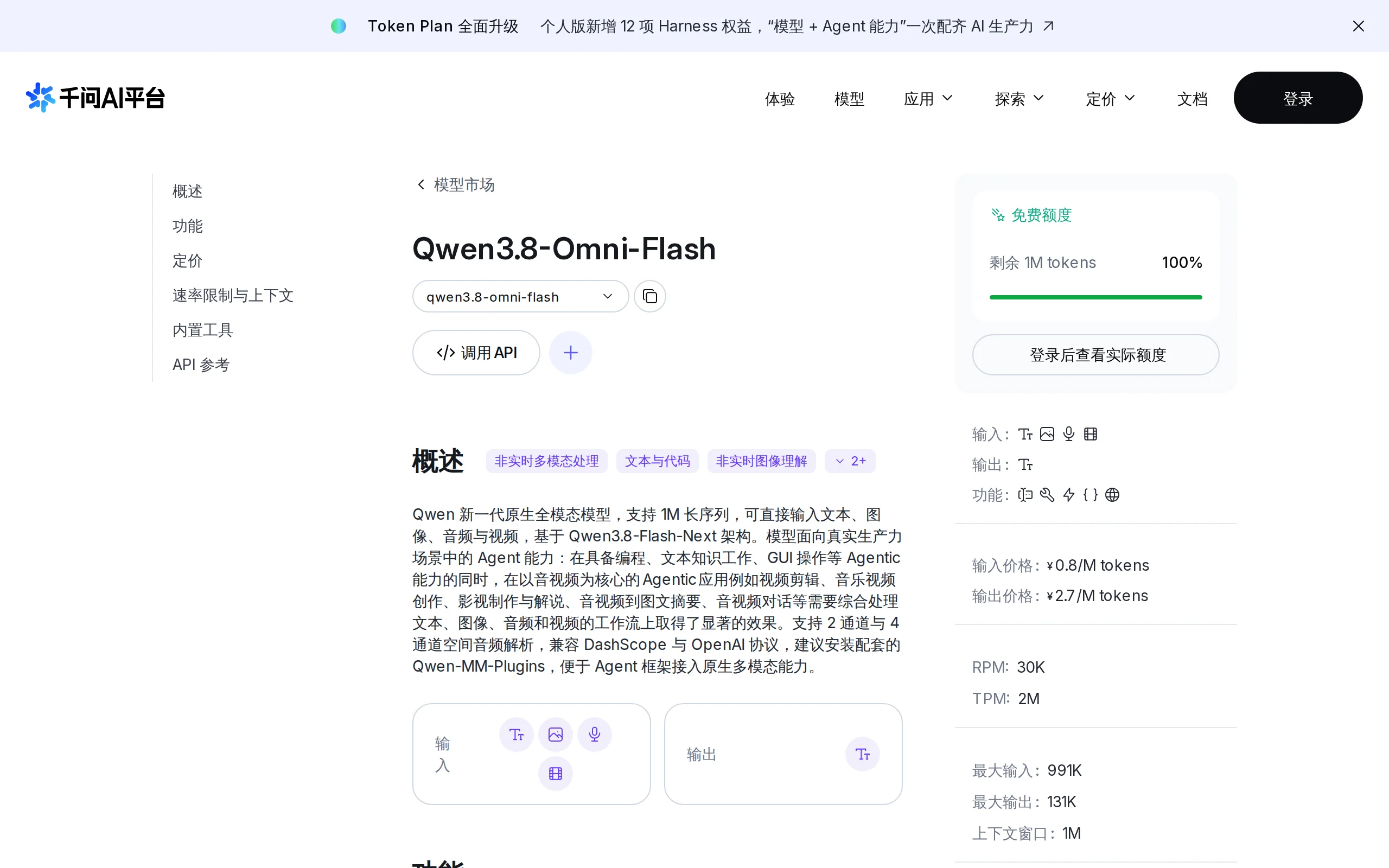
Qwen3.8-Omni-Flash – A Native Multimodal Model Launched by Alibaba Qwen
Qwen3.8-Omni-Flash is a native multimodal model launched by Alibaba Qwen. It jointly models four modalities—text, image, audio, and video—within a single architecture, supporting a context length of u...

Union Alpha – A Mysterious Multimodal Large Model with Unlimited Free Access for a Limited Time
Union Alpha is a multimodal large language model released in "stealth" mode, recently launched on mainstream AI service platforms such as OpenRouter, Cline, and OpenCode. The model supports dual-modal...
© All Rights Reserved. Some content on this site is partially generated by AI with human review.