
AGenUI – Amap and Alibaba's Native A2UI Framework for Agent UI
Executive Summary:
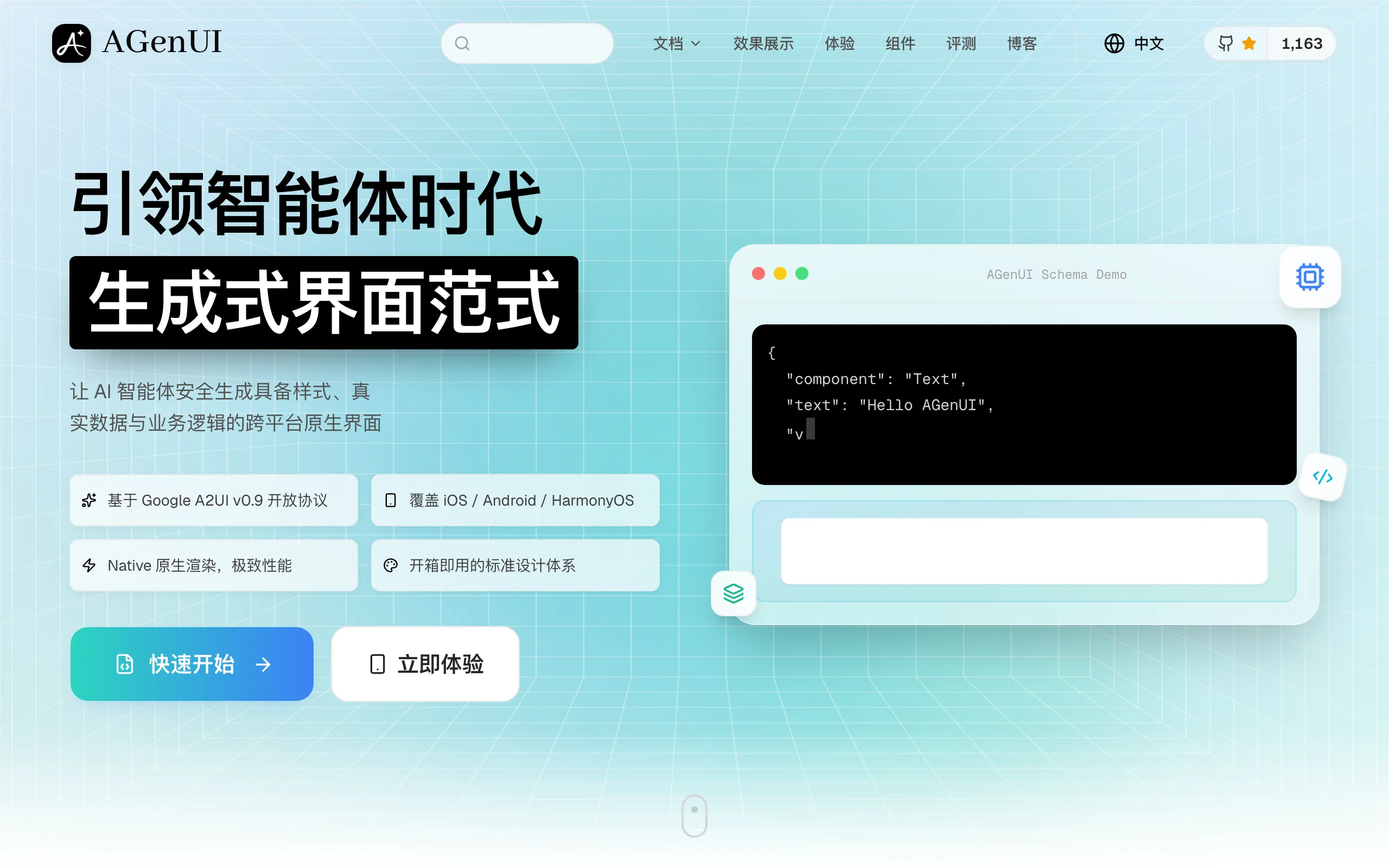
AGenUI is the industry's first open-source, cloud-device integrated native A2UI framework covering iOS, Android, and HarmonyOS, jointly released by Amap (Gaode) and Alibaba's Qwen consumer app team. Built on Google's A2UI open protocol, it solves the industry pain point where LLM output cannot become native interactive UI directly. By adding on-device native rendering, AGenUI turns agent output into interactive native cards without per-platform UI code—pushing AI apps from text chat toward generative UI.
1. What Is AGenUI
AGenUI is the industry's first open-source, cloud-device integrated native A2UI framework covering iOS, Android, and HarmonyOS, jointly released by Amap (Gaode) and Alibaba's Qwen consumer app team. Built on Google's A2UI open protocol, it solves the industry pain point where LLM output cannot become native interactive UI directly. By adding on-device native rendering, AGenUI turns agent output into interactive native cards without per-platform UI code—pushing AI apps from text chat toward generative UI.
Image source: Official article
Technical positioning and domain: Crossover of AI agents and mobile native UI—an edge-cloud generative UI stack. Structured or textual model output maps to cross-platform native components, bridging agent output and device rendering. Unlike WebView or custom draw engines, AGenUI calls each platform's native pipeline for first-frame speed and interaction fidelity.
Development background: Co-developed by Amap (maps, local life, complex agent UX) and Qwen (LLM application depth). Goal: escape “output = text” on mobile and evolve agents toward generative UI—maps, lists, charts in real time during navigation and local services.
Core value: Cuts three mobile agent pains: duplicated cross-platform UI work, weak on-device rendering performance, and slow mapping from agent output to components. One codebase targets three native platforms (70%+ UI cost reduction claimed); Streaming-first mounting lets users interact before the full response arrives; Design Tokens map semantics to brand visuals automatically.
Technical characteristics: Cloud-side Agent Skills emit A2UI JSON; device-side C++ Core parses protocol, manages state/layout, and renders natively. Lower token use and output variance on cloud; consistent 120fps-class motion and fast first paint vs WebView middleware.
2. Key Features
Tri-platform native rendering: One integration runs on iOS, Android, HarmonyOS via C++ Core calling native pipelines—60%+ faster first frame vs WebView in map-grade scenarios.
Full A2UI protocol: Standard JSON UI description plus native execution—component trees, events, state, and data updates for fully interactive agent UI.
Rich component set: 22 base components, 45 CSS-like properties—Chart, RichText, Lottie, PageViewer, audio/video—for dynamic nesting in travel, local life, and data-heavy cards.
Streaming real-time render: Streaming-first mount as chunks arrive; diff updates and async render thread keep high-frequency deltas off the main thread—120fps in tests.
Theme / Design Token system: Semantic tokens map to brand colors, type, spacing, radius; light/dark supported so generated UI matches product design.
Three-level customization: Override at component, invocation, and theme layers—e.g., custom map markers without breaking global defaults.
3. How to Use
Requirements: iOS — Xcode 14+, iOS 14+; Android — Android Studio 2022.1+, API 26+; HarmonyOS — DevEco 3.1+, HarmonyOS 4.0+. C++ toolchain required for the shared core.
SDK integration: iOS —
pod 'AGenUI'+pod install; Android —implementation 'com.amap.agenui:core:1.0.0'; HarmonyOS —ohpm install @amap/agenui. Initialize at app entry with AppKey and environment flags.Cloud Agent Skill: Define skills that map model output to A2UI JSON (component types, layout, data sources, callbacks). Use schema validation tools for protocol compliance.
On-device render: Create an AGenUI container, feed JSON, bind event handlers (tap, scroll, map marker click). Enable streaming mode and Design Token theme as needed.
Best practices: Preload core components before first paint; enable diff mode for hot paths; on HarmonyOS verify permissions for advanced components; validate/sanitize JSON in production to block malicious trees.
Debug the pipeline: Validate cloud JSON with the schema tool, then measure first-frame time and event callbacks on device. Empty cards usually mean an unknown component name—check the 22 built-ins or your custom factory registrations.
Theme the UI: Pass Design Tokens (color, type, spacing, radius) at init and verify light/dark modes still match brand rules so agent output and on-device chrome stay consistent.
Ship checklist: Exercise map cards, list taps, and form submit on iOS, Android, and HarmonyOS. Sign and reject off-protocol payloads before they reach the render container.
4. Pros and Cons
| Pros |
|---|
| One codebase, three platforms: Eliminates repeated native UI work across iOS/Android/HarmonyOS. |
| Native performance: Direct pipelines, ~60% faster first frame vs WebView; 120fps animations in complex scenes. |
| Streaming UX: Mount while generating—users interact early. |
| Diff + async updates: High-frequency deltas without blocking UI thread. |
| Design Token integration: Brand-consistent generative UI with dark/light modes. |
5. Comparison with Similar Tools
| Dimension | AGenUI | AG-UI (CopilotKit) |
|---|---|---|
| Focus | Edge-cloud native UI from agent output | Web Agent-UI protocol for LLM ↔ frontend |
| Protocol | Google A2UI + native execution | AG-UI event streams |
| Platforms | iOS, Android, HarmonyOS native | Web-first; mobile via WebView/PWA |
| Rendering | C++ Core → native pipelines | Browser/WebView engines |
| Agent-native | Components/layout tuned for generative output | Frontend state sync for agents |
| Streaming UI | Streaming-first + diff/async | Event-driven; limited by web perf |
| Components | 22 built-ins + charts/media | Depends on frontend stack |
| Performance | Fast first paint, 120fps target | WebView-bound |
| Integration | Few lines + cloud A2UI JSON | Frontend SDK + protocol layer |
| License | Open source | MIT |
Selection advice: Tri-platform native agent apps (maps, local life, mobility) with strict performance → AGenUI. Web-heavy teams with mature React/Vue → CopilotKit AG-UI. Traditional non-agent mobile apps → React Native.
6. Editor's Review
AGenUI marks a real step toward generative UI on mobile agents—first production-grade A2UI on three native stacks. C++ Core + streaming diff is the right architecture vs WebView wrappers; perf wins are tangible.
For enterprises shipping agents on iOS/Android/HarmonyOS, dev cost and visual consistency improve materially. Component/docs maturity still trails RN; cloud JSON quality remains a bottleneck.
Audience: Mobile teams building agent products—not pure web shops or HarmonyOS-only edge cases without tolerance for adapter work.
Outlook: As A2UI spreads, AGenUI could become a reference stack if docs, samples, and community grow.
Rating: ★★★★☆ (4.5/5) — Deduct for ecosystem/docs/HarmonyOS polish; best-in-class for native agent UI generation today.
7. Use Cases
Assistant cards in maps/local life: Restaurants, booking, payment in-place without app hopping.
Dynamic charts: Spend trends, dashboards from conversational context.
Rich media cards: Carousels, Lottie, video for marketing and education.
Enterprise tri-platform agents: Internal support bots with forms, KB links, and actions—one codebase for field staff on all three OSes.
8. FAQ
Q: Custom components?
A: Yes. Implement the native component interface, register it in the factory so the agent can name it in JSON, and keep the payload on the A2UI schema. Built-in three-level overrides still let you restyle or change behavior of stock components without forking the core.
Q: Performance vs WebView?
A: ~60%+ faster first frame; 120fps vs WebView struggling past ~30fps on heavy animation; diff/async avoids main-thread stalls on frequent updates.
Q: HarmonyOS completeness?
A: Core works on HarmonyOS 4.0+; advanced A/V/Lottie may need extra work—Amap is actively improving compatibility.
Q: JSON security?
A: Validate JSON against the A2UI schema, apply component whitelists, and render inside a sandbox. In production, sign cloud payloads and drop anything that fails protocol checks so a bad agent cannot inject arbitrary native views.
Q: Offline?
A: Renderer works offline; dynamic generation still needs cloud JSON unless you cache templates/skills locally.
Q: Streaming UX details?
A: Priority mounting (text/buttons first, charts later) + diff updates + background render thread to avoid jank mid-interaction.
9. Project Links
- Website: https://genui.amap.com/
- GitHub: https://github.com/AGenUI/AGenUI
Related AI Model Articles
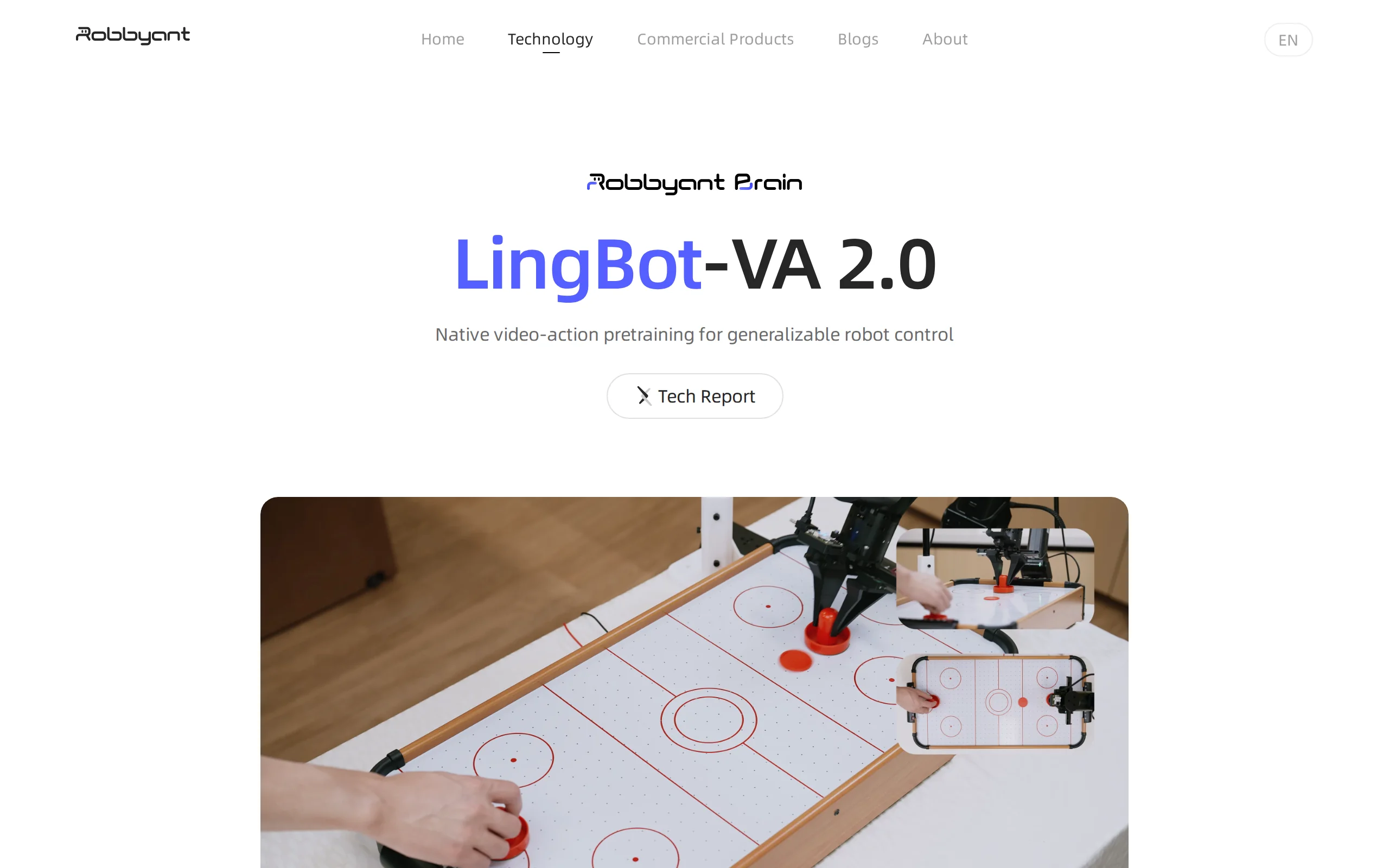
LingBot-VA 2.0 – AntWorld's Native World Action Model for Embodied Intelligence
LingBot-VA 2.0 is AntWorld's industry-first native world action model for embodied intelligence, pre-trained from scratch based on an autoregressive architecture, enabling robots to possess general-pu...
KAT-Coder-Pro V2.5 – Kwai's Agentic Coding Model
KAT-Coder-Pro V2.5 is the flagship Agentic Coding model introduced by KwaiKAT, focusing on long-range engineering capabilities and general Agentic abilities. By leveraging its self-developed AutoBuild...
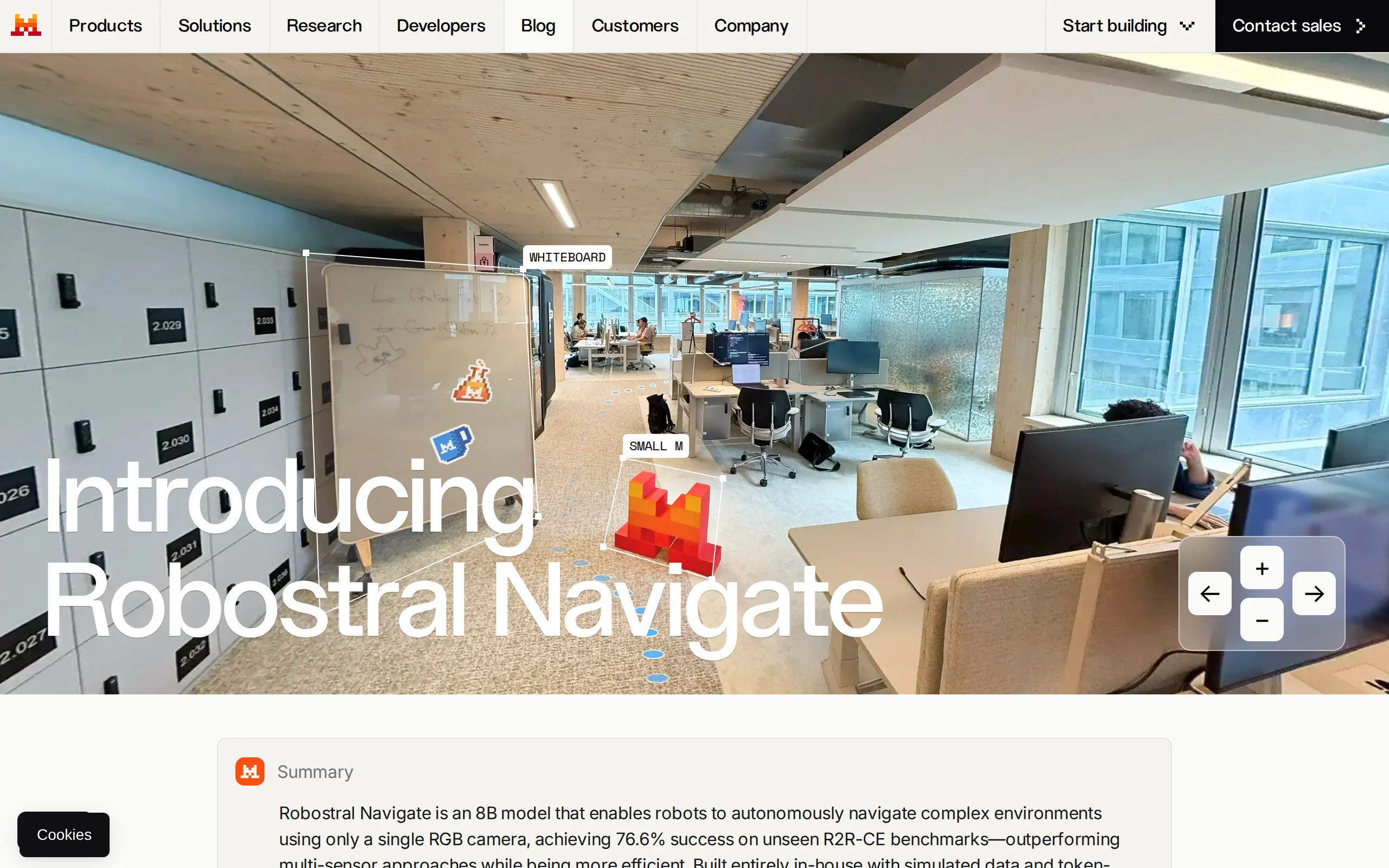
Robostral Navigate – Mistral AI's Embodied Intelligence Navigation Model
Robostral Navigate is Mistral AI's first embodied intelligence navigation model. Its core innovation lies in enabling robots to achieve autonomous navigation in complex environments using only a stand...
Seedream 5.0 Pro – A Multimodal Image Creation Model Launched by ByteDance
Seedream 5.0 Pro is a multimodal image creation model introduced by ByteDance's Seed team, specifically designed for complex professional scenarios. This model has achieved a comprehensive upgrade in ...
© All Rights Reserved. Some content on this site is partially generated by AI with human review.