
Shotcut – Open-Source Video Editing Software with Multi-Track Support

Executive Summary:
Shotcut is an open-source video editing software built on FFmpeg, offering completely free usage with no watermarks or time restrictions. The software supports direct editing of hundreds of audio and ...
1. What is Shotcut
Shotcut is an open-source video editing software built on FFmpeg, offering completely free usage with no watermarks or time restrictions. The software supports direct editing of hundreds of audio and video formats without the need for import, providing multi-track timelines, keyframe animations, rich transition effects, and audio noise reduction equalizers. Shotcut can process 4K materials in real time, allows for custom export resolutions compatible with various platforms, and offers a portable version that requires no installation, making it a professional, zero-cost solution for content creators and individual editors.
Image source: Official article
Image source: official article
Technical positioning and domain: Shotcut belongs to the category of desktop-level nonlinear video editing software, positioned within the domain of free and open-source professional editing tools. Unlike cloud-based products such as CapCut, Shotcut adheres to local offline operation, emphasizing format compatibility and editing flexibility, making it suitable for users with high requirements for media privacy and output control.
Development background: This project was initiated and led by the Meltytech team, with its core architecture based on the FFmpeg multimedia framework and the Qt cross-platform UI library. As a long-term maintained open-source project, Shotcut relies on continuous iteration from global contributors, regularly integrating the latest codecs and filter algorithms to stay aligned with industry standards.
Core value: Shotcut addresses the dilemma faced by video creators between the high licensing costs of paid software and the privacy risks associated with online tools. It provides professional features such as multi-track editing, keyframe animations, and audio adjustments at zero cost, with no limitations on watermarks, duration, or resolution in the output. It truly realizes a "one-time installation, permanently free" creative environment.
Technical features: It employs a direct FFmpeg decoding pipeline, allowing direct editing of media without the need for importing, significantly reducing disk usage and preprocessing time. The Qt-based modular interface supports highly customizable layouts, while the model-view separation architecture manages complex filter parameters and encoding queues, balancing usability and scalability.
2. Key Features
- Format Compatibility: Based on FFmpeg, it supports hundreds of audio and video formats and codecs, allowing users to directly drag and drop materials onto the timeline for native editing without the need for importing. This feature eliminates the need for transcoding waits and redundant storage, making it especially suitable for handling mixed material sets from different devices.
- Multi-track Editing: Offers a parallel editing system with multiple tracks for video, audio, and subtitles. Each track can be freely overlapped, split, and adjusted. Independent track locking, muting, and mixing modes are supported between tracks, meeting complex editing needs such as multi-layer compositing and picture-in-picture.
- Visual Effects: Comes with a wide range of transition effects and video filters, supporting keyframe animation creation. Users can perform frame-by-frame fine control over parameters such as brightness, contrast, color, and position, enabling visual expression from simple color correction to dynamic graphics.
- Audio Processing: Integrates noise reduction, equalizer, and volume meter functions, allowing professional-level audio adjustments without relying on external software like Audition. Waveform display and precise trimming tools make voice alignment and background audio processing more intuitive.
- 4K Support: Enables real-time preview and editing of 4K materials, automatically matching the project dimensions to the source material. It also supports manual customization of resolution and aspect ratio. With reasonable hardware configurations, timeline scrolling and playback responses are smooth, meeting the demands of high-resolution production.
- Flexible Export: Provides multiple presets for vertical, square, and horizontal formats, allowing one-click adaptation to publishing specifications on platforms such as Douyin, Bilibili, and YouTube. It also opens up encoding parameters (bitrate, frame rate, keyframe interval, etc.), enabling advanced users to finely balance image quality and file size.
- Portable Operation: Offers a portable version that requires no installation—simply extract and use, without writing to the system registry. This makes it ideal for carrying across multiple devices or for temporary editing on public computers with restricted permissions, significantly lowering the deployment threshold.
- Hardware Capture: Supports input from Blackmagic Design SDI/HDMI, screen recording, webcam capture, and network stream playback, with up to 4K capture capability. This feature allows Shotcut to not only edit local files but also serve as a live streaming push tool or screen recording utility directly.
3. How to Use
System Requirements: Shotcut supports three major platforms: Windows (7 and above), macOS (10.12 and above), and Linux (mainstream distributions). The installer version requires approximately 300 MB of disk space, while the portable version requires around 500 MB. There are no strict requirements for a graphics card, but for 4K editing, it is recommended to have a dedicated GPU to accelerate rendering.
Installation and Download: Visit the Shotcut official website at shotcut.org to download the version corresponding to your operating system. For first-time users, it is recommended to choose the installer version to automatically associate file types; if you need to use it on multiple devices, choose the portable version, which can be directly extracted and run.
Starting a Project: After launching the software, a blank project is automatically created. Alternatively, you can directly load a video file into the preview by selecting "Open File," without needing to import it into a media library. Project settings can be modified at any time later, including resolution, frame rate, and video mode.
Adding Media: Drag and drop videos, audio, and images directly from the folder into the playlist or timeline tracks. Shotcut uses a native editing approach without requiring import; the original media files remain in their original paths, and the timeline only references their locations, avoiding redundant copying.
Basic Editing: After dragging media into the timeline, use the scissors tool (shortcut key S) to split clips, select the unwanted parts, and press Delete to remove them. Dragging the edges of a clip adjusts its duration, while dragging up and down switches tracks. Holding Ctrl while dragging duplicates the clip, enabling quick reuse.
Visual Adjustments: After selecting a clip, open the "Filters" panel and add filters such as brightness, contrast, cropping, and resizing. Clicking the keyframe button allows you to add animated changes to parameters, achieving effects like fade-in/fade-out, pan, and zoom.
Transitions and Effects: Place two video clips end-to-end on the same track, or place them on upper and lower tracks to create an overlapping area. Right-click and select "Add Transition" to apply effects such as dissolve, wipe, or fade. The duration of transitions can be precisely adjusted in the properties panel.
Adding Subtitles: Create a new video track and drag text titles or SRT subtitle files into the corresponding track. Adjust their position and duration to align with the video. Shotcut supports rich text subtitle editing, allowing you to set font, color, and shadow individually.
Best Practices: When working on large projects, it is advisable to enable proxy editing, converting the original media into low-resolution proxy files to improve editing smoothness. When exporting, the software automatically replaces the proxy files with the original high-quality media. Additionally, save the project file (.mlt) regularly to prevent progress loss in case of unexpected crashes.
4. Pros and Cons Analysis
| Pros |
|---|
| Fully Open Source and Free: Utilizes the GPLv3 license, with no hidden paid features, no watermarks, no time limits, and free for commercial use. |
| Exceptional Format Compatibility: Based on the native FFmpeg engine, it supports hundreds of audio and video formats for direct editing without import, requiring almost no transcoding. |
| Local Privacy and Security: Operates completely offline, requiring no internet connection, no account, and no data upload, making it suitable for handling sensitive or confidential materials. |
| Cross-platform Portability: Provides installable versions for Windows, macOS, and Linux, as well as a portable version, which can be used immediately after extraction, without writing to the registry. |
| Audio Processing Capabilities: Features built-in noise reduction, equalizer, and volume meter, allowing professional-level audio adjustments without the need for third-party software. |
5. Comparative Analysis with Similar Tools
| Comparison Dimension | Shotcut | CapCut (Jianying) | DaVinci Resolve (Free Version) |
|---|---|---|---|
| Business Model | Fully open-source and free, GPLv3 license, no paywall at all. | Basic features are free, AI subtitles, high-definition export, and special effects templates require VIP subscription. | Free version provides full editing and color grading features, some advanced tools (noise reduction, HDR) require the Studio version ($295). |
| Platform Support | Desktop-first, supports Win / Mac / Linux, provides portable version. | Mobile-first, desktop version aligns with App features, relies on account and cloud. | Desktop version supports Win / Mac / Linux, no mobile version, requires high-performance GPU. |
| Editing Logic | Traditional non-linear multi-track editing, keyframe animation, precise audio waveform trimming. | Template-based one-click video creation, automatic subtitles and intelligent green screen as core features, with weak deep controllability. | Professional non-linear editing, node-based color grading, Fairlight audio workstation, high learning curve. |
| Format Compatibility | Based on FFmpeg, supports hundreds of formats without import, no restrictions on custom encoding parameters. | Built-in social platform export presets, advanced encoding parameters are hidden or restricted. | Supports mainstream professional formats, but importing certain consumer-level encodings (such as H.265 10bit requires Studio version). |
| Asset Ecosystem | No built-in assets, completely relies on user-owned resources, no copyright bundling. | Built-in with massive copyright music, stickers, filters, and AI digital humans, but creates platform lock-in. | Free version has no built-in assets, can connect to external databases, but no official asset library. |
| Privacy and Security | Fully local offline, no account required, no data upload. | Requires account login, AI features depend on the cloud, assets are subject to review risks. | Runs locally offline, can register a free account for tutorials, but it's not mandatory. |
| Hardware Requirements | Based on FFmpeg software decoding, no strict GPU requirements, 4K editing requires certain CPU performance. | Cloud-based AI reduces local workload, but high-definition preview still needs a certain GPU. | Recommends a dedicated GPU, especially NVIDIA, free version supports OpenCL, but compatibility with AMD is generally poor. |
Selection Recommendations: For users who prioritize zero cost, format compatibility, and privacy security, Shotcut is the preferred choice. It does not rely on an account, does not collect data, and its portable version can be used on any device with plug-and-play convenience, especially suitable for educational institutions, government agencies, and independent creators with high requirements for asset confidentiality. If you're looking for fast video production and a rich asset library, CapCut's template-based workflow and built-in resources can significantly shorten the production cycle, but you must accept cloud processing and membership subscriptions. DaVinci Resolve is suitable for users with professional color grading and audio needs, as its free version already covers most editing requirements, but it has higher hardware demands and a steep learning curve. Although OpenShot is also open-source and free, it is less stable and lacks advanced features compared to Shotcut, making it more suitable for basic editing tasks at the entry level.
6. Editor's Summary
Shotcut holds a unique position in the open-source video editing domain: it operates without reliance on funding from any commercial entity, being entirely community-driven, yet offers a feature set that can rival mainstream paid software. From a technological innovation perspective, its FFmpeg-based direct editing mode eliminates redundant import and transcoding steps, achieving peak format compatibility among consumer-grade tools; its depth in keyframe animation and audio processing also surpasses the capabilities of most free software. In terms of practical value, Shotcut truly realizes "zero-cost professional editing," especially for students, new media creators with limited budgets, and users who need to process sensitive materials offline—it removes two major pain points: the paywall and privacy concerns. In terms of target users, it is more suited for creators with some editing experience who are willing to organize their own materials and adjust parameters, rather than users who rely on templates for one-click editing. Looking ahead, with the gradual improvement of GPU acceleration and VST plugin support, Shotcut has the potential to further narrow the gap with professional software like DaVinci Resolve in real-time performance and audio ecosystem capabilities. If the community continues to optimize interface usability and documentation, Shotcut could become the de facto standard in the open-source editing space.
7. Application Scenarios
- Self-Media Content Creation: Individual bloggers and short video creators leverage its watermark-free and free features to directly export vertical/square videos compatible with platforms like Douyin, Bilibili, and YouTube. The multi-track functionality allows for simultaneous overlay of intros, voiceovers, and subtitles, while keyframe animations are used to create dynamic titles, enabling zero-cost daily updates.
- Education and Knowledge Pay: Teachers and training instructors use the multi-track feature to overlay screen recordings of course materials, webcam footage, and subtitle tracks, combined with built-in audio noise reduction, to quickly produce clear and uninterrupted online courses. The portable version allows seamless switching between classroom computers without requiring installation permissions.
- Independent Short Films and Vlogs: Travel and lifestyle documentarians use 4K real-time preview and keyframe color grading to complete the entire editing process—from rough cuts to fine-tuning—directly on their laptops. Format compatibility ensures that footage from cameras, smartphones, and drones can be directly mixed and edited without the need for transcoding intermediaries.
- Podcasts and Audio Visualization: Podcast producers import audio and use waveform display and equalizer tools to edit, then overlay covers and dynamic subtitles to generate video versions of their programs. The complete audio processing toolchain eliminates the need to switch to external software like Audacity, streamlining the workflow from recording to publishing.
8. FAQ
Q: Is Shotcut really completely free and watermark-free?
A: Yes. Shotcut uses the GPLv3 open-source license, and all features, including exporting, are watermark-free, with no time or resolution restrictions. It is also free for commercial use, and no license purchase or subscription is required.
Q: Does Shotcut support a Chinese interface?
A: Yes. Shotcut includes multilingual support, with the Chinese interface maintained by the community and available under "Settings > Language." However, some advanced filters and documentation are still primarily in English, with Chinese translations covering approximately 90% of the content.
Q: How can I add an SRT subtitle file to a video?
A: Simply drag and drop the SRT file onto the video track in the timeline. Shotcut will automatically recognize and generate a subtitle track. You can adjust the font, size, color, and position using the properties panel. It supports multi-line subtitles and custom styles.
Q: What should I pay attention to when exporting 4K video?
A: In the "Export" panel, choose a suitable encoder (recommended H.264 or H.265), set the resolution to 3840×2160, and use a bitrate of 40–60 Mbps. If previewing causes lag, enable proxy editing first, and Shotcut will automatically replace it with the original quality during export.
Q: Compared to CapCut, which is more suitable for beginners?
A: CapCut's templated workflow and intelligent tools (such as automatic subtitles and green screen) are more beginner-friendly, but it limits deep editing and requires login. Shotcut has a steeper learning curve but offers full editing freedom and privacy protection. If you're willing to invest time in learning basic editing logic, Shotcut offers better long-term value for money.
Q: How can I recover an unsaved project that was accidentally closed?
A: Shotcut does not automatically save by default, but you can enable scheduled backups under "Settings > Auto Save" (recommended every 5 minutes). If this feature is not enabled, check the temporary files (.mlt or .mlt~) in your project folder. Some versions also generate backups in the same directory.
9. Project Links
- Product Website: https://www.shotcut.org/
- GitHub Repository: https://github.com/mltframework/shotcut
Related AI Model Articles

Review of DeepSeek Harness Desktop: How the Official GUI Client Lowers the Bar for Agent Usage
DeepSeek Harness Desktop is the official graphical client launched by DeepSeek, designed to provide a visual interface for the originally command-line-based DeepSeek Harness framework. After users log...
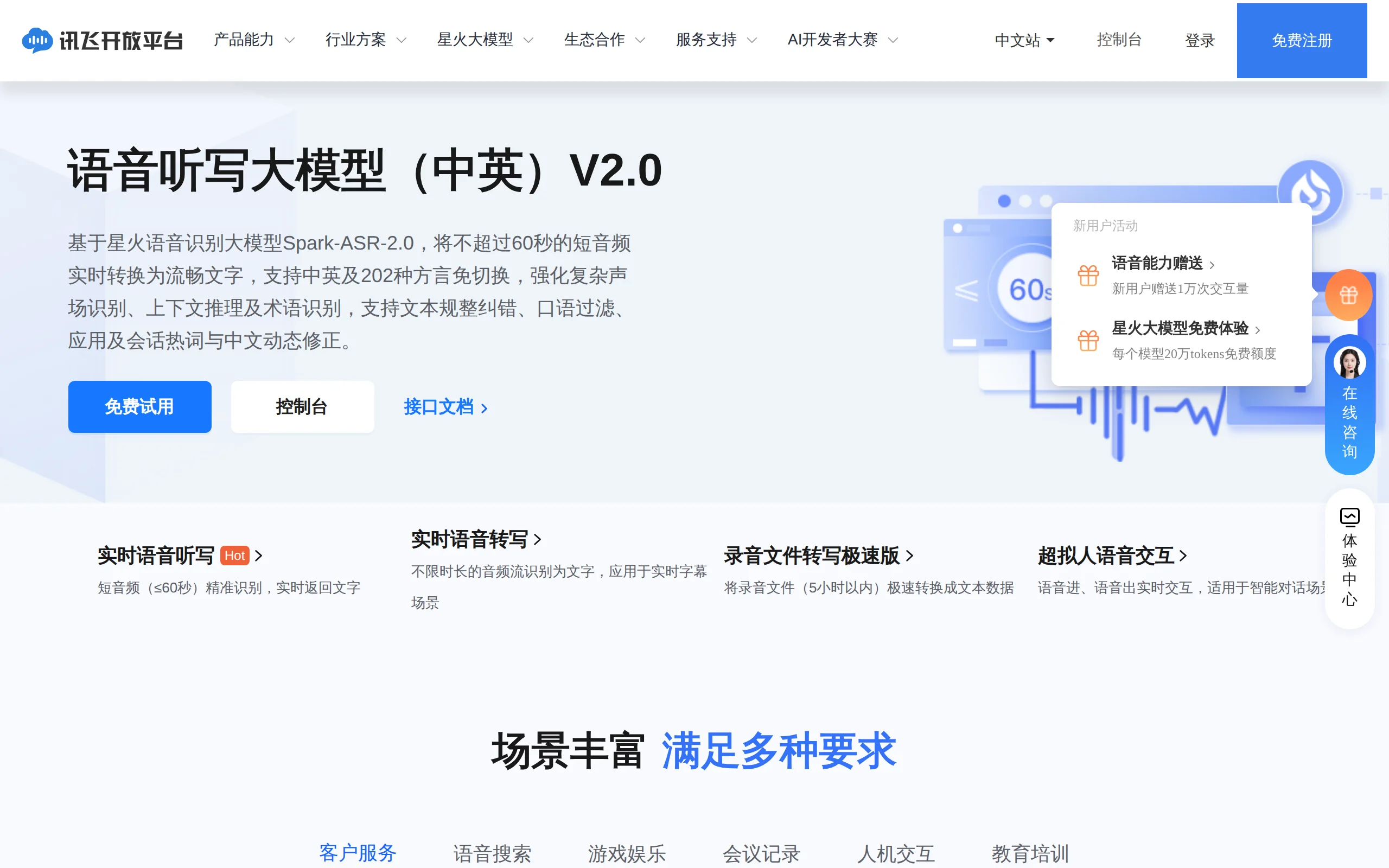
In-Depth Review of Spark-ASR-2.0: A New Paradigm in Speech Recognition with Non-Autoregressive Architecture
Spark-ASR-2.0 is the latest generation speech recognition large model launched by iFLYTEK based on its proprietary Spark-Audio speech foundation model. This model continues the non-autoregressive para...

Qwen-Audio-3.1: A Full-Stack Evaluation of the Qwen Audio Large Model Series
Qwen-Audio-3.1 is a series of large audio models launched by Alibaba's Qwen. It consists of five models: ASR speech recognition, ASR-Next audio understanding, TTS speech synthesis, TTS-Next audio crea...

Qwen3.8-LiveTranslate – A Real-Time Simultaneous Interpretation Model Launched by Alibaba Tongyi
Qwen3.8-LiveTranslate is a real-time simultaneous interpretation large model launched by the Tongyi Qianwen team at Alibaba. Based on the Interleave single-stream architecture, it processes audio and ...
© All Rights Reserved. Some content on this site is partially generated by AI with human review.