
SayIt – Open-Source AI Voice Input Tool, Automatically Converts Speech into Written Text

Executive Summary:
SayIt is an open-source AI voice input tool built with Rust, focused on the Windows desktop platform. Users simply hold down a shortcut key to speak, and their speech is converted in real-time into re...
1. What is SayIt
SayIt is an open-source AI voice input tool built with Rust, focused on the Windows desktop platform. Users simply hold down a shortcut key to speak, and their speech is converted in real-time into ready-to-use written text. The product offers three speech recognition modes: local, cloud API, and self-hosted server. It features a built-in AI refinement engine that automatically removes filler words, corrects typos, organizes sentence structure, and supports Chinese-English translation. Additionally, SayIt supports automatic Prompt rule matching per application, balancing efficiency while fully protecting user privacy.
Image source: Official article
Image source: official article
Technical positioning and domain: This tool belongs to the intersection of speech recognition and natural language processing (NLP), specifically positioned as a desktop smart voice input tool. Unlike traditional voice input methods, SayIt not only transcribes speech to text but also semantically optimizes spoken language through its AI refinement engine, outputting logically clear written expressions. It fills a market gap for an integrated "speech transcription + text polishing" tool.
Development background: Developed by crosswk as a personal open-source project, driven by community iteration. The motivation stemmed from shortcomings in existing voice input tools regarding privacy protection, text refinement, and contextual adaptability. SayIt is released under the AGPL-3.0 open-source license, aiming to build a transparent, controllable, and feature-complete voice input solution through community collaboration.
Core value: It solves the common pain point of "overly colloquial speech requiring secondary editing" in voice input. With the AI refinement engine, users can obtain written text suitable for emails, documents, code comments, and other scenarios without manual editing. Meanwhile, local mode and self-hosted deployment ensure sensitive audio data never leaves the device, meeting the core needs of privacy-conscious users.
Technical features: Built with Rust, the client has low resource usage, stable operation, and high security; offers three speech recognition modes (local, cloud API, server), allowing users to flexibly balance privacy, accuracy, and hardware requirements as needed; features an application-level Prompt rule engine that automatically identifies the current focused application and switches corresponding text polishing strategies, seamlessly integrating into the user's workflow.
2. Key Features
Multi-Mode Speech Transcription: Supports three speech recognition modes: local model, cloud API, and self-hosted server. The local mode runs entirely offline, with audio data never leaving the device; the cloud API mode calls third-party services (such as OpenAI Whisper) for higher accuracy; the server mode allows users to deploy on their own servers, balancing privacy and performance. Users can flexibly switch between modes based on scenario requirements.
AI Intelligent Refinement Engine: Features three polishing modes: intent refinement, faithful proofreading, and Chinese-English translation. The intent refinement mode automatically removes filler words, fills in tonal pauses, and reorganizes sentence structure to convert spoken language into logically clear written text; the faithful proofreading mode corrects typos and grammatical errors while preserving the original meaning; the Chinese-English translation mode supports speaking Chinese while outputting English, or vice versa, significantly improving cross-language communication efficiency.
Application-Level Prompt Rules: The system automatically detects the application where the cursor is located and matches preset prompt rules. It currently includes built-in adaptation rules for common software such as Teams, Outlook, VSCode, Cursor, and Notepad. For example, when speaking in VSCode, the AI automatically formats spoken language into code comment style; in Outlook, it generates formal email body text. Users can also customize rules to extend support for other applications.
Custom Hotwords: Supports user-defined hotword libraries optimized for professional terminology, names, product names, and proper nouns. By importing or manually adding hotwords, the accuracy of these terms during speech recognition can be significantly improved, avoiding transcription errors caused by homophones or uncommon words. This feature is particularly useful for users in specialized fields such as medicine, law, and programming.
Theme and Appearance Customization: Offers three themes: light, dark, and warm, along with various floating window styles. Users can customize waveform display styles and window length to suit different desktop environments and visual preferences. Although this feature is non-core, it significantly enhances daily comfort and personalization.
History Review: All voice input history is stored locally, and users can browse it chronologically on the history page. By clicking to expand details, users can review the original transcription text, the model used, audio duration, and recognition time, making it easy to compare recognition performance across different modes for parameter tuning or troubleshooting.
3. How to Use
System Requirements & Installation: The system requires Windows 10 or later (64-bit) and Microsoft Visual C++ Redistributable. Visit the SayIt official website https://sayitapp.site to download the latest installation package, double-click to run, and follow the wizard to complete installation. It is recommended to disable antivirus software before installation to avoid false positives.
Selecting Speech Recognition Mode: After the first launch, go to the "Speech Engine" settings page. Users need to select a mode based on their needs:
- Local Mode: No internet required. Download local models such as Whisper for offline operation, offering the highest privacy but consuming local computing power.
- Cloud API Mode: Requires configuring third-party API keys (e.g., OpenAI). Provides high recognition accuracy but depends on network connectivity and incurs API costs.
- Server Mode: Requires setting up or connecting to an existing Whisper server. Suitable for teams or enterprise users with high privacy requirements.
Configuring Shortcuts & Microphone: By default, the Alt key to the right of the spacebar is used as the voice trigger key. Users can customize the trigger key in the "Shortcuts" settings page. It is recommended to choose a key combination that does not conflict with other software (e.g.,
Ctrl + Shift + Space). Also, ensure the system microphone is properly connected and set as the default input device. You can test the recording level in the system sound settings.Speaking & Text Insertion: Open any text field (e.g., Notepad, Word, browser input box), press and hold the set shortcut key, and speak clearly into the microphone. Release the shortcut key, and the system will automatically complete speech transcription and AI processing, inserting the final text directly at the current cursor position. The entire process typically has a latency of 1-3 seconds, depending on the selected recognition mode and network conditions.
Reviewing & Tuning: All input records can be viewed on the history page. Click to expand details to compare the original transcribed text with the AI-processed text, evaluating recognition and refinement effects. If specific words are not recognized accurately, return to the "Hotword Customization" page to add relevant hotwords. If the refinement effect under a specific application is unsatisfactory, adjust the corresponding Prompt template in the "Application Rules" settings.
4. Pros and Cons Analysis
| Pros |
|---|
| Privacy-first architecture: Supports fully local recognition and self-hosted server deployment. Audio data never leaves the device or is deleted immediately after processing, fundamentally avoiding cloud privacy leakage risks. |
| Flexible multi-mode options: Provides three modes: local, cloud API, and server. Users can freely switch based on privacy needs, hardware configuration, and accuracy requirements, balancing different scenarios. |
| Differentiated AI polishing engine: Built-in polishing modes such as intent organization, faithful proofreading, and Chinese-English translation. Automatically converts spoken language into written expression, significantly reducing post-editing workload—a rare feature among similar tools. |
| Open-source transparency and community-driven: Both front-end and back-end code are fully open-source (AGPL-3.0). Code is auditable, the community can contribute, reducing vendor lock-in risks and facilitating secondary development for developers. |
5. Comparison with Similar Tools
| Dimension | SayIt | AudioClaw (SenseTime) | Windows Speech Input (Microsoft) |
|---|---|---|---|
| Core Architecture | Rust client + optional local/cloud/server engine | Cloud API + closed-source client | System built-in, based on Azure cloud |
| Privacy Protection | Fully offline in local mode, self-hostable in server mode | Primarily relies on cloud processing, privacy policy controlled by SenseTime | Relies on Microsoft cloud, data processed via Azure |
| AI Organization Capability | Built-in intent organization, faithful proofreading, and Chinese-English translation modes | Focuses on basic speech recognition, no independent text polishing engine | No text polishing function, only basic error correction |
| Scenario Adaptation | Supports app-level Prompt rules for automatic switching | No app-level adaptation | No app-level adaptation |
| Open Source License | AGPL-3.0, fully open source | Closed source, commercial license | Closed source, system built-in |
| Platform Support | Windows only | Windows, macOS, mobile | Windows native |
Selection Recommendations:
- Privacy-sensitive users, tech enthusiasts, or developers: SayIt is the best choice. Its local mode and open-source nature provide the highest level of privacy protection, and it supports app-level rule customization for deep tailoring. If users require extremely high organization accuracy, they can combine a local Whisper model with SayIt's AI organization engine for optimal results.
- Users seeking convenience and multi-device collaboration: AudioClaw or Windows built-in speech input are more suitable. They require no configuration, are ready to use out of the box, and support mobile devices, making them ideal for daily light use. However, users must accept the privacy risks of cloud processing and the lack of AI text organization, requiring manual editing of transcribed content.
- Enterprise users needing fully offline and highly controllable solutions: It is recommended to adopt the Whisper local deployment scheme, paired with SayIt's server mode as the frontend. This allows users to leverage SayIt's AI organization and application adaptation capabilities while keeping all data completely within their own servers, achieving dual guarantees of privacy and functionality.
6. Editor's Take
SayIt has found a precise differentiated position in the AI voice input tool space: it is not just a speech recognizer, but an intelligent processing pipeline that converts spoken language into written text. From a technological innovation perspective, its AI polishing engine and application-level Prompt rules are truly valuable innovations. The former solves the core pain point of still needing extensive manual editing after voice input, while the latter enables the tool to "sense" context and automatically adjust output style—a contextual awareness capability rarely seen in similar products. The Rust-based client also demonstrates a focus on performance and security, with low resource usage and stable operation, which is commendable.
In terms of practical value, SayIt offers clear benefits to three types of users: first, office productivity seekers, who can significantly speed up writing emails, documents, and code comments; second, privacy-conscious users, as local mode and self-hosted deployment provide trustworthy privacy guarantees; and third, tech enthusiasts, who benefit from open-source code and custom hotword features for deep customization. However, its limitation to the Windows platform and accuracy bottlenecks in local mode are the main factors restricting widespread adoption. For macOS users and scenarios requiring high-precision recognition, other tools are still needed.
Regarding future development potential, if SayIt can expand to macOS and Linux platforms and continuously improve local model recognition accuracy (e.g., by integrating lighter edge-side models), its market reach will greatly expand. Additionally, whether the community can contribute more application rules and polishing templates will determine the richness of its ecosystem. Overall, this is a small but refined tool with clear thinking and solid execution.
7. Application Scenarios
Office Document and Email Drafting: In software such as Word, Outlook, and Teams, press and hold a shortcut key to dictate email body or document content. SayIt's AI processing engine automatically converts spoken language into formal written language and matches the corresponding application's Prompt rules (e.g., generating email body format in Outlook), significantly improving daily office input efficiency, especially suitable for roles requiring extensive text output.
Meeting Minutes and Notes Organization: During meetings, users can use SayIt alongside Notepad or dedicated note-taking software. By dictating meeting speeches in real time, the AI automatically removes filler words like "um" and "uh," and organizes scattered speech into structured bullet-point minutes. These can be exported directly after the meeting, eliminating the tedious process of manually organizing recordings.
Cross-Language Communication and Content Creation: For users who need to write English emails or documents, the Chinese-English translation mode can be enabled. While dictating ideas in Chinese, SayIt outputs English text in real time. This scenario is suitable for international team collaboration, overseas market email communication, and draft generation for English content creators, significantly reducing the time cost caused by language barriers.
Programming and Code Comments: In code editors like VSCode or Cursor, SayIt's application rules automatically switch to a code comment style. Users can directly dictate function descriptions or code logic, and the AI organizes them into comment text that conforms to programming standards, helping developers quickly complete documentation without interrupting their coding flow.
Accessible Input Assistance: For individuals who have difficulty typing due to hand injuries, carpal tunnel syndrome, or disabilities, SayIt provides an efficient alternative input method. Users only need to speak to complete text input, and the AI processing engine ensures the quality of the output text, reducing reliance on post-editing and effectively enhancing the convenience of digital life.
8. FAQ
Q: What hardware configuration is required for SayIt's local mode?
A: Local mode requires a CPU that supports the AVX2 instruction set (supported by most Intel and AMD processors), with at least 8GB of RAM recommended. If using smaller Whisper models (such as base or small), integrated graphics can run it, but real-time performance may be affected. For low-latency experience, an NVIDIA discrete GPU (GTX 1060 or above) is recommended. The initial model file download is approximately 1-5GB, so ensure sufficient disk space.
Q: Which service providers does the cloud API mode support? How to configure it?
A: Currently, it supports OpenAI's Whisper API and services compatible with the OpenAI API format (such as Azure OpenAI). Users need to enter the API key and endpoint address in the settings page. Note that using cloud API mode incurs costs, billed by token or minute. It is advisable to test on a small scale first to confirm costs.
Q: Can the effect of the AI organization engine be adjusted? Will it over-modify the original text?
A: Yes. Users can adjust the polishing intensity in the "AI Organization" settings, including "Light," "Standard," and "Deep" levels. Light mode only corrects obvious typos and grammatical errors, while Deep mode significantly restructures word order and expression. If a particular organization result is unsatisfactory, users can view the original transcription in the history and manually adjust the Prompt template or polishing mode.
Q: Does SayIt support Chinese speech recognition? How effective is dialect recognition?
A: It supports Mandarin Chinese recognition. In local mode, using Whisper's multilingual models (such as large-v3) yields good Chinese recognition results. For dialect recognition, Whisper has some support for common dialects like Cantonese and Sichuanese, but accuracy is lower than for Mandarin. It is recommended to prioritize cloud API mode for dialect scenarios or optimize using the custom hotword feature.
Q: How do I add new application rules? Do I need programming knowledge?
A: No. Users can click "Add New" on the "Application Rules" page, fill in the application name (must match the system process name, e.g., Code.exe) and the corresponding Prompt template. The Prompt template can be described in natural language, for example: "Please convert the following spoken language into a formal email format, including salutation and signature." The system will automatically inject this template into the AI organization process. If matching fails, users can view the current focused application's process name in the history.
Q: Does SayIt collect my voice data?
A: In local mode, all voice data stays on the device, and the system does not upload any information. In cloud API mode, voice data is sent to third-party API service providers, and after the results are returned, the SayIt client does not save the original audio. In server mode, data is managed by the user. Overall, SayIt's design principle is "data minimization," and it does not actively collect user data.
9. Project Address
- Official Website: https://sayitapp.site
- GitHub Repository (Open Source Code): https://github.com/crosswk/SayIt
Related AI Model Articles

Review of DeepSeek Harness Desktop: How the Official GUI Client Lowers the Bar for Agent Usage
DeepSeek Harness Desktop is the official graphical client launched by DeepSeek, designed to provide a visual interface for the originally command-line-based DeepSeek Harness framework. After users log...
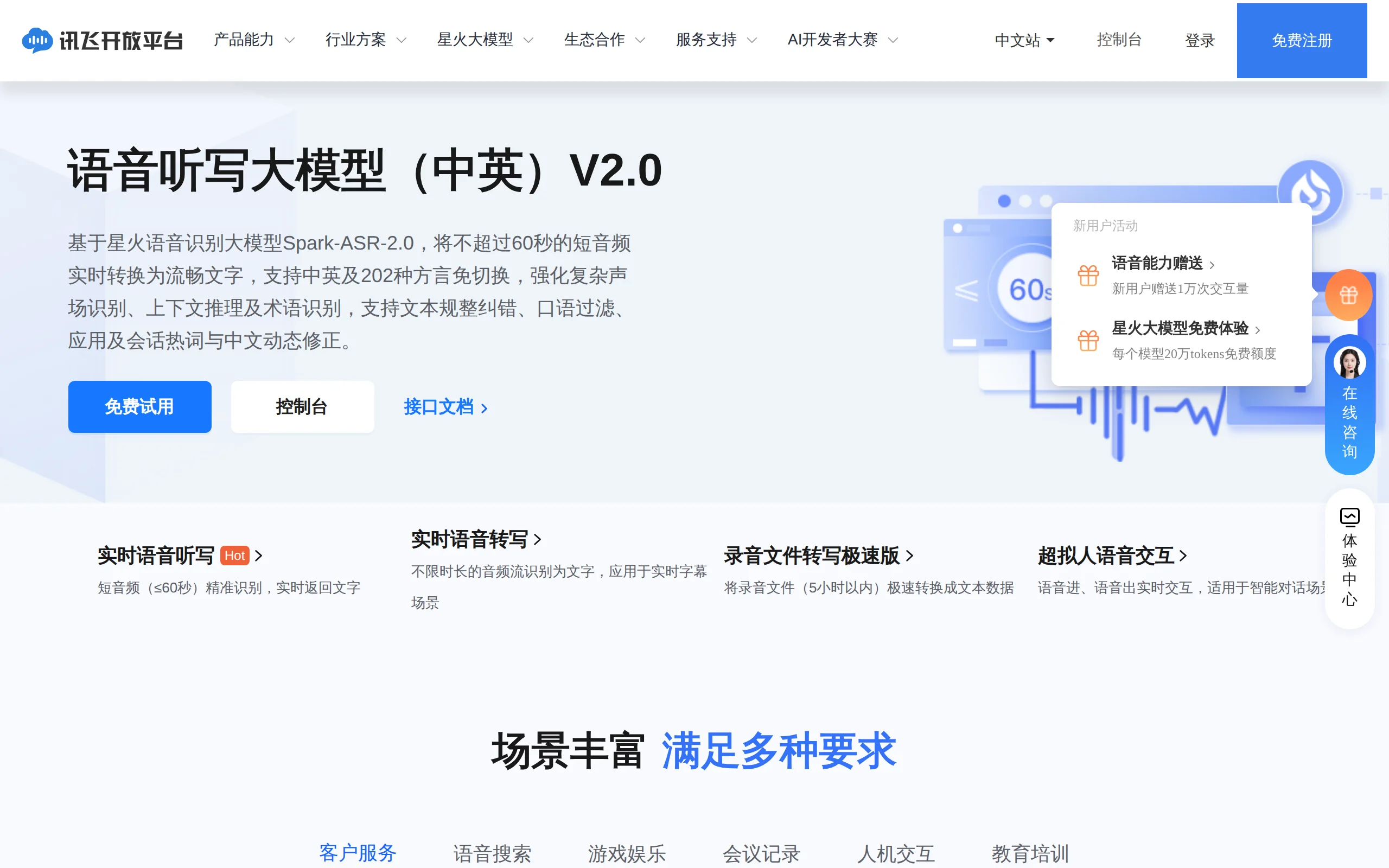
In-Depth Review of Spark-ASR-2.0: A New Paradigm in Speech Recognition with Non-Autoregressive Architecture
Spark-ASR-2.0 is the latest generation speech recognition large model launched by iFLYTEK based on its proprietary Spark-Audio speech foundation model. This model continues the non-autoregressive para...

Qwen-Audio-3.1: A Full-Stack Evaluation of the Qwen Audio Large Model Series
Qwen-Audio-3.1 is a series of large audio models launched by Alibaba's Qwen. It consists of five models: ASR speech recognition, ASR-Next audio understanding, TTS speech synthesis, TTS-Next audio crea...

Qwen3.8-LiveTranslate – A Real-Time Simultaneous Interpretation Model Launched by Alibaba Tongyi
Qwen3.8-LiveTranslate is a real-time simultaneous interpretation large model launched by the Tongyi Qianwen team at Alibaba. Based on the Interleave single-stream architecture, it processes audio and ...
© All Rights Reserved. Some content on this site is partially generated by AI with human review.