
Mirawork – Desktop AI Office Agent, Covering All Office Scenarios

Executive Summary:
Mirawork is a security-first desktop AI office agent that supports the three major operating systems: macOS, Windows, and Linux. Users issue tasks through natural language, and the system automatically breaks down requirements and invokes built-in skill chains for execution, covering full-scenario tasks such as document processing, PPT generation, Excel reports, programming development, and image creation. The product emphasizes zero learning curve—download and use without any environment setup, supports multi-workspace parallelism and cross-file correlation analysis, and operates entirely locally with closed-loop data control, enhancing efficiency while maintaining security boundaries.
1. What is Mirawork
Mirawork is a security-first desktop AI office agent that supports the three major operating systems: macOS, Windows, and Linux. Users issue tasks through natural language, and the system automatically breaks down requirements and invokes built-in skill chains for execution, covering full-scenario tasks such as document processing, PPT generation, Excel reports, programming development, and image creation. The product emphasizes zero learning curve—download and use without any environment setup, supports multi-workspace parallelism and cross-file correlation analysis, and operates entirely locally with closed-loop data control, enhancing efficiency while maintaining security boundaries.
Image source: Official article
Image source: official article
Technical Positioning and Domain: Mirawork belongs to the field of desktop-level AI agents, focusing on office productivity scenarios. Unlike traditional cloud-based AI assistants, Mirawork fully localizes reasoning and data storage, requiring no internet connection. This not only avoids data leakage risks but also ensures response speed. Its positioning lies between lightweight AI plugins (such as Office Copilot) and heavy automation platforms (like RPA tools), bridging user intent and complex tool chains through natural language interaction, delivering an experience of "completing an entire workflow with one sentence."
R&D Background: Mirawork was developed by an independent product team with years of experience in desktop applications and AI engineering. The motivation for development stems from the widespread issues of "tool fragmentation" and "data security anxiety" in current office scenarios—users frequently switch between multiple software applications and manually transfer data, while cloud-based AI services struggle to guarantee enterprise-level data privacy. Mirawork aims to create a unified local intelligent workstation, allowing users to complete the entire process from document creation to data analysis within a single interface, ensuring data never leaves the device.
Core Value: The core problems it solves include: ① Lowering the barrier to using AI tools—non-technical users can achieve high-quality results without learning prompt templates or configuring environments; ② Eliminating the risk of data leakage—fully local operation ensures file reading, processing, and output are all closed-loop within the user's device; ③ Enabling cross-file, cross-format correlation analysis—automatically understanding relationships between multiple heterogeneous documents and generating comprehensive reports, saving manual comparison and data transfer. Its innovative value lies in turning the concept of an "agent" into a desktop product that delivers tangible results, rather than merely providing conversational suggestions.
Technical Features: It features an "intelligent skill scheduling" mechanism, with multiple built-in skills (document processing, PPT layout, code compilation, image generation, etc.) that automatically match the optimal execution chain based on task type. It also supports manual skill selection to accommodate advanced user preferences. Adopting a local-first architecture, all model inference and data processing are completed on the user's device, with the network only used for skill library updates. The multi-workspace parallel design allows users to run multiple independent sessions simultaneously, with each workspace having its own file system and permissions, ensuring multi-threaded tasks do not interfere with each other.
2. Key Features
Intelligent Document Processing: Supports the full lifecycle of Word, Excel, PowerPoint, and PDF files, including creation from scratch, template-based generation, modification of existing files, and conversion of Markdown to standard office documents. The system features a built-in formatting engine that automatically identifies document structures and maintains style consistency, making it suitable for high-frequency scenarios such as contract revisions and report drafting.
Smart PPT Generation: Automatically performs independent layout based on user-provided materials (text, tables, images), ensuring coordinated colors and consistent style, rather than simply applying templates. The system recognizes content hierarchy, automatically generates tables of contents, charts, and key annotations. The resulting presentations are ready for formal reporting without the need for secondary adjustments.
Programming Development Support: Understands project structures and code logic, supports editing source code, running build and test commands, locating and fixing program errors, and automatically supplements code comments and documentation. This feature is designed for developers, handling common programming languages (such as Python, JavaScript, Java, etc.), and can quickly locate online errors even with limited logs.
Image Creation: Generates illustrations, posters, or marketing banners with a single sentence, supporting batch output while maintaining a consistent style. The system has a built-in image generation model that accepts natural language descriptions and outputs high-quality visual content, suitable for scenarios such as WeChat public account images, social media materials, and product promotional images.
Search Research: Features built-in multi-source cross-search capabilities, automatically integrating competitor data and publicly available online information to generate structured analysis reports. Users only need to input a research topic, and the system collects, compares, and extracts key conclusions from multiple information sources, saving time on manual collection and organization.
No-Code Automation: Builds workflows through visual nodes, turning cross-platform tasks and data organization into stable, reusable processes. Users do not need to write code; they simply drag and drop nodes to define data input, processing logic, and output actions, making it suitable for automating repetitive office tasks.
Multi-Workspace Parallelism: Allows the creation of multiple independent workspaces, each with its own folders, conversation history, and file permissions, supporting simultaneous operation of multiple sessions without interference. This design is suitable for handling tasks across multiple projects, different clients, or various departments simultaneously, preventing context confusion.
Cross-File Correlation Analysis: Simultaneously reads multiple heterogeneous files such as PDF, Word, and Excel, automatically understands file relationships, and generates comprehensive reports. For example, by inputting a market research PDF, a sales data Excel, and a competitor analysis Word file simultaneously, the system can automatically identify related fields and output a structured decision-support report.
3. How to Use
System Requirements & Installation: Visit the Mirawork official website at https://mirawork.com/ to download the version for your operating system (macOS, Windows, Linux) for free. No need to install Python, Node.js, or other runtime environments, and no dependency configuration is required. The installation package is approximately 500MB and includes the inference engine and base model. It is recommended to have at least 8GB of RAM, with 16GB or more for a smooth experience.
First Launch & Task Creation: After installation, double-click to run and enter the main interface. Directly use natural language in the input box to assign tasks, for example, "Help me create a Q3 presentation PPT containing sales data and market analysis." No need to learn any Prompt templates; the system will automatically parse the intent. If you want to specify a particular skill, you can add instructions, such as "Use programming skills to fix the syntax errors in this Python file."
Uploading Materials & Context Association: If the task requires referencing existing files, you can directly drag and drop PDF, Word, Excel, PPT, and other files into the workspace. The system will automatically read the content and understand the relationships between files. For example, by uploading a customer feedback Word document and a sales data Excel file simultaneously, Mirawork will identify the logical connection between them and automatically integrate the information when generating the report.
Continuous Collaboration & Iteration: During task execution, you can supplement information or adjust the direction at any time. For example, after generating a PPT, you can request "Change the chart on the third slide to a bar chart," and the system will modify it based on the existing context without needing to explain from scratch. The entire conversation history is retained in the workspace, supporting backtracking and branching discussions.
Obtaining & Exporting Results: After automatic execution, checking, and refinement, the system delivers ready-to-use files or reports. Result files are saved in a dedicated folder within the workspace and can be exported in common formats (e.g., .docx, .pptx, .xlsx, .pdf, .png, etc.). Users can also copy the results to the clipboard with one click or send them directly to an email.
Switch workspaces: Create one workspace per client or department so sessions do not mix. Confirm the active folder and export path before switching, or a contract from project A can land in project B's directory.
Notes: It is recommended to connect to the internet during the first launch to download the latest skill library and model updates; subsequent use can be fully offline. In multi-workspace mode, each space stores data independently, so be sure to confirm the current workspace when switching. For large files (over 100MB), processing time may be slightly longer; it is advisable to keep the device powered on and avoid running too many applications simultaneously.
Spot-check exports: Open the generated PPT/Word/Excel and confirm charts and tracked changes match the files you dropped in before sending to colleagues.
4. Pros and Cons Analysis
| Pros |
|---|
| Zero Learning Curve: Ready to use out of the box—no need to configure a Python environment, install plugins, or learn prompt templates. Extremely user-friendly for non-technical users, significantly lowering the barrier to AI-powered office tools. |
| Local-First Security: Runs entirely locally with clear and controllable data flow, forming a secure closed loop from file reading to output delivery. No risk of data leakage, making it suitable for handling confidential documents. |
| Cross-File Correlation Analysis: Can simultaneously read multiple heterogeneous files (PDF, Word, Excel, etc.) and automatically generate comprehensive reports by correlating data, eliminating manual comparison and data transfer for significant efficiency gains. |
| Multi-Workspace Parallelism: Supports creating multiple independent workspaces, allowing concurrent sessions without interference, greatly enhancing multi-threaded task efficiency—ideal for handling multiple projects simultaneously. |
| Intelligent Skill Scheduling: Automatically matches the optimal execution path without requiring manual tool selection; users can also directly specify a particular skill, balancing convenience and control. |
5. Comparison of Similar Tools
| Dimension | Mirawork | Mobile Cloud MobileClaw |
|---|---|---|
| Vendor Background | Independent product team | China Mobile (state-owned enterprise), the first self-developed desktop-level AI office agent in China |
| Product Positioning | Desktop AI office agent, focused on result delivery | Desktop-level AI office agent / digital employee, deeply compatible with OpenClaw ecosystem |
| Operating Architecture | Local-first, data fully closed-loop locally, no upload to cloud | Local-first storage, core data and conversations not uploaded to cloud, secondary confirmation for high-risk commands |
| Platform Support | macOS / Windows / Linux | Windows / macOS (Intel and M series) |
| Ease of Use | Very low, download and use immediately, no invitation code or environment setup required | Very low, one-click install and ready to use, login with phone number + verification code, no command line configuration needed |
| Interaction Method | Natural language conversation, automatically matches skill chains; manual skill selection possible | Natural language conversation, white-screen zero-code operation; supports WeChat/Feishu integration, 24/7 online |
| Core Features | Cross-file correlation analysis, multi-workspace parallel processing, no-code automation | Digital employee automation, secondary confirmation for high-risk commands, enterprise-level security management |
| Open Source License | Closed source, free to use | Closed source, free to use |
Selection Recommendations: For individual users or small teams who value data privacy and need cross-file correlation analysis, Mirawork is a better choice. Its local closed-loop architecture and no-code automation capabilities can significantly improve efficiency. If users are already deeply embedded in the WPS Office ecosystem, WPS AI offers higher integration, allowing direct AI feature access within the document editing interface, though some capabilities rely on the cloud and require membership. For large enterprises or scenarios with high security and compliance requirements (e.g., finance, government), Mobile Cloud MobileClaw's digital employee model and enterprise-level management capabilities are more advantageous. It also supports integration with office platforms like WeChat and Feishu, making it suitable for building automated workflows.
6. Editor's Take
Mirawork demonstrates impressive product maturity in the desktop AI office agent space. Its technological innovation is embodied in two core mechanisms: "Intelligent Skill Scheduling" and "Cross-File Correlation Analysis." The former abstracts complex toolchains into natural language instructions by automatically matching the optimal execution path, truly enabling "one sentence to complete a workflow." The latter breaks through the limitation of traditional document processing tools that can only handle single files, automatically linking multiple heterogeneous files through semantic understanding, significantly reducing manual comparison and data transfer. This leap from "tool" to "agent" represents the future direction of office productivity tools.
In terms of practical value, Mirawork's "zero-barrier" feature is particularly outstanding. Many current AI tools still require users to have some technical background (such as configuring environments or learning prompt templates), while Mirawork is directly aimed at non-technical users—download and use immediately with natural language interaction, allowing it to cover a broader office population. At the same time, the local-first architecture completely eliminates data privacy concerns—for users handling sensitive documents like contracts, financial reports, and internal memos, this is almost a necessity.
The target audience is clearly defined: individual knowledge workers (such as analysts, writers, project managers), small startup teams, and enterprise users with high data security requirements. For developers, its programming support features also provide practical assistance.
In terms of future development potential, Mirawork needs to continuously improve the inference quality of its built-in models, especially in long-text generation and complex logical reasoning scenarios, where current performance still lags behind cloud-based large models. Additionally, the expandability of the skill library (such as supporting user-defined plugins or integrating third-party APIs) will be key to enhancing product flexibility. If an active developer community can be established, Mirawork has the potential to become a benchmark product for desktop AI agents.
Recommendation Index: ★★★★☆ (4.5/5)
Scoring basis: High product maturity, core features practical with smooth user experience; zero-barrier and local security are significant pluses; deductions are due to the limitations of built-in model capabilities and skill library expandability, but these flaws do not overshadow the strengths—it is already sufficient for most office scenarios.
7. Application Scenarios
Urgent Report Preparation: Quickly consolidate scattered Excel data, PPT drafts, and customer feedback into a professional 10-page presentation, highlighting ROI highlights within 45 minutes. Users simply drag relevant files into the workspace and input "Create a Q3 sales report PPT based on these materials, focusing on growth trends and customer satisfaction." The system automatically formats, generates charts, and outputs a ready-to-use presentation.
Cross-Department Contract Revision: Automatically compare 86-page old and new contracts, precisely modify clauses while retaining revision marks, compressing a 3-hour workload into 15 minutes. Users upload both old and new Word document versions simultaneously; Mirawork automatically identifies differences, generates a revised version with all changes annotated, and supports one-click acceptance or rejection.
Technical Troubleshooting: Quickly locate online 500 errors with limited logs, fix code, and generate a fault explanation readable by non-technical personnel. Developers can drag error logs and project code into the workspace and input "Analyze this error and fix it." The system identifies the problem location, proposes a fix, and automatically generates a fault report tailored for business staff.
Batch Content Production: Generate 8 stylistically consistent illustrations for 8 paragraphs of an article with one click, meeting the needs of WeChat official accounts or marketing materials. Users input paragraph descriptions, and Mirawork invokes the image creation function to produce images in bulk, ensuring consistent color tones and composition styles for direct use in layout.
Multi-Source Data Integration: Simultaneously read PDF reports, Excel data tables, and Word flowcharts, automatically perform correlation analysis, and generate a structured comprehensive decision report. Suitable for scenarios such as market research, competitive analysis, and project evaluation. Users do not need to manually organize data; the system automatically outputs a complete document containing charts, conclusions, and recommendations.
8. FAQ
Q: Does Mirawork run completely offline? Does it require an internet connection?
A: Core functions run entirely offline, with all inference and data processing performed locally. An internet connection is recommended on first launch to download the latest skill library and model updates, but subsequent use can be fully offline. The search research feature requires an internet connection to access multi-source searches, but users can choose to disable this feature.
Q: What file formats does Mirawork support for import and export?
A: It supports importing common formats such as PDF, Word (.docx), Excel (.xlsx), PowerPoint (.pptx), plain text (.txt), Markdown (.md), and images (.jpg/.png). Export formats are largely consistent with imports, with the additional ability to directly generate printable PDF reports.
Q: What are the specific hardware requirements for Mirawork?
A: The minimum requirement is 8GB RAM and a dual-core CPU. 16GB RAM and a quad-core or higher CPU are recommended, along with an NVIDIA GTX 1060 or equivalent GPU for the best experience. Integrated graphics devices can also run it, but processing large files will be slower. Linux systems must have the necessary graphics drivers installed.
Q: Does Mirawork collect my data? How is privacy protected?
A: Mirawork runs entirely locally, with all data stored only on the user's device and not uploaded to any cloud server. The product does not collect user file content, conversation records, or usage behavior. The network is only used for skill library updates, and this process does not involve user data.
Q: How effective is Mirawork's smart PPT generation? Can templates be customized?
A: The built-in PPT generation engine automatically performs independent layout based on content, with consistent color schemes and styles, rather than simply applying fixed templates. Custom templates are not currently supported, but the official plan is to introduce template import functionality in future versions. Users can influence the output style by adjusting instructions (e.g., "use a blue theme, business style").
Q: Does Mirawork support Chinese? How well does it perform on Chinese tasks?
A: It fully supports Chinese natural language interaction, including command input, document content understanding, and generation. Chinese processing capabilities are based on the built-in multilingual model, performing well in common office scenarios (report writing, data analysis, PPT generation), but may be less accurate for special scenarios like classical poetry or literary Chinese.
Q: Is Mirawork open source? Can it be modified or further developed?
A: Mirawork is currently a closed-source product, free to use, and does not provide source code. The official API or plugin interface is not open, so users cannot extend skills or modify the kernel on their own. However, the product team has indicated that a developer version or plugin marketplace may be introduced in the future.
9. Project Address
- Product Official Website (Download & Documentation): https://mirawork.com/
Related AI Model Articles
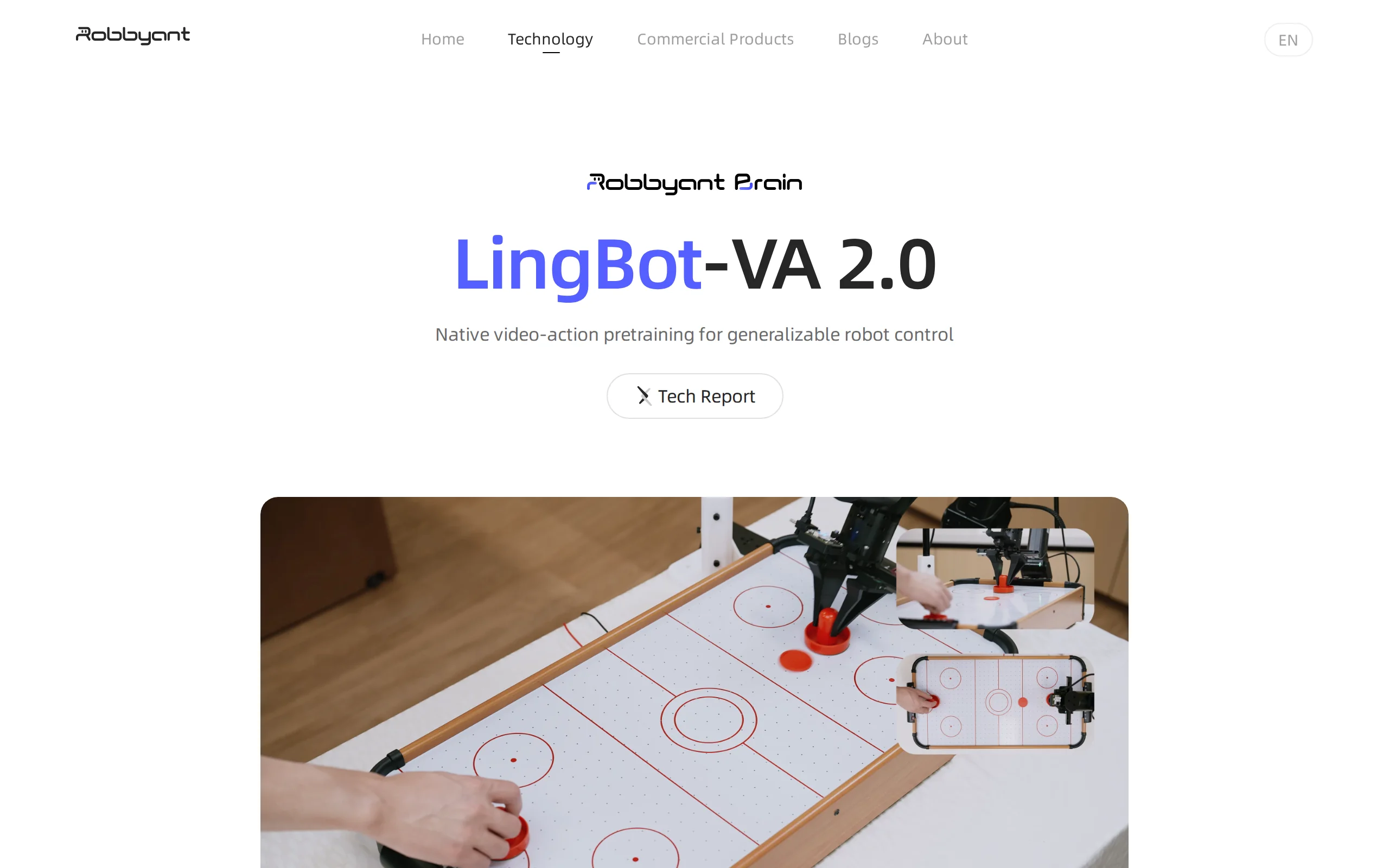
LingBot-VA 2.0 – AntWorld's Native World Action Model for Embodied Intelligence
LingBot-VA 2.0 is AntWorld's industry-first native world action model for embodied intelligence, pre-trained from scratch based on an autoregressive architecture, enabling robots to possess general-pu...
KAT-Coder-Pro V2.5 – Kwai's Agentic Coding Model
KAT-Coder-Pro V2.5 is the flagship Agentic Coding model introduced by KwaiKAT, focusing on long-range engineering capabilities and general Agentic abilities. By leveraging its self-developed AutoBuild...
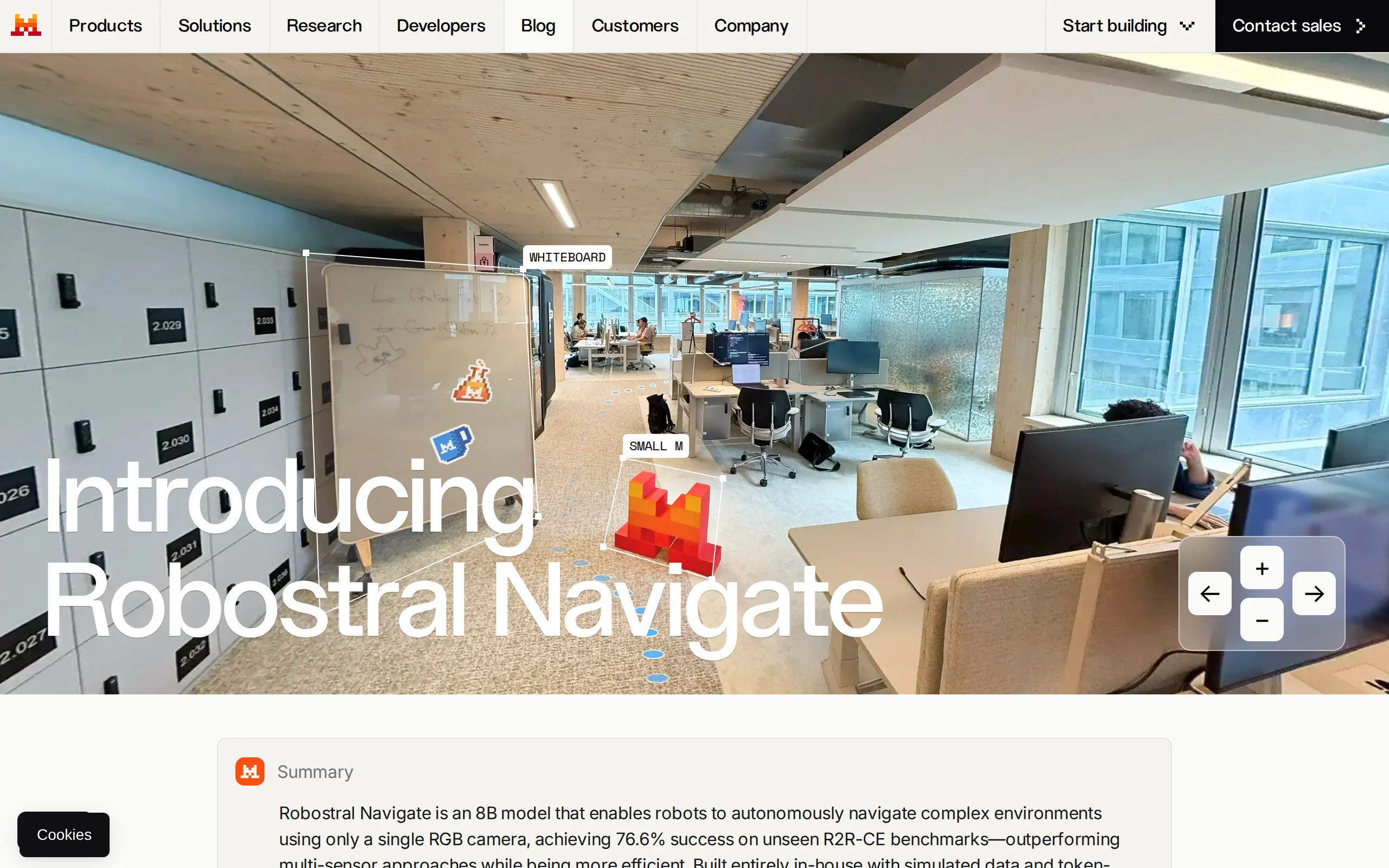
Robostral Navigate – Mistral AI's Embodied Intelligence Navigation Model
Robostral Navigate is Mistral AI's first embodied intelligence navigation model. Its core innovation lies in enabling robots to achieve autonomous navigation in complex environments using only a stand...
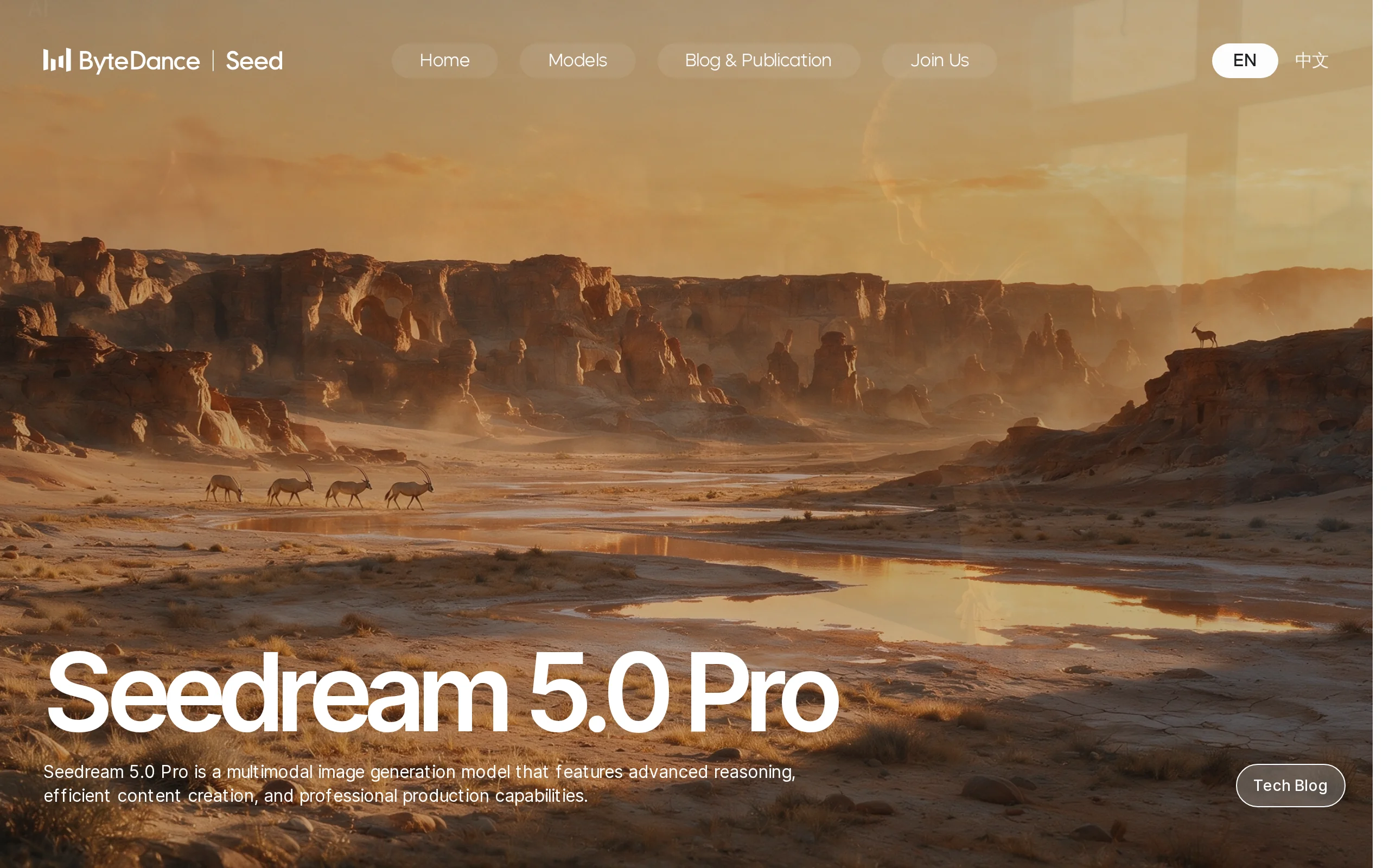
Seedream 5.0 Pro – A Multimodal Image Creation Model Launched by ByteDance
Seedream 5.0 Pro is a multimodal image creation model introduced by ByteDance's Seed team, specifically designed for complex professional scenarios. This model has achieved a comprehensive upgrade in ...
© All Rights Reserved. Some content on this site is partially generated by AI with human review.